
Configure Your Context
The Custom Configuration page is where you provide specific details to the Nebulock platform regarding your organization profile, user base, and any allowed applications or expected activity. This information is used by Nebulock Agents in the following ways:
- For arbitration of the Findings Agent to determine what Findings are shown in your portal
- For creation of Hunt Suggestions when Vibe Hunting in the platform
- For population of Threat Intelligence reports relevant to you
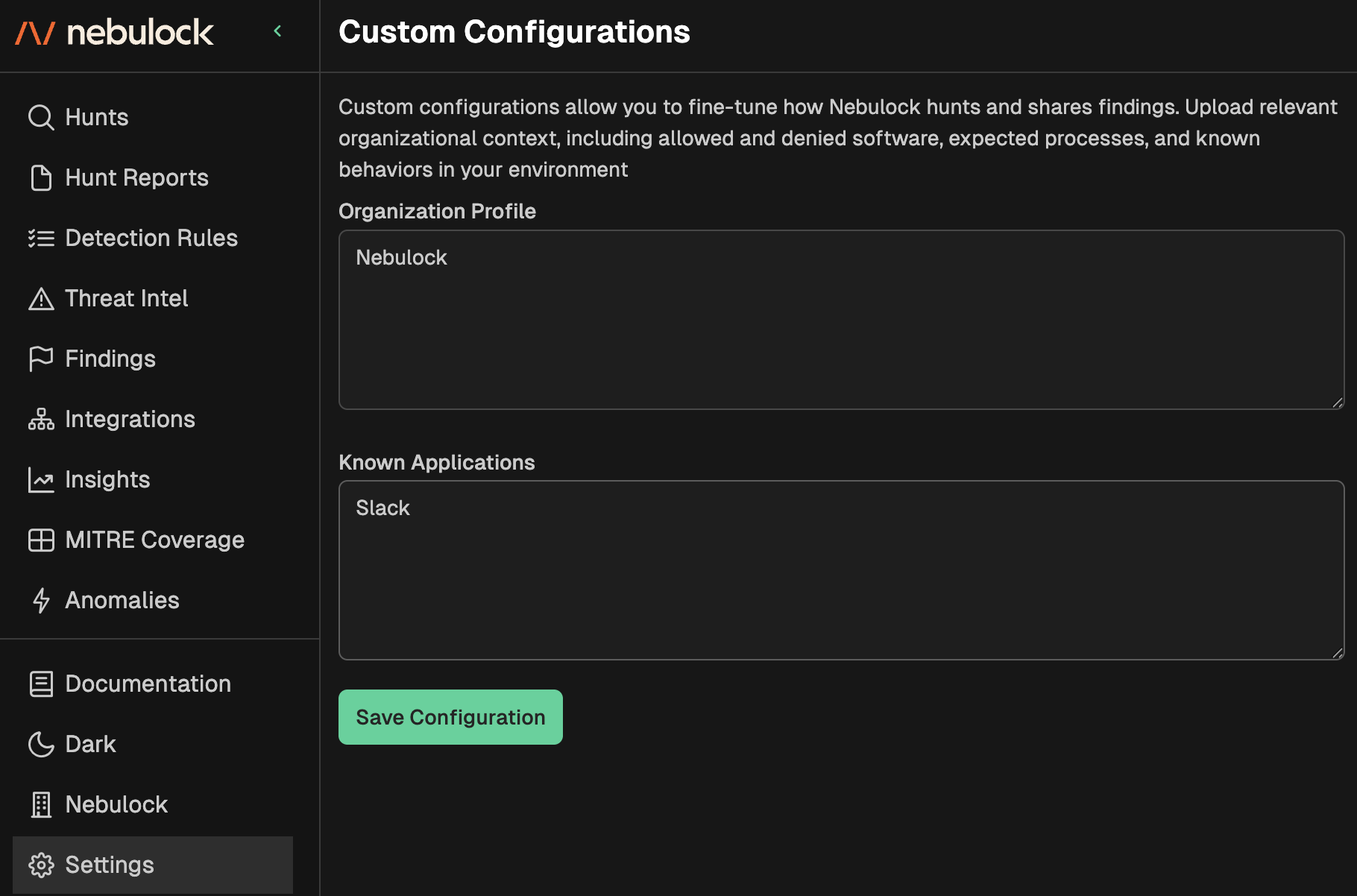
Navigate to Settings → Custom Configuration. There are two sections that need to be filled out before the agent can fully use this information:
- Organization Profile: In this box you will provide details like your industry vertical, employee counts and functions (think Finance, IT, HR, etc), and expected user activity that support your business objectives.
- Allowed Applications: This box should contain structured or unstructured information regarding applications explicitly allowed in your environment. Examples include known VPN software, web browsers, software development tools, etc.
Updated 7 months ago
What’s Next
Did this page help you?