
Splunk HEC
The Splunk integration pushes Findings data in JSON format to Splunk via the HTTP Endpoint Collector.
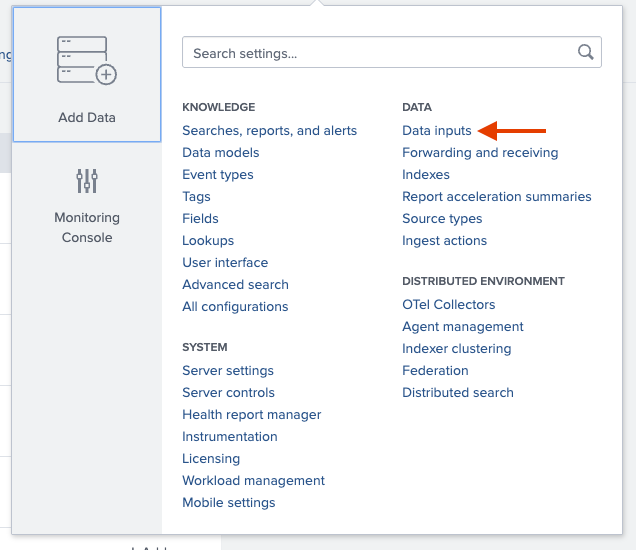
In your Splunk instance, go to Settings > Data Input.
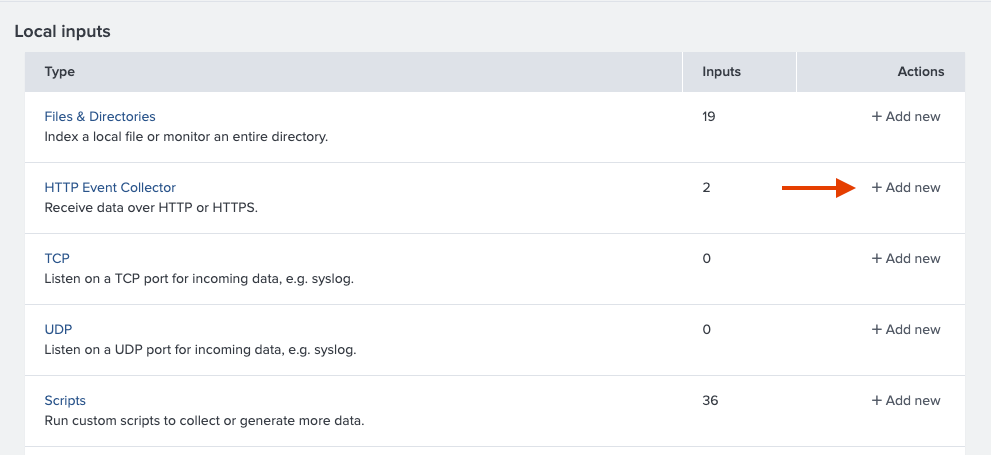
From the input options, find HTTP Endpoint Collector and click "Add New".
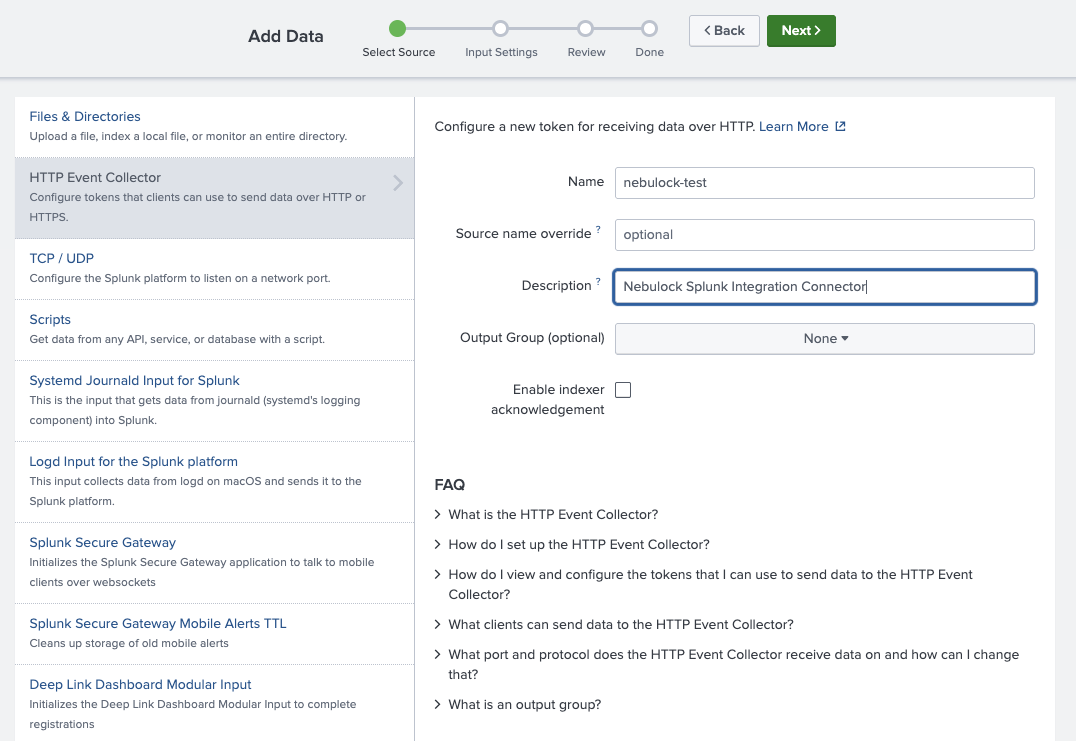
Configure your HEC by giving it a name and a description, and then click "Next".
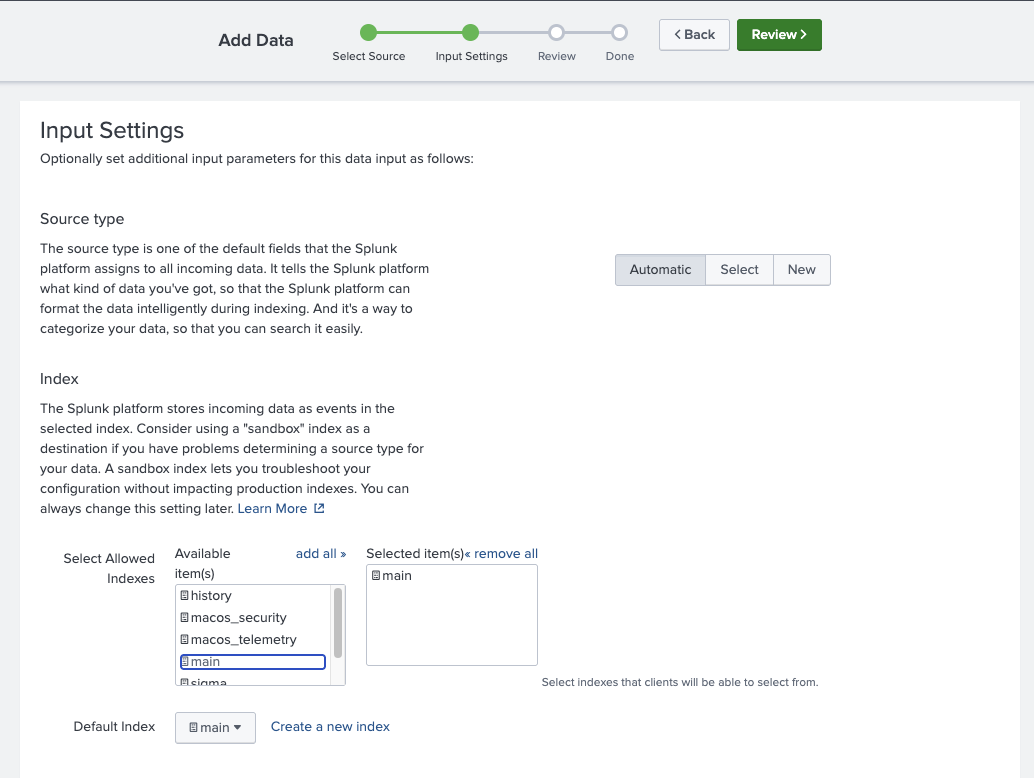
On the "Input Settings" page, select an index where you want to send the JSON formatted Nebulock Findings. Then click "Next".
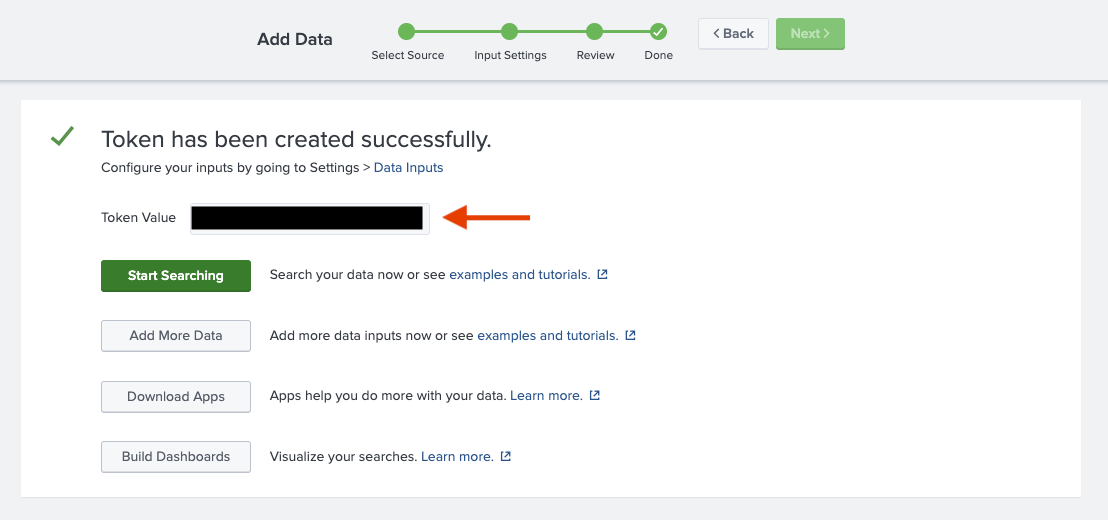
On the final page, review your settings and if all is correct click "Submit". Then copy the generated token as you will need it in the next step.
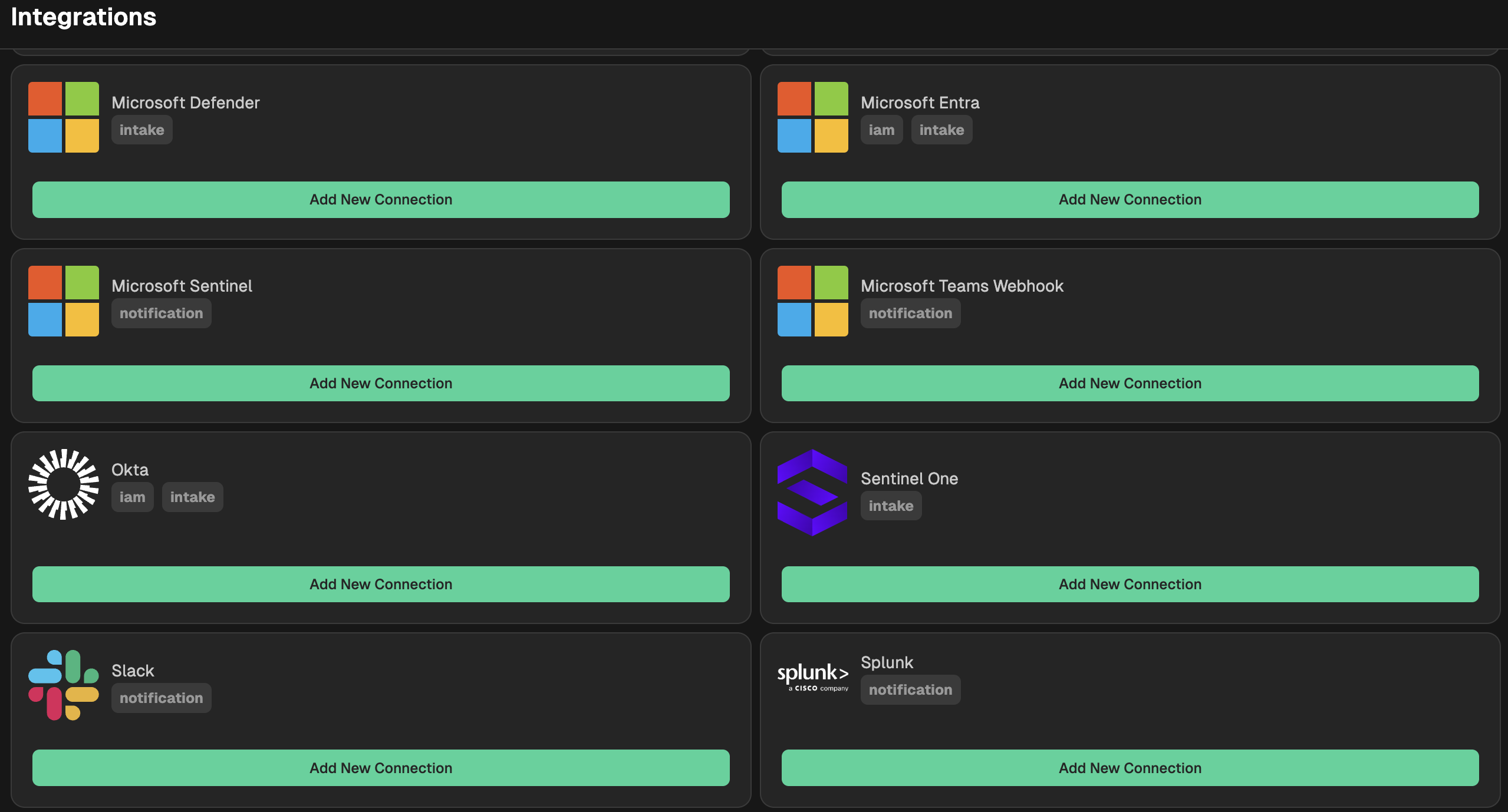
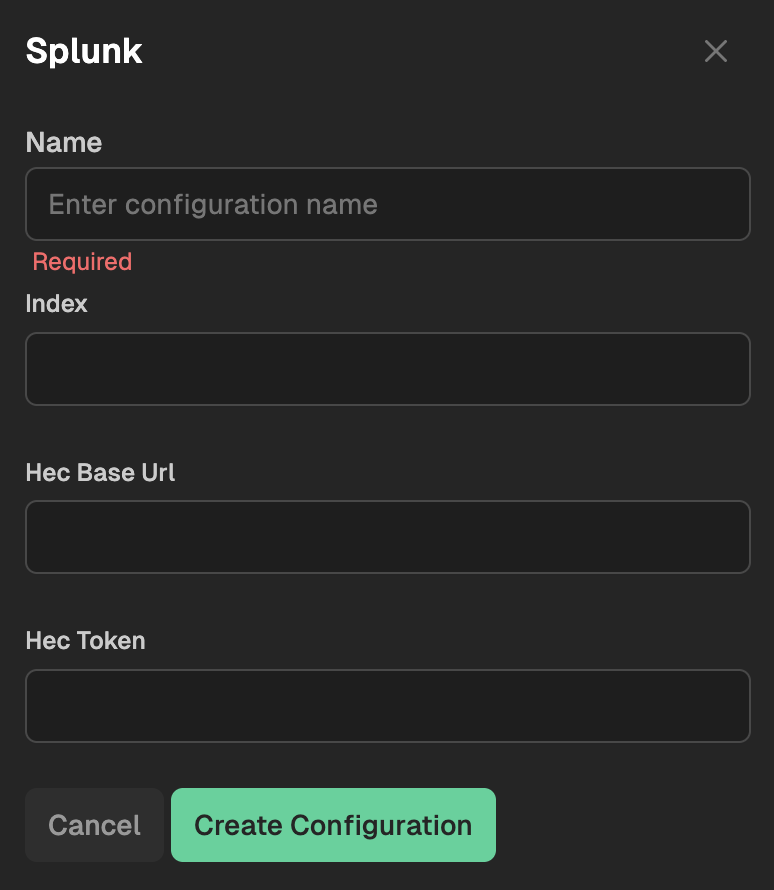
Go to your Nebulock platform and navigate to Integrations > Available Integrations and select "Splunk." Provide a name for your integration, and then paste the HEC URL and the Token from your Splunk instance. NOTE: Your Splunk HEC URL is in the following format, be sure to validate if you are using SSL or not
http(s)://<your_splunk_hostname>:<port>/services/collector/event
Updated 6 months ago