
Microsoft Teams
The Microsoft Teams integration will enable pushing Findings to a Teams channel via a Workflow.
Prerequisite: Only channel owners or admins can enable Workflows.
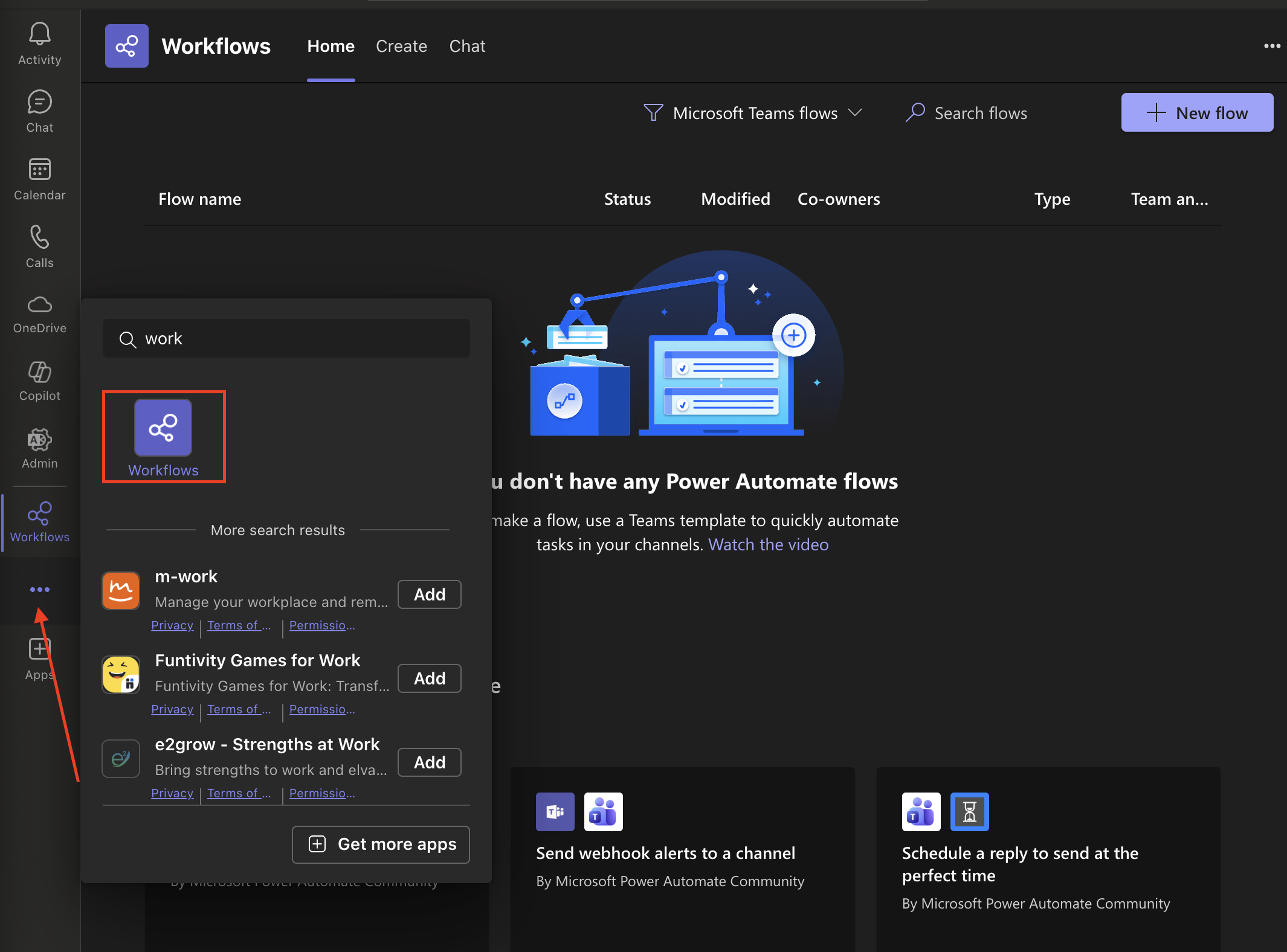
In your Teams application, navigate to the Workflows settings.
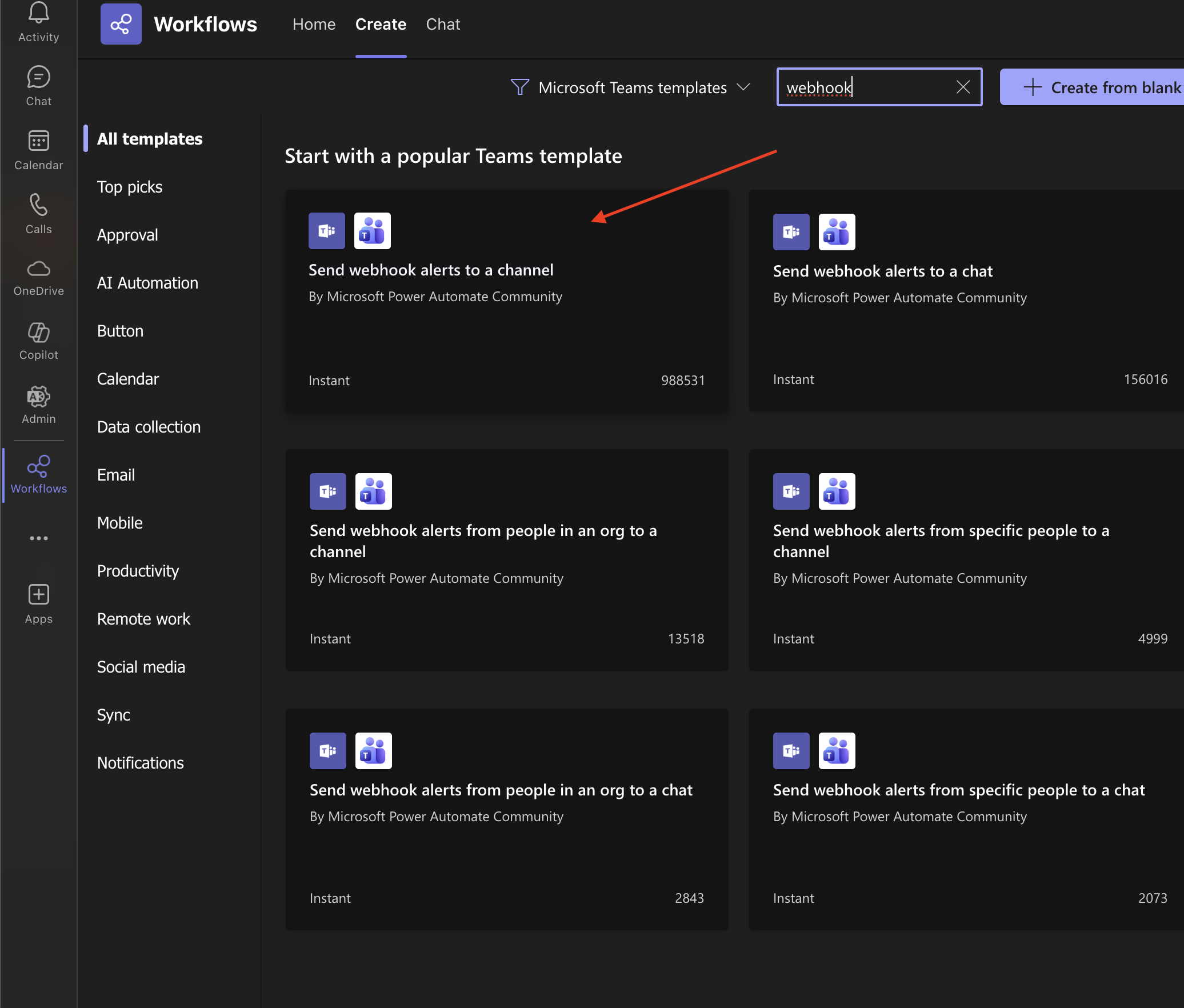
In the search bar, type "webhook" and look for the "Send webhook..." template.
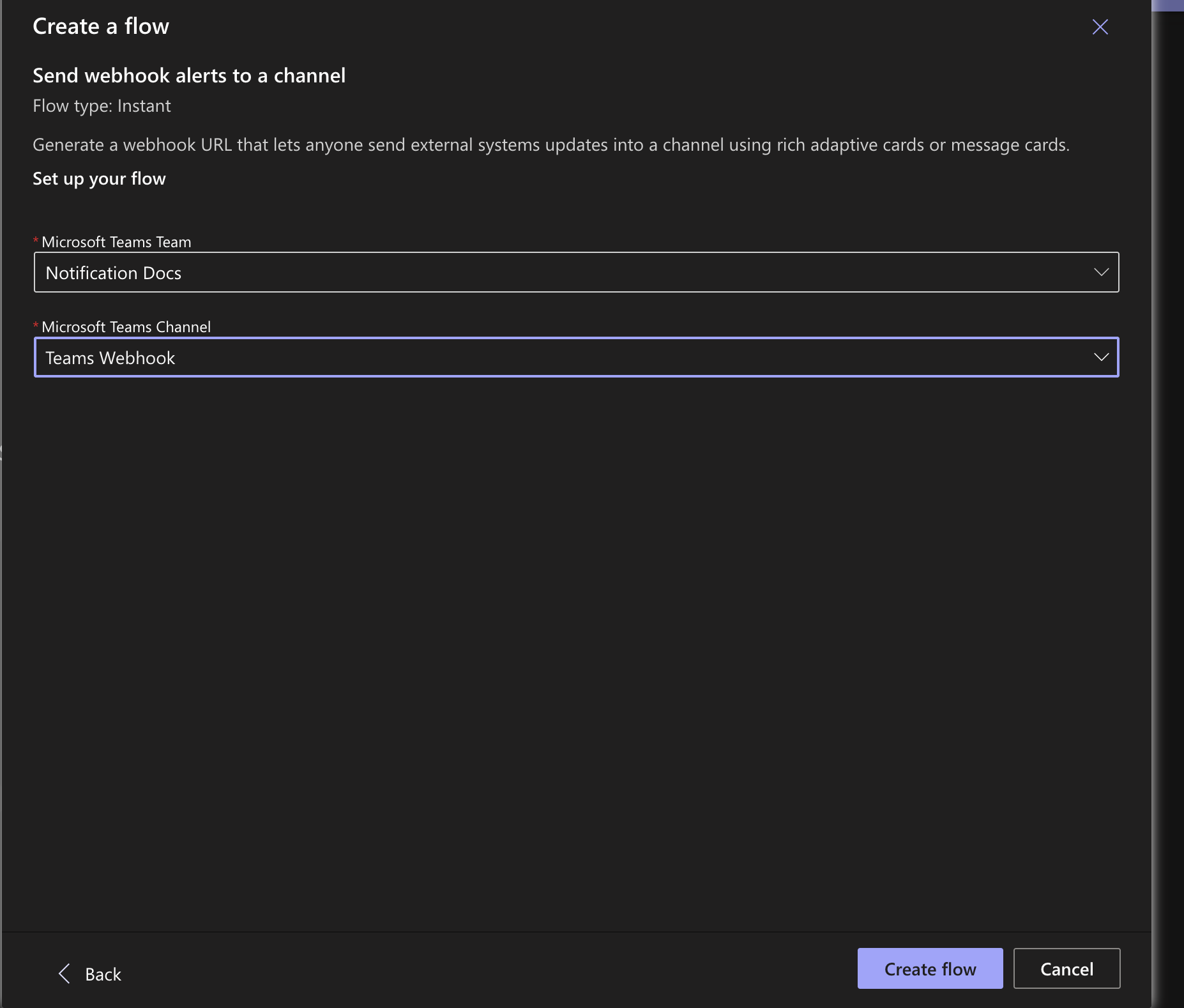
Create a Flow in the shared channel with Nebulock, you can name it however you prefer.
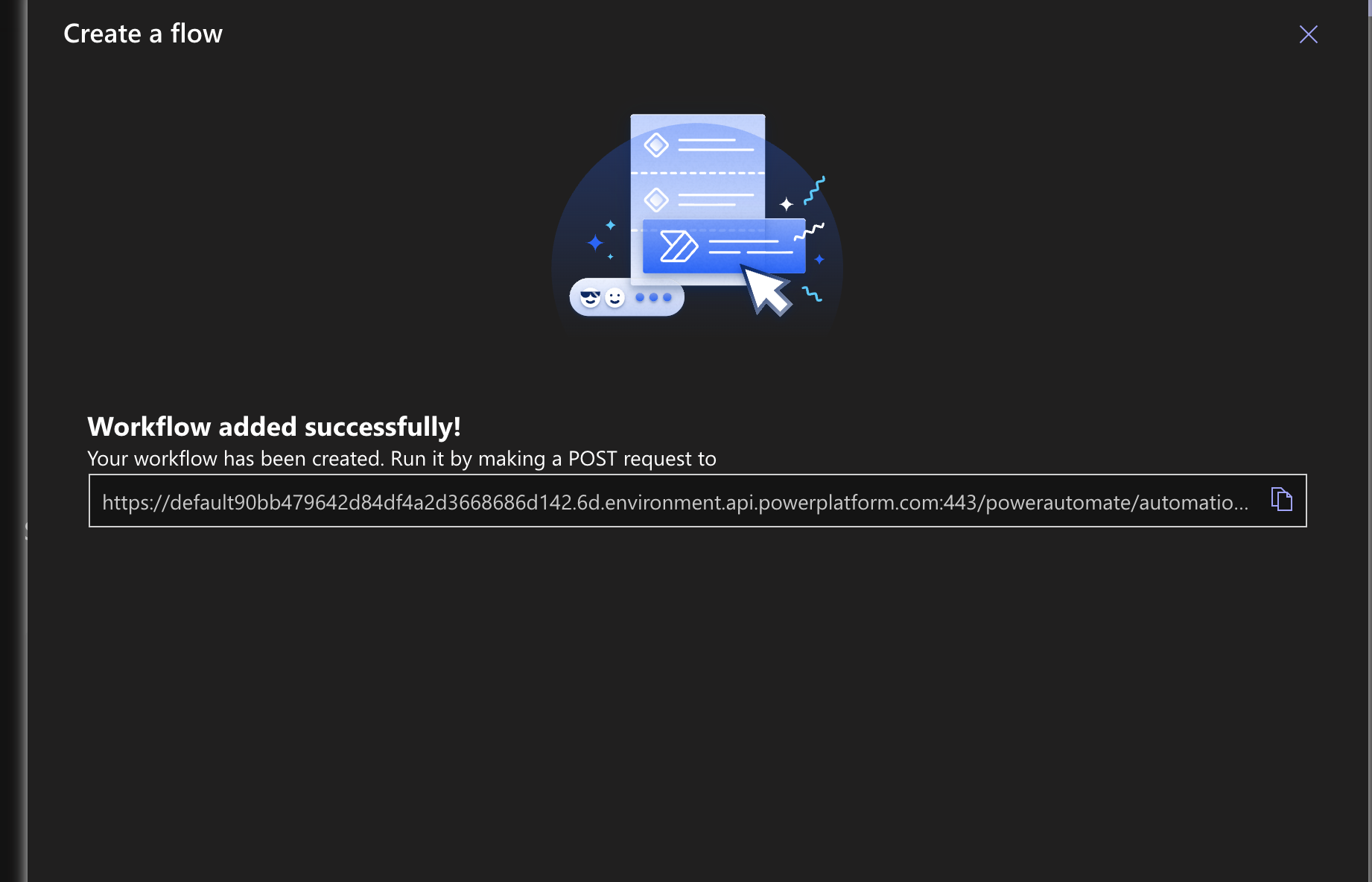
After clicking "Create Flow", copy the webhook URL.
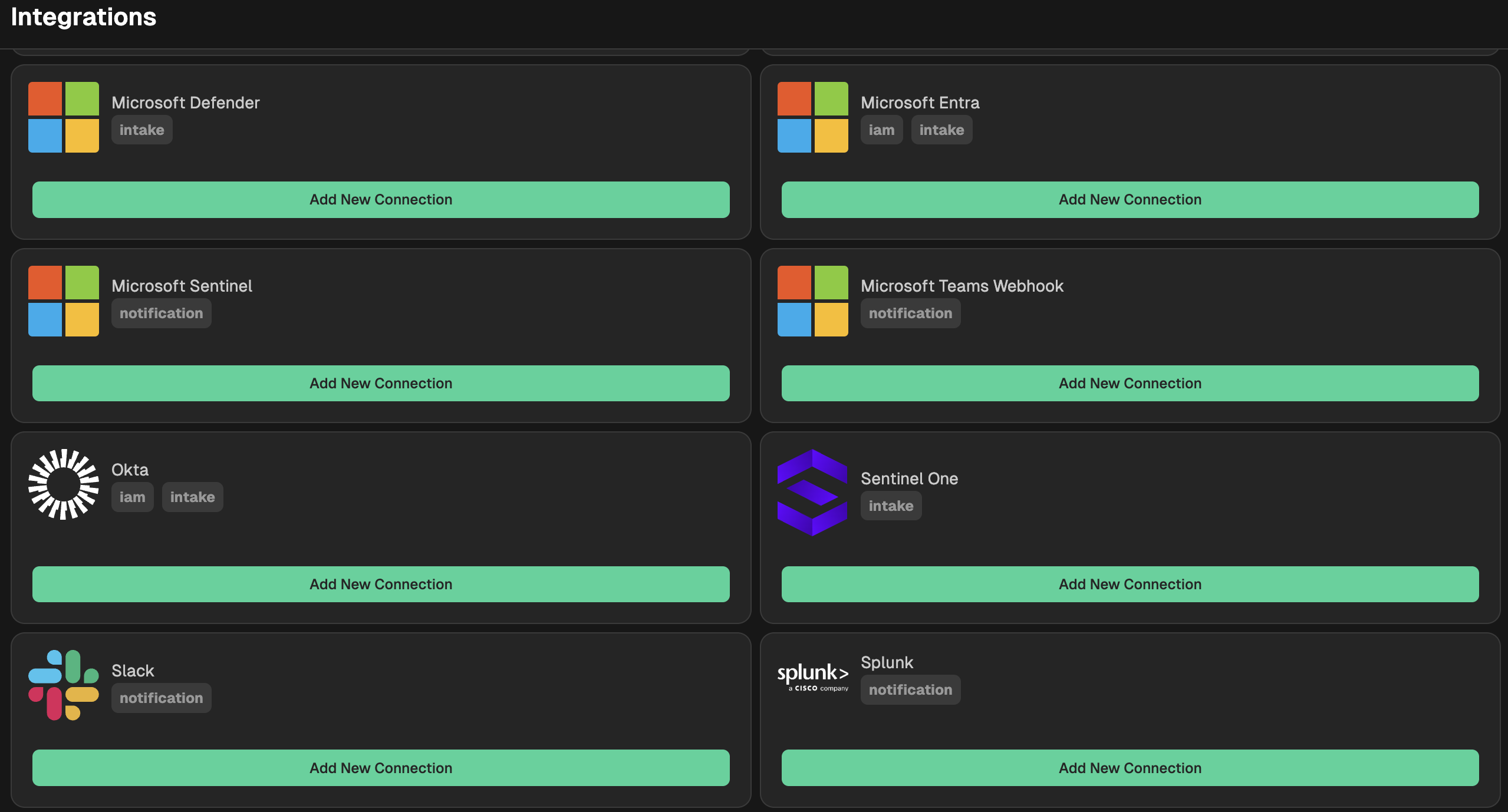
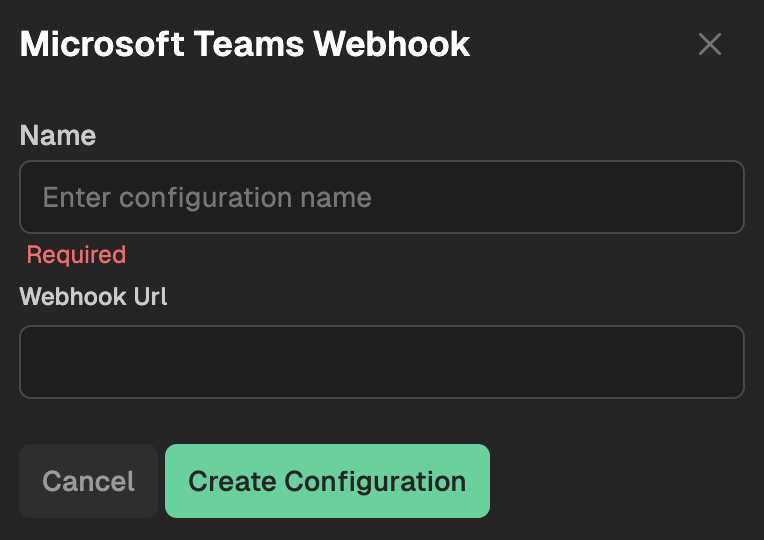
Go to your Nebulock platform and navigate to Integrations > Available Integrations, select "Microsoft Teams Webhook" and give it a name, then paste the webhook URL from the step above.
Updated 6 months ago
Did this page help you?