
SentinelOne API
The SentinelOne API integration enables querying Endpoint Event data from SentinelOne XDR and ingesting it into the Nebulock Platform.
In your SentinelOne portal, create a Service User for API Access under Policy and Settings, User Management.
Make sure this is done at the correct site level (global keys will not work) need to do at the particular account level
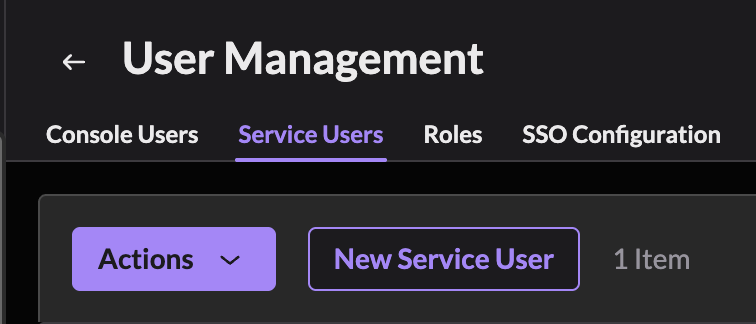
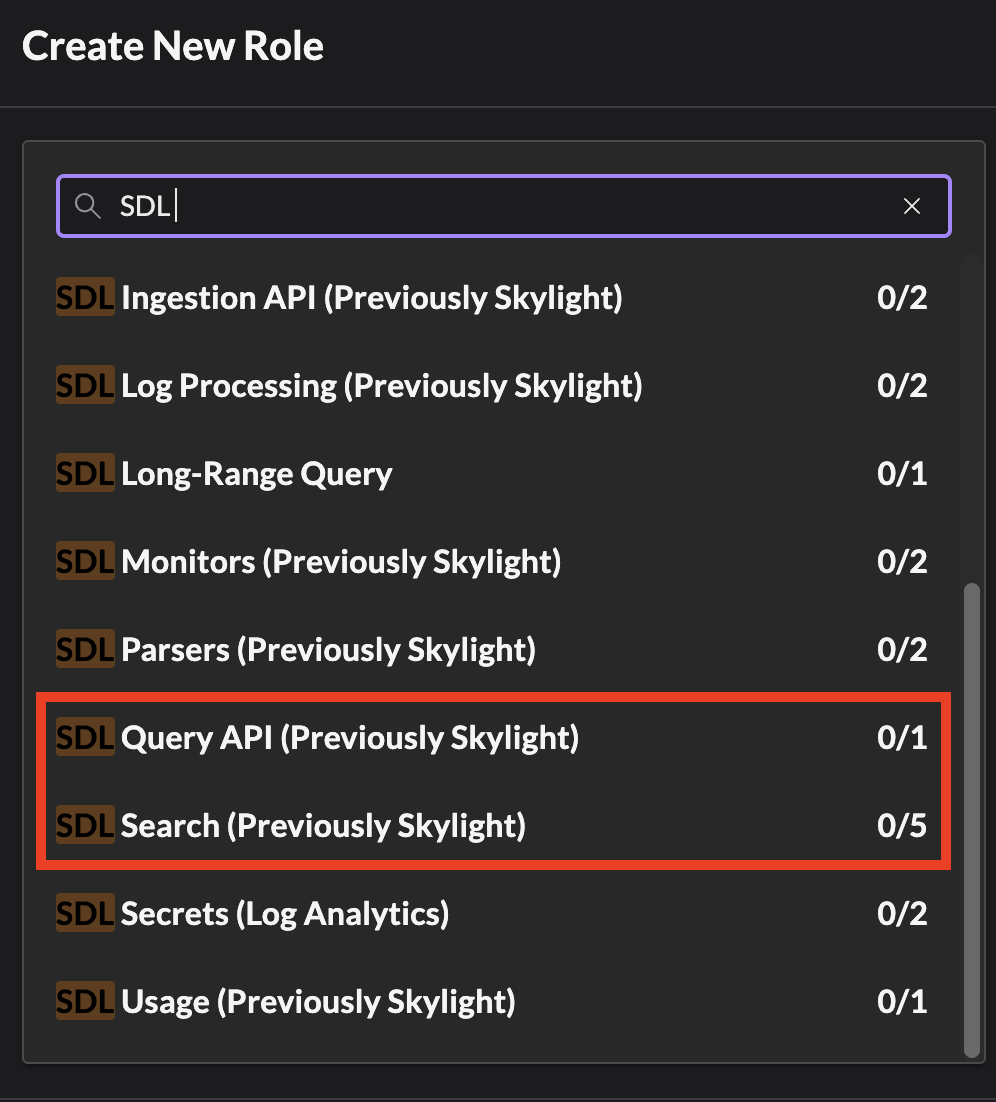
For your newly created Service User, create a role with the SDL Query API and SDL Search permissions.
Find the Singularity Data Lake URL for your Region. The US is typically https://xdr.us1.sentinelone.net/. For other regions, look in the SentinelOne Portal Offline Help section to find your URL.
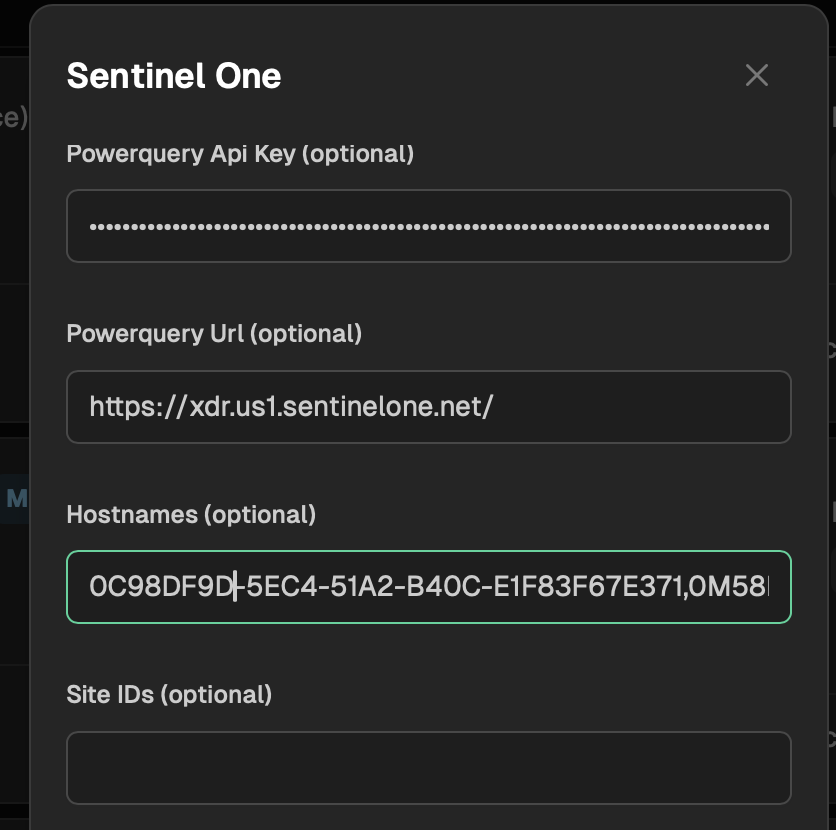
Go to your Nebulock platform and navigate to Integrations > Available Integrations, select "SentinelOne" and fill out the PowerQuery URL and PowerQuery API with the information generated above. Only fill out the SiteID and Hostnames fields if instructed to do so by the Nebulock team.
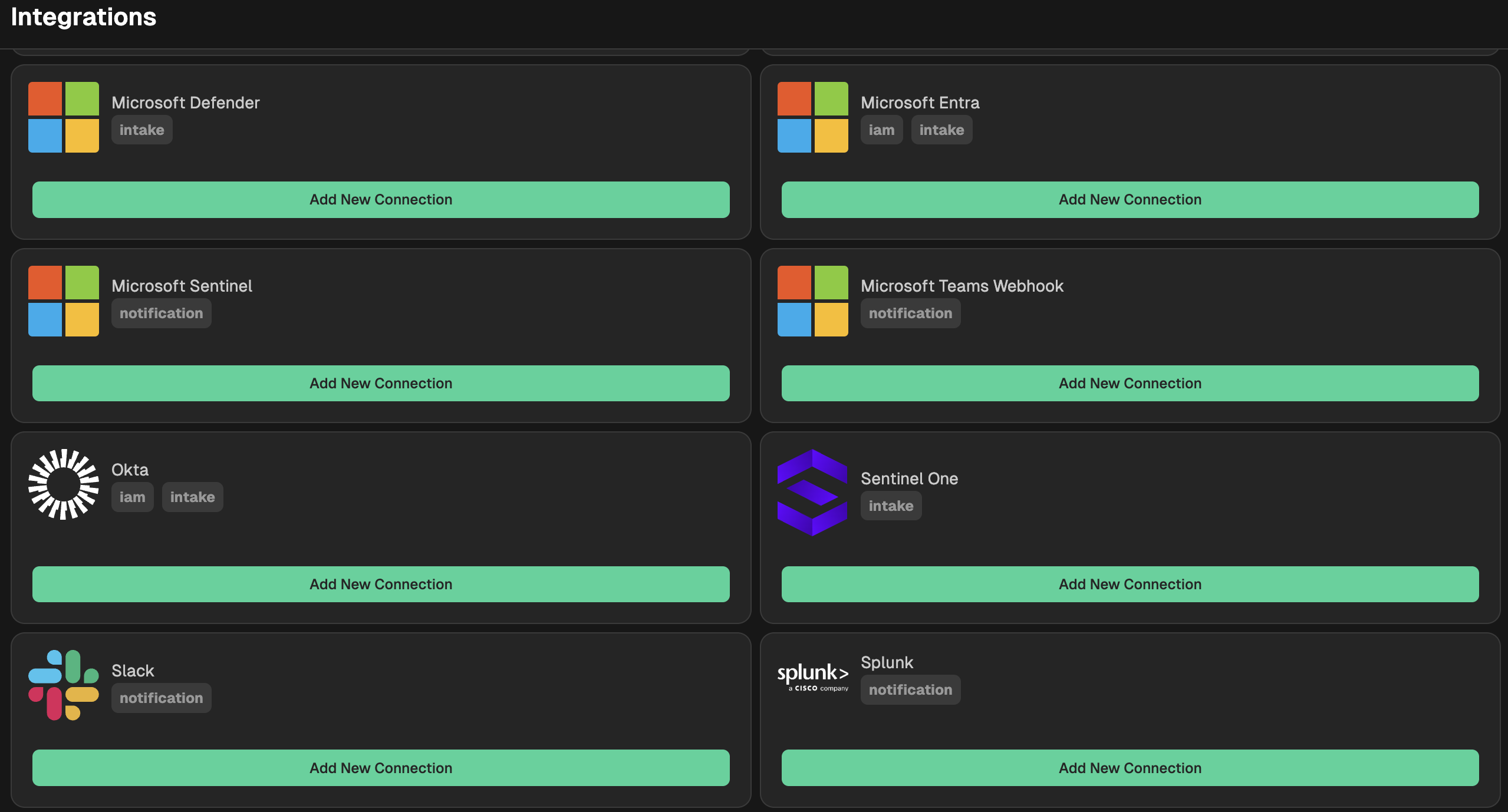
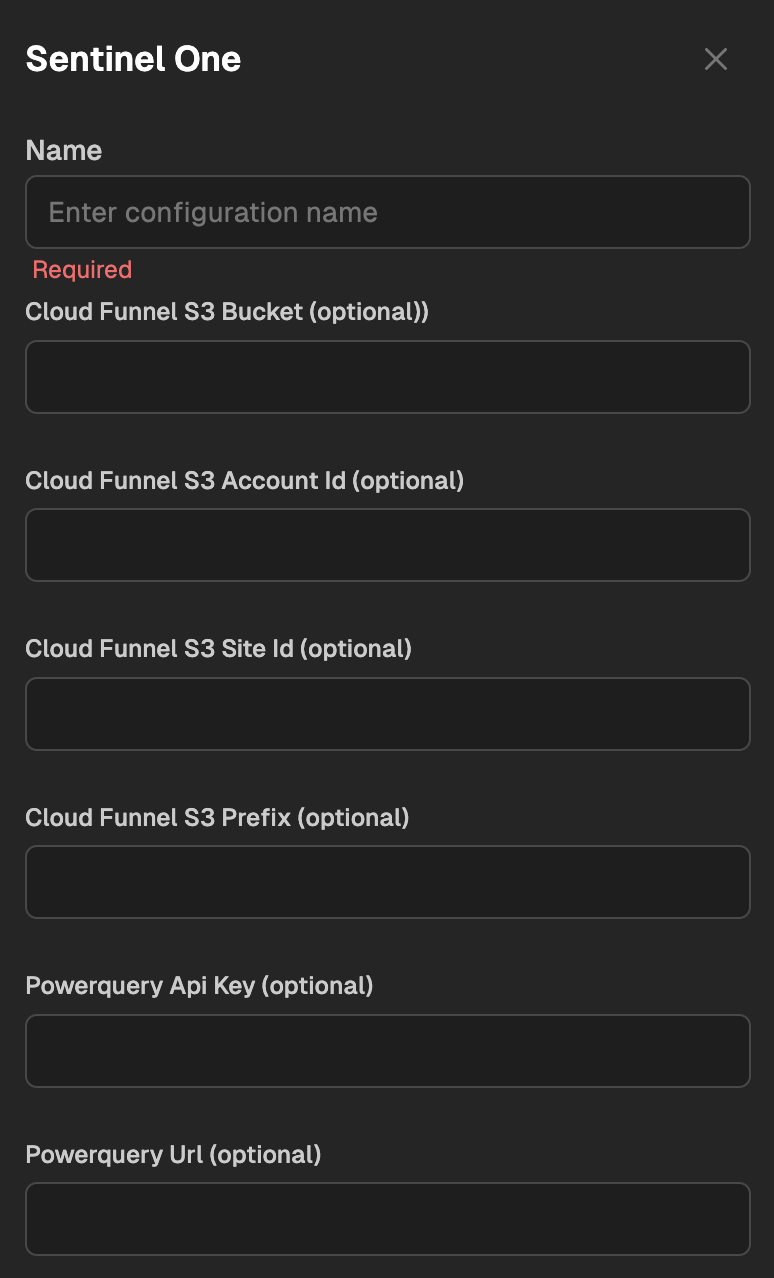
Optional - Limit count of Agent IDs
To limit your integration to pull only certain systems (based on volume, or business segment), you can generate a list of Host IDs and paste them into Nebulock.
For a general list of Host IDs, run the following query:
| group events = count() by agent.uuid
| sort -events
| limit 1000
| columns agent.uuid
Add the results as a comma separated list in the portal:
Updated about 2 months ago