
Duo
The Duo integration ingests login and user activity logs into Nebulock for usage in creating Findings as well as adding context to Findings.
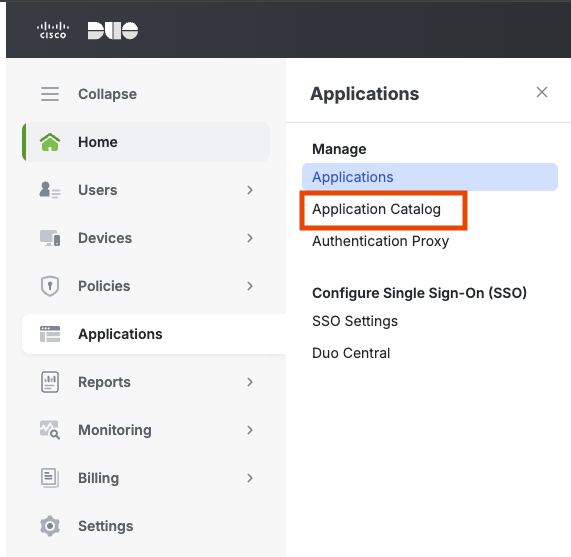
Log in to the Duo Admin Panel with a user who has the Owner Role. Navigate to Applications > Application Catalogue.
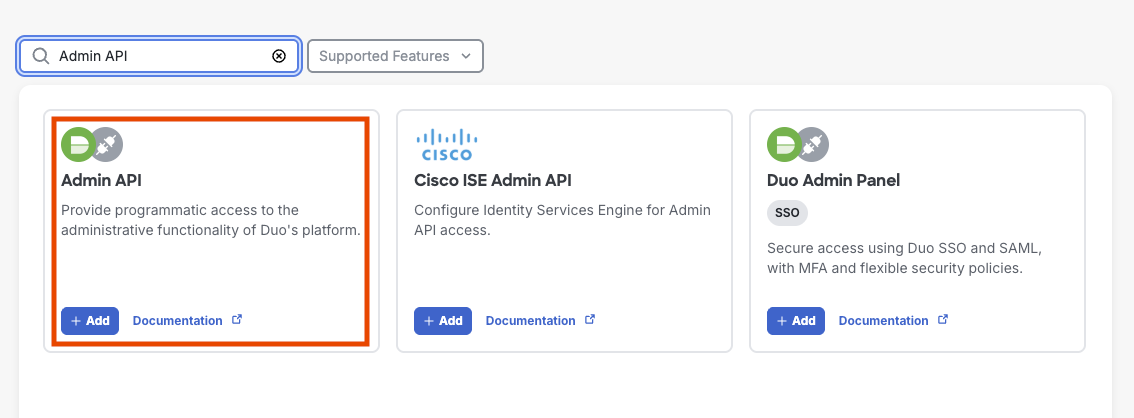
Search for Admin API in the application list and click Add.
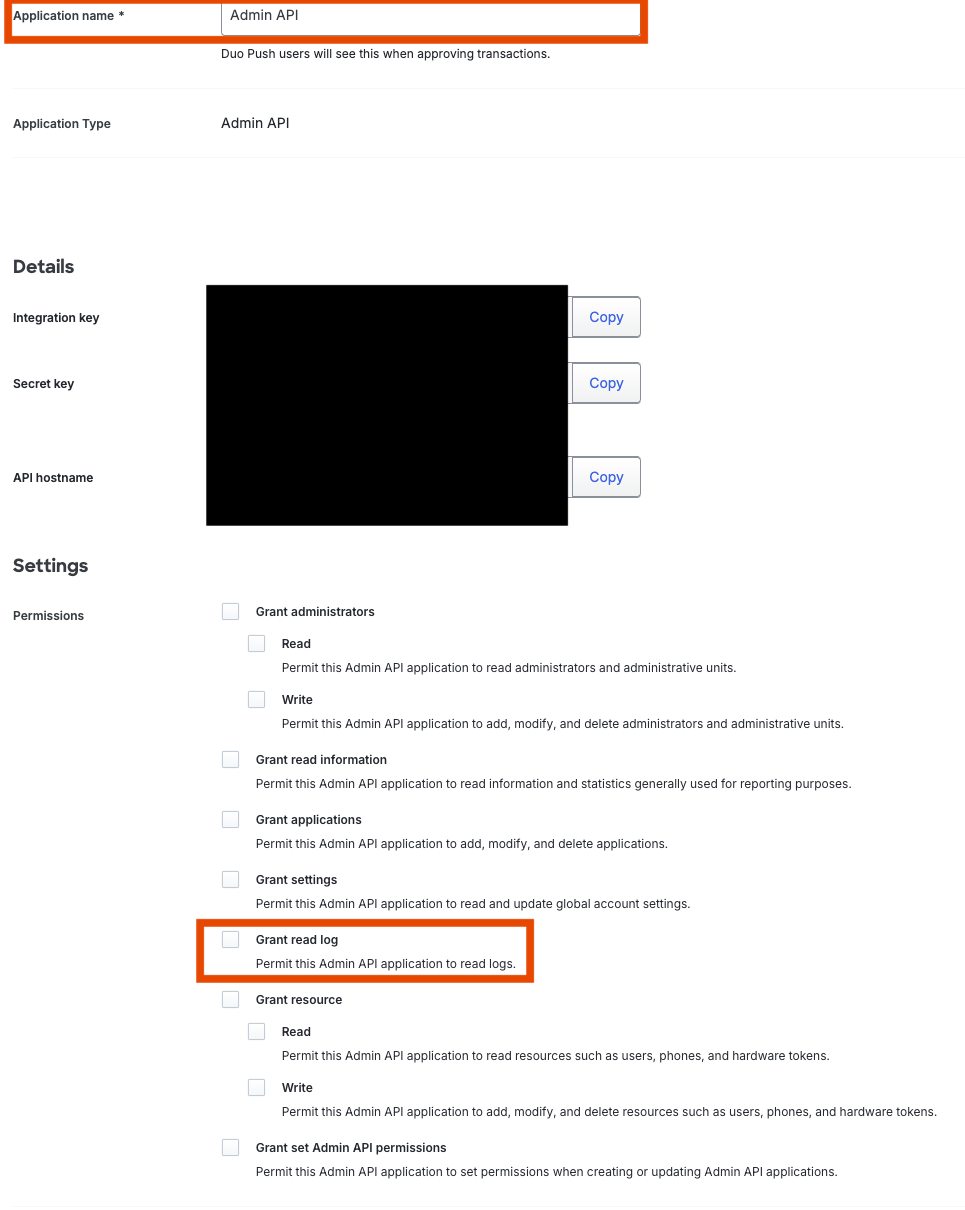
Name the application something memorable that will associate it to Nebulock, and copy the fields from Details. In the Permissions section, ensure the following are checked:
- Grant read log permission (Required for Auth and Activity logs).
- Optional: Grant read information permission (if we expand to users/devices later).
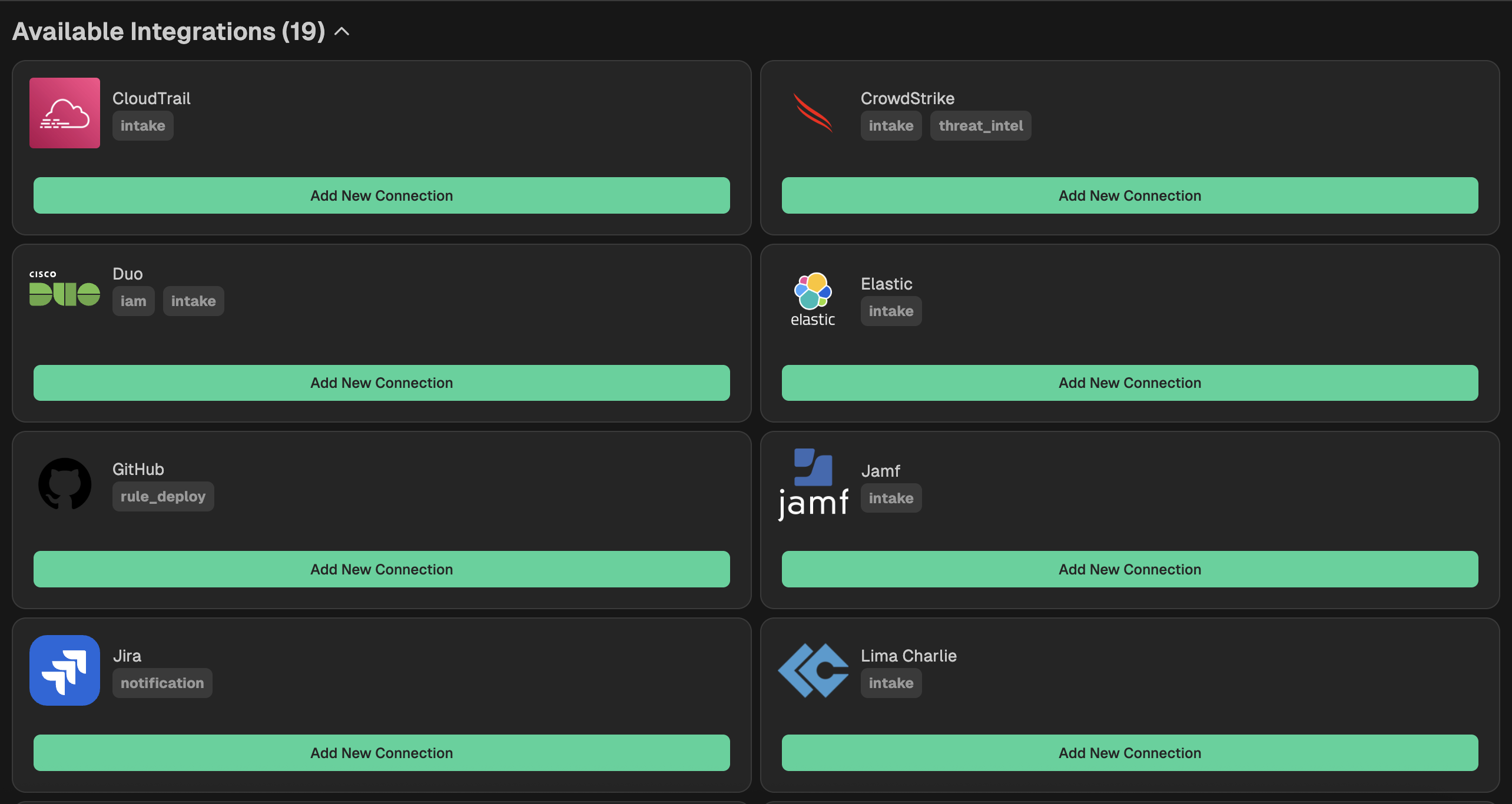
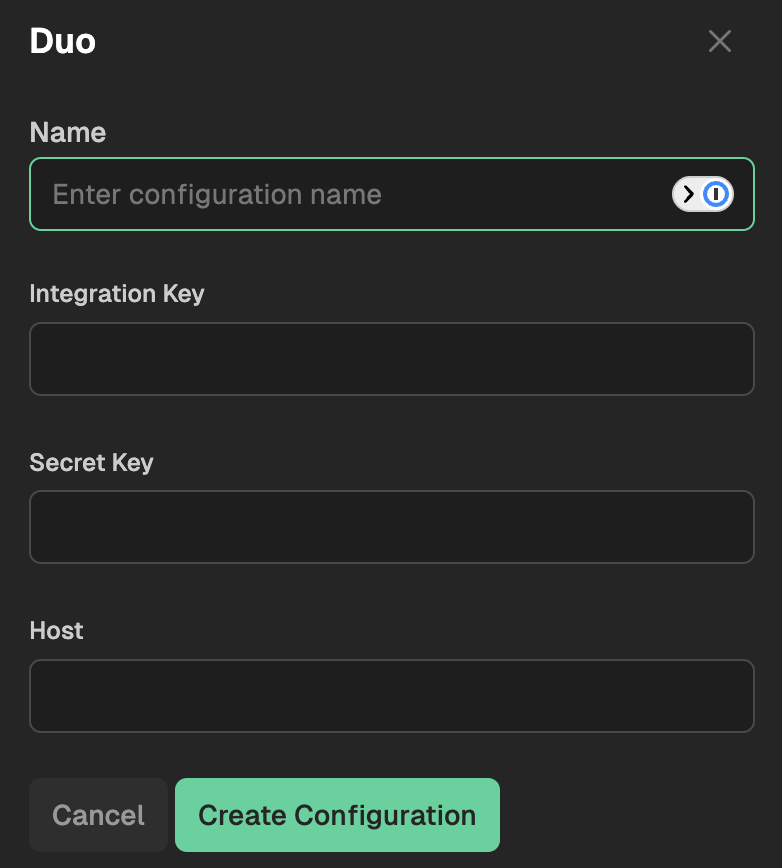
Go to your Nebulock platform and navigate to Integrations > Available Integrations, select "Duo" and paste the values you gathered in the previous step.
Updated 6 months ago
What’s Next
Did this page help you?