
Microsoft Defender and Entra
The setup for Microsoft Defender and Microsoft Entra are the same. The Microsoft Defender integration will ingest Endpoint Event data and Alert data into the Nebulock platform, while the Microsoft Entra integration will ingest IAM data (authentication logs, activity logs) into Nebulock.
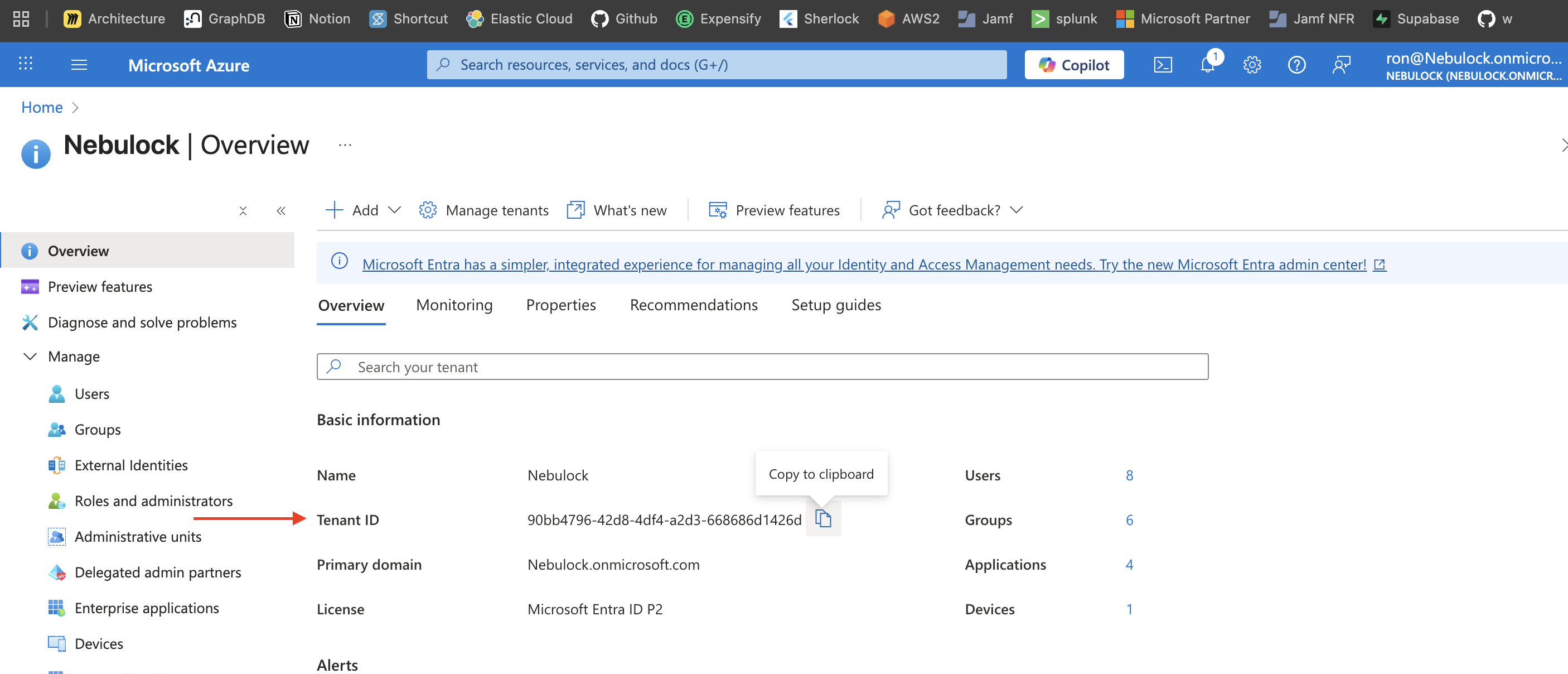
In your Microsoft Azure portal, find and copy your Tenant ID - this is located in the Overview page for your Microsoft Entra ID.
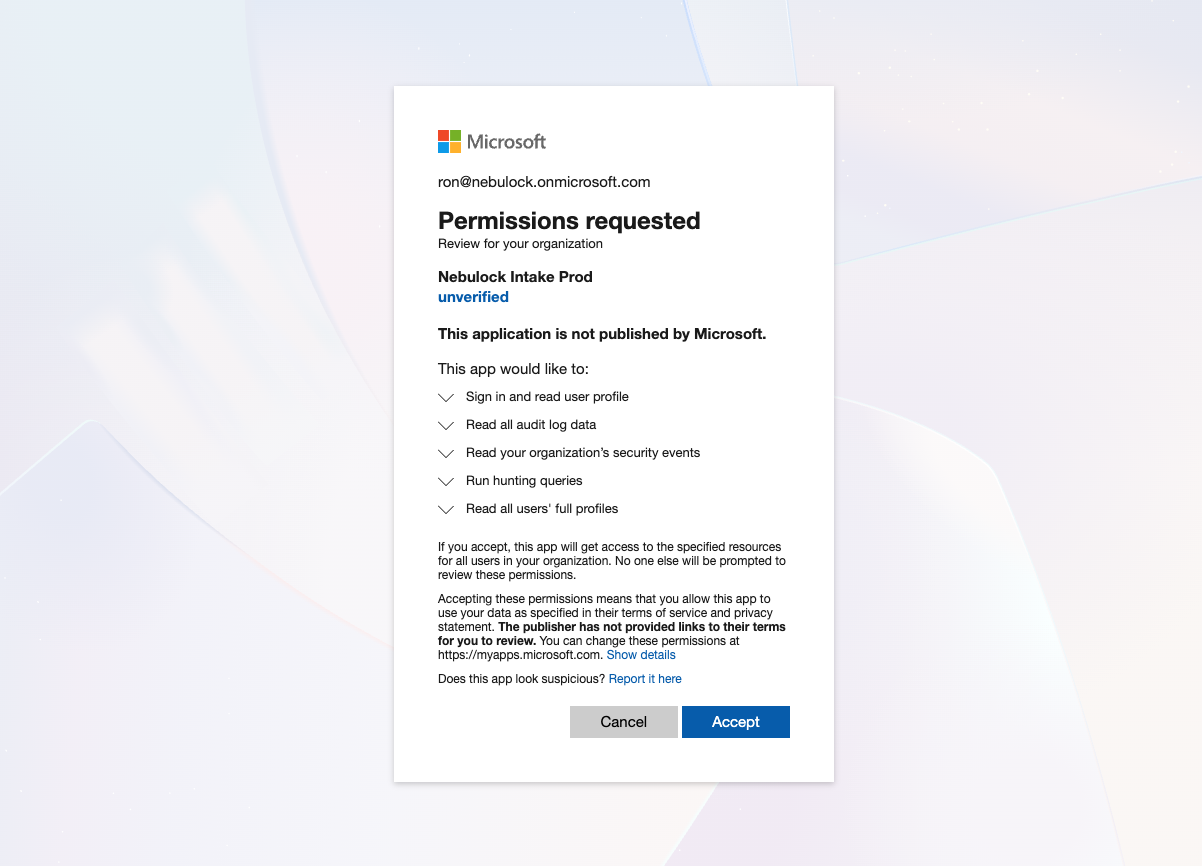
Navigate to the following URL, replacing TENANT_ID with your Tenant ID from the previous step. Review the required permissions before clicking "Accept".
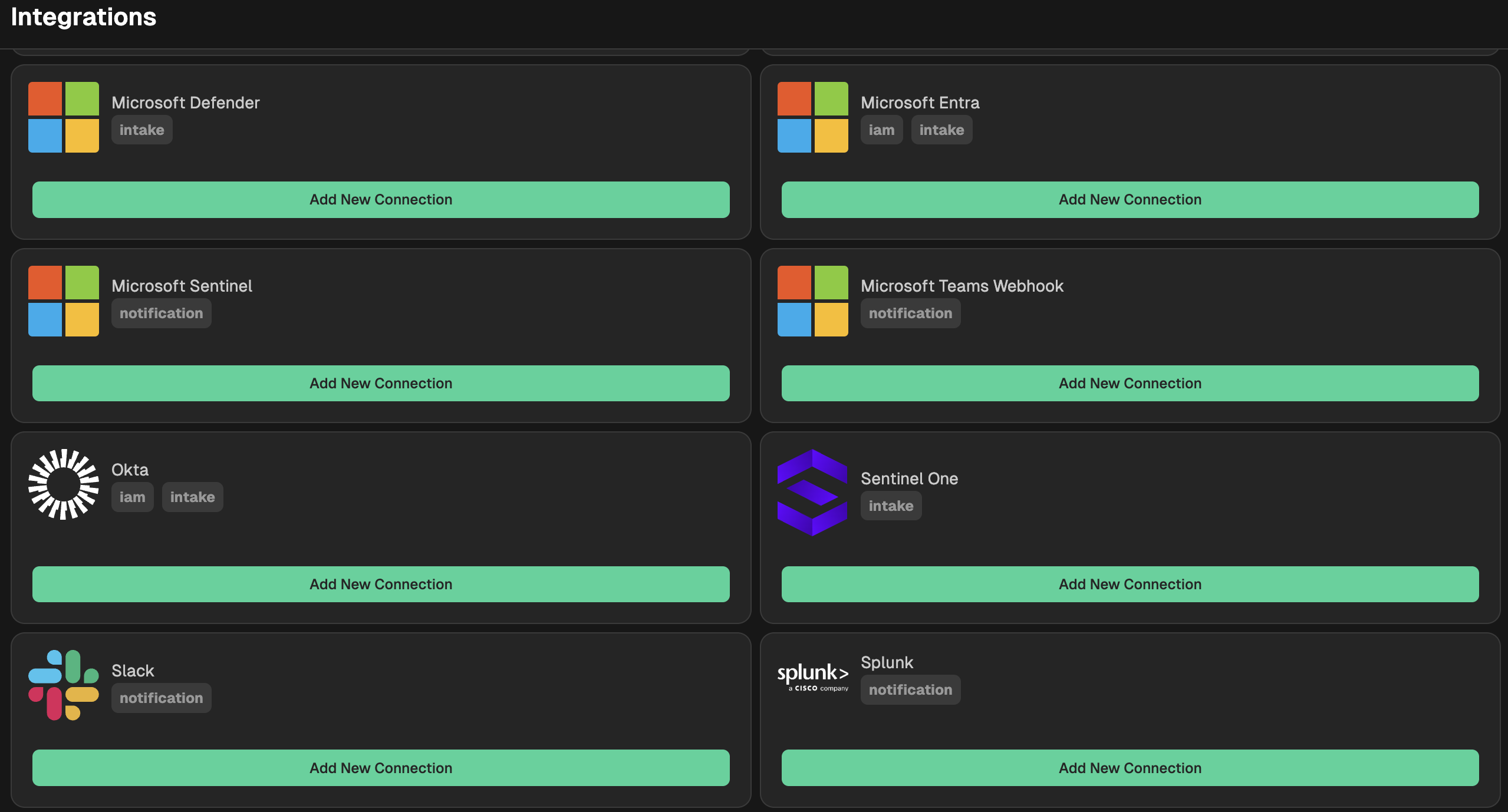
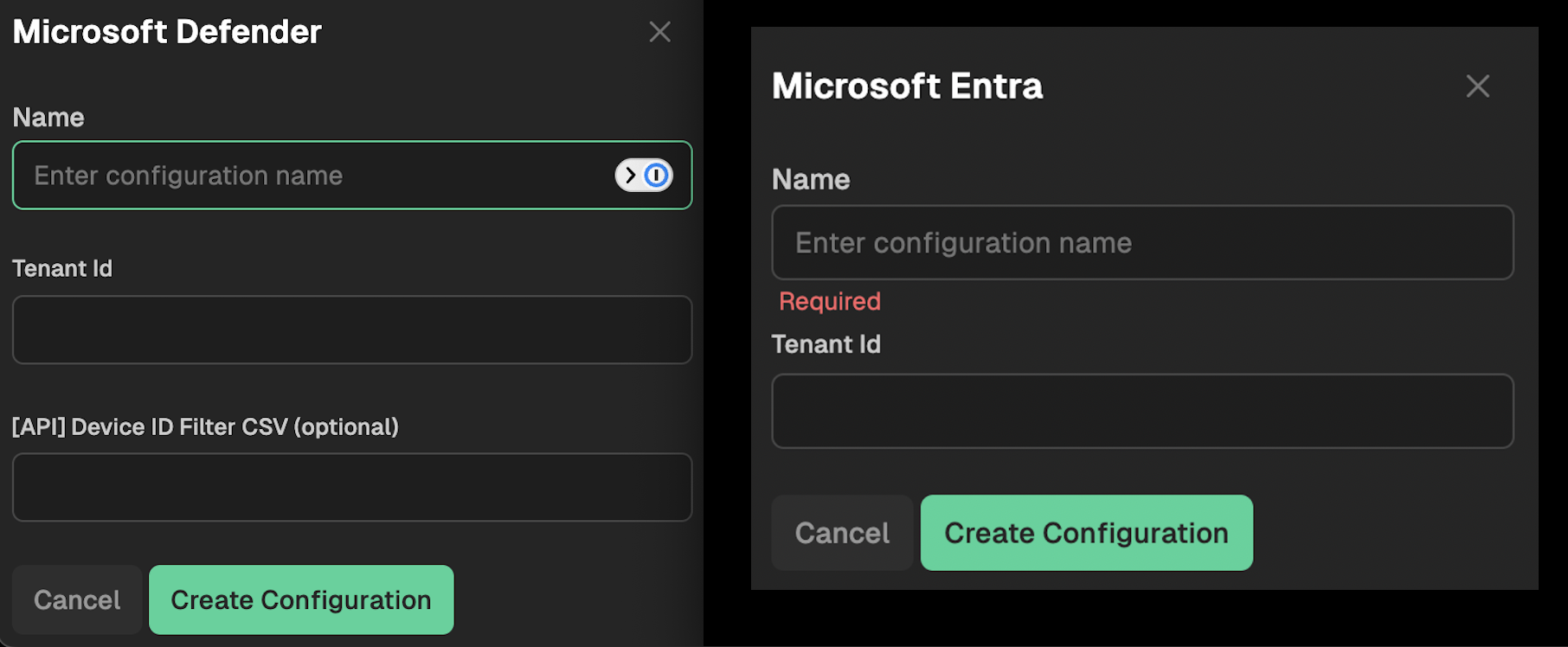
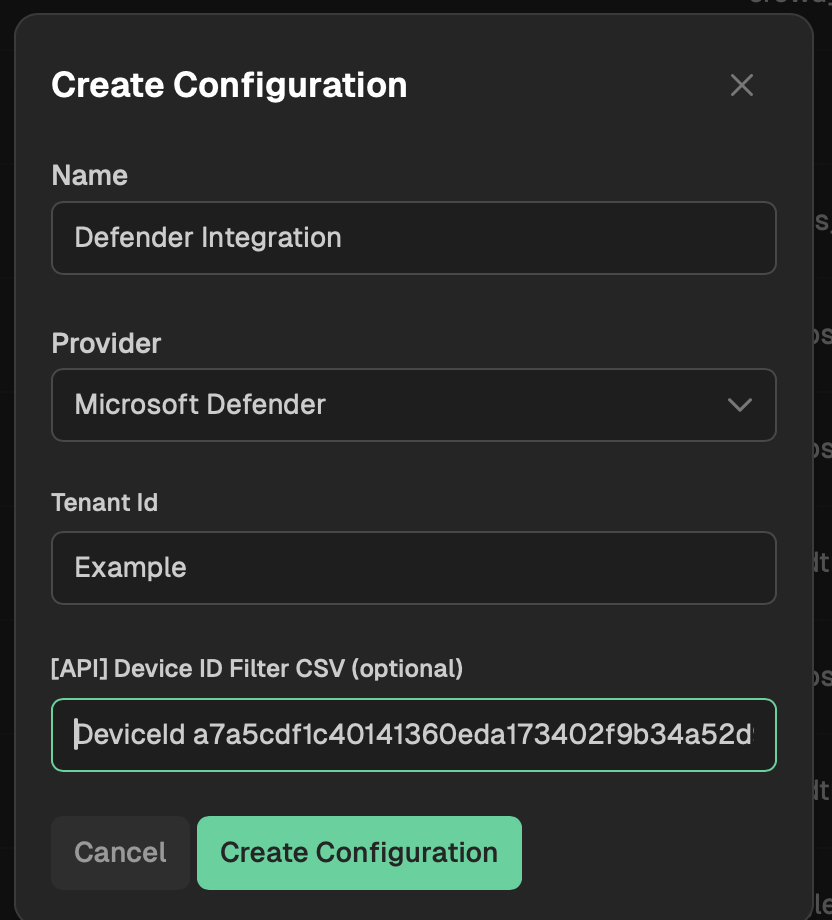
Go to your Nebulock platform and navigate to Integrations > Available Integrations, select "Microsoft Defender" or "Microsoft Entra" and paste your Tenant ID into the text box.
Optional Filtering
In some cases it may be necessary to limit the number of hosts sending data to Nebulock. If this is the case, first navigate to the Advanced Hunting KQL Page in your Azure portal.
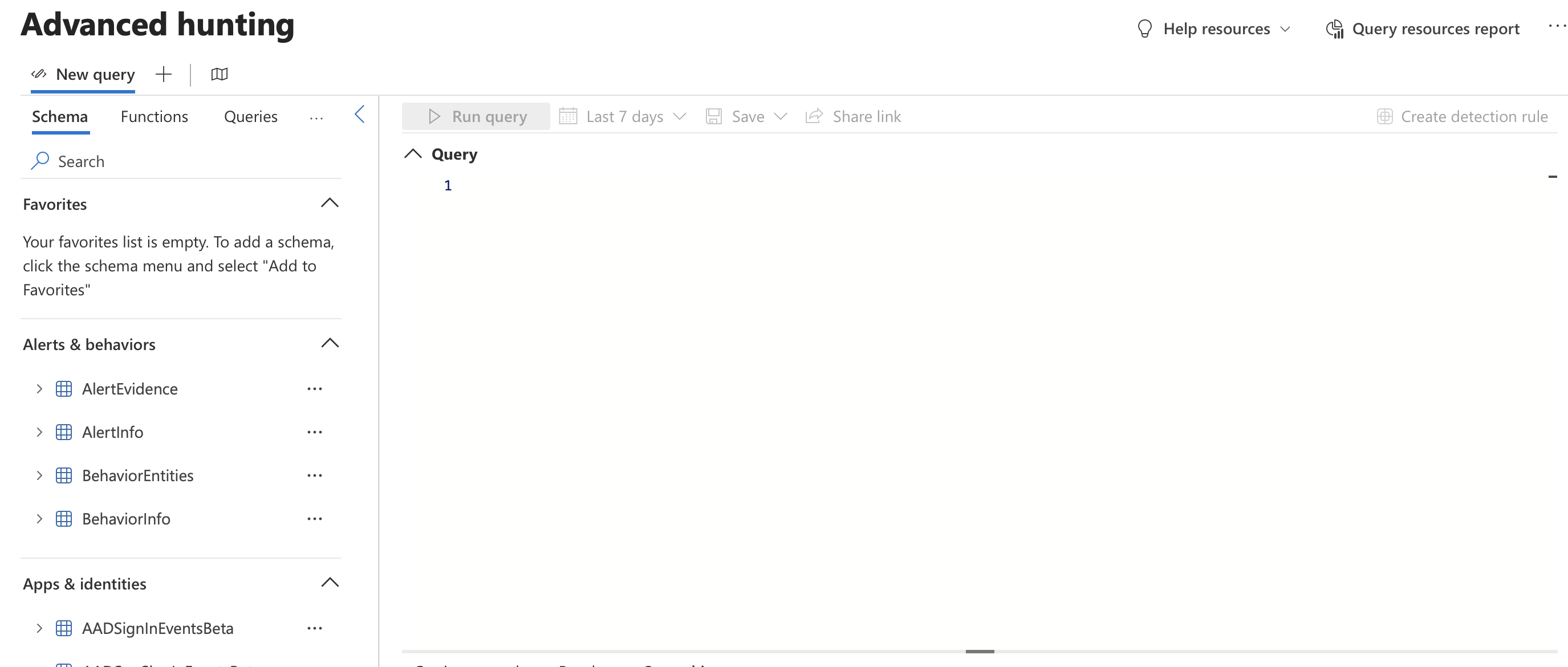
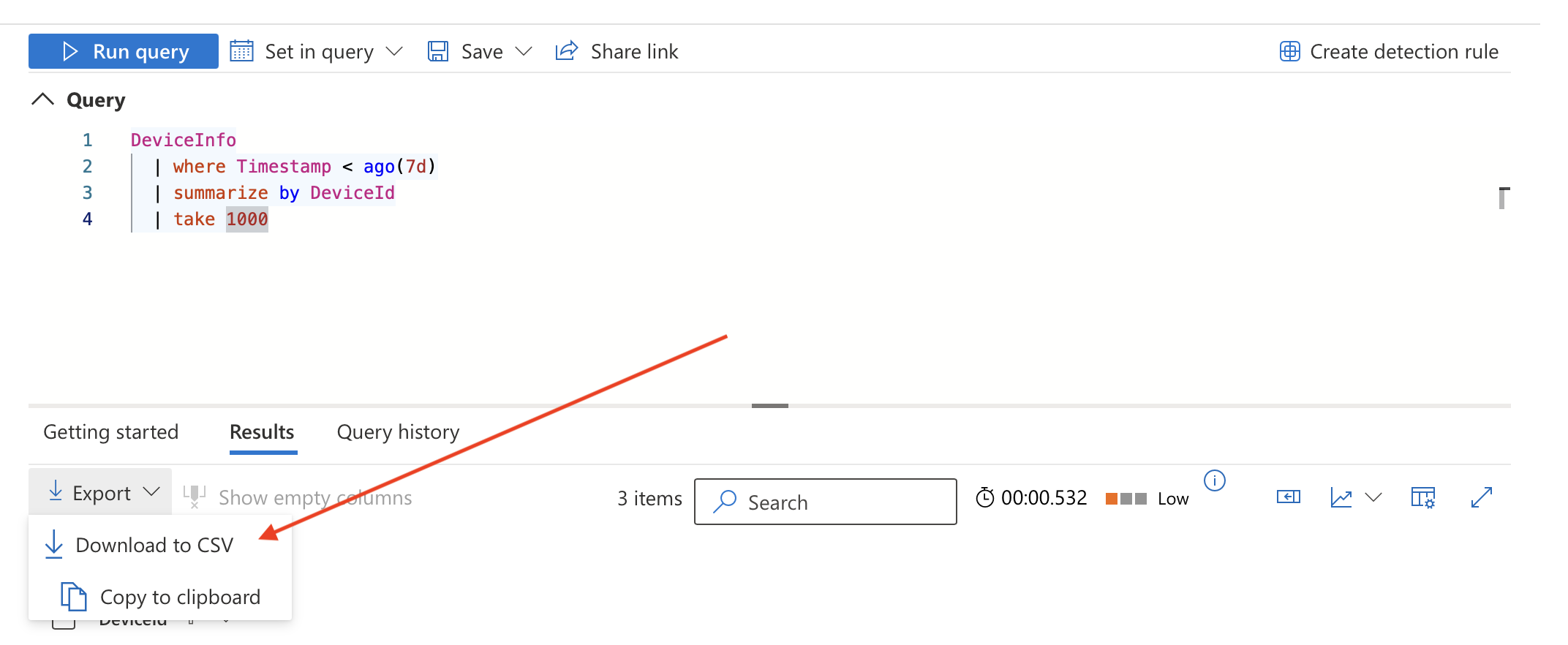
Run the following query:
DeviceInfo
  | where Timestamp < ago(5d)
  | summarize by DeviceId
  | take 1000
Export the results as a CSV. Paste the CSV results into the Defender Integration Configuration in the Nebulock Portal.
Updated 2 months ago