
Deploy Your First Detection Rule
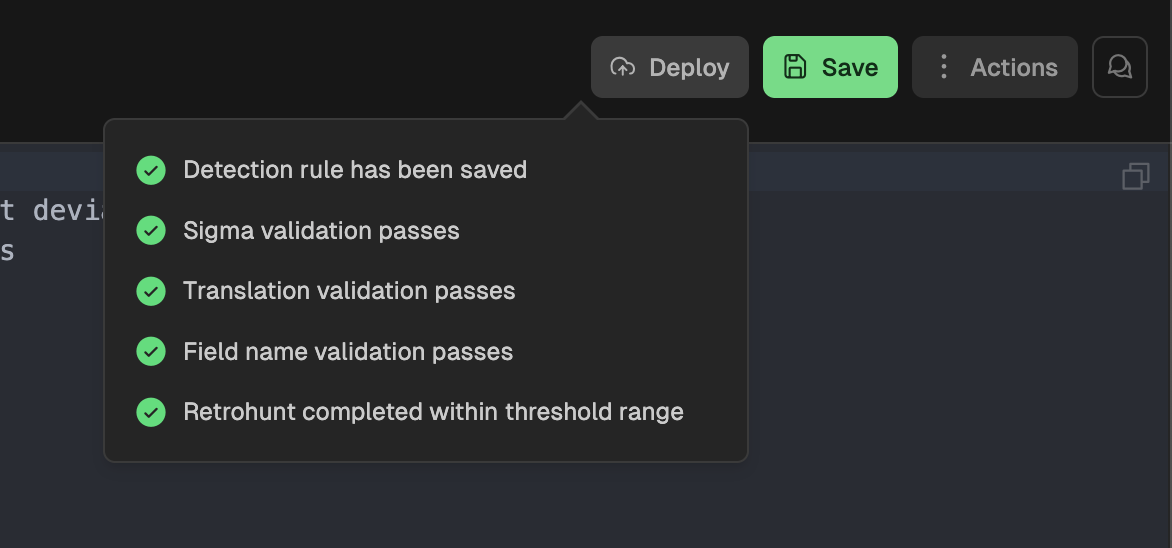
Detection Rules that are saved in Nebulock are not immediately deployed into the hunting signals pipeline. To deploy a rule, you must click Deploy Detection Rule. Prerequisites:
- The rule, and all changes, must have been saved.
- There can be no Sigma validation errors.
- Two validation steps, translation and field naming, must pass successfully.
- You must have run a Retrohunt on the most recent saved version of the rule.
When all the requirements are met, the Deploy button will be available to click. If one or more of them are not completed, the button will be greyed out and the failing task will show a red X next to the name when you hover over the Deploy button.
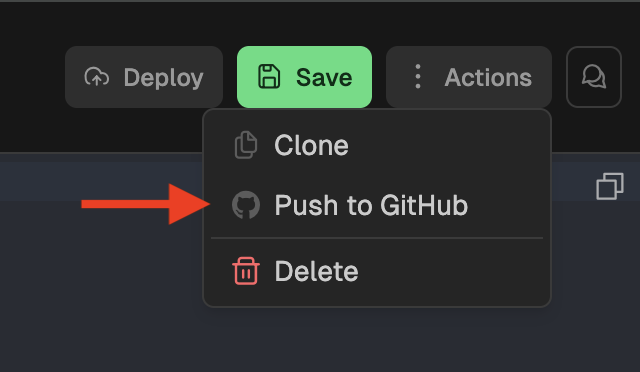
There is also an option of exporting a rule to a Github repository. NOTE: the integration must be setup prior to taking this action. To setup this integration, see Integrations. Once the integration is configured, you can push this rule by navigating toActions → Push to Github.
Updated 4 months ago
What’s Next
Did this page help you?