
Crowdstrike API
The Crowdstrike NGSIEM integration pulls Endpoint Event data and Alert data from Crowdstrike using the NGSIEM API.
Prerequisites
- Ability to create API Clients in the Crowdstrike portal
- Only users with the Falcon Administrator role can view, create, or modify API clients in CrowdStrike
- Access to NGSIEM via Crowdstrike subscriptions
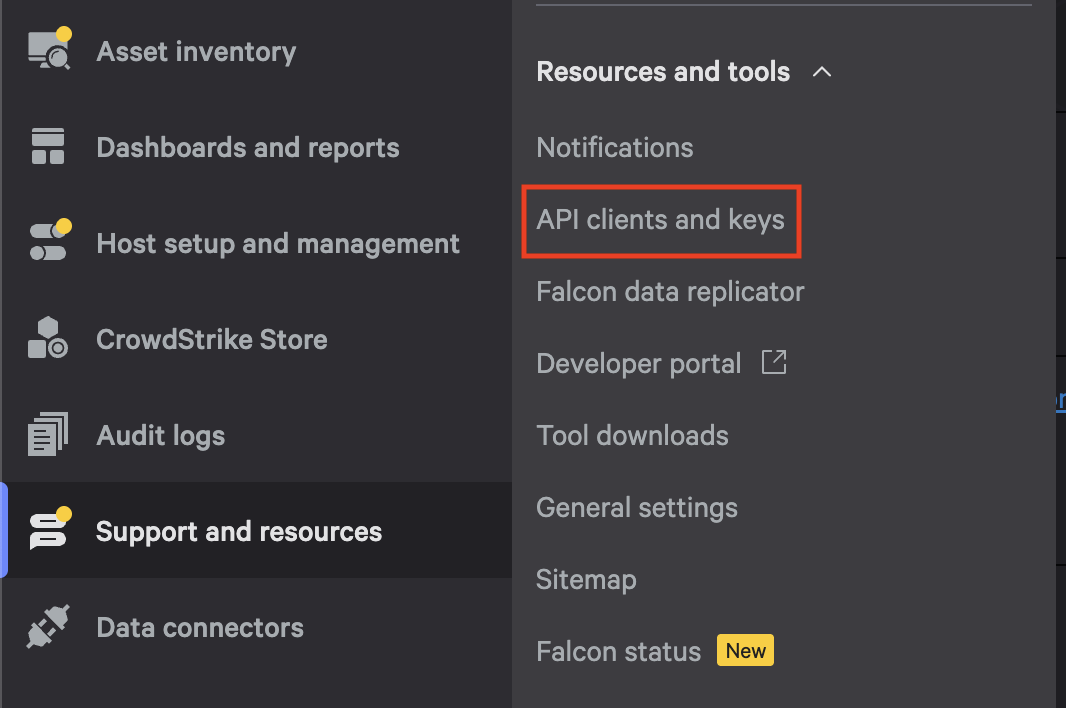
In your Crowdstrike portal, navigate to API clients and keys.
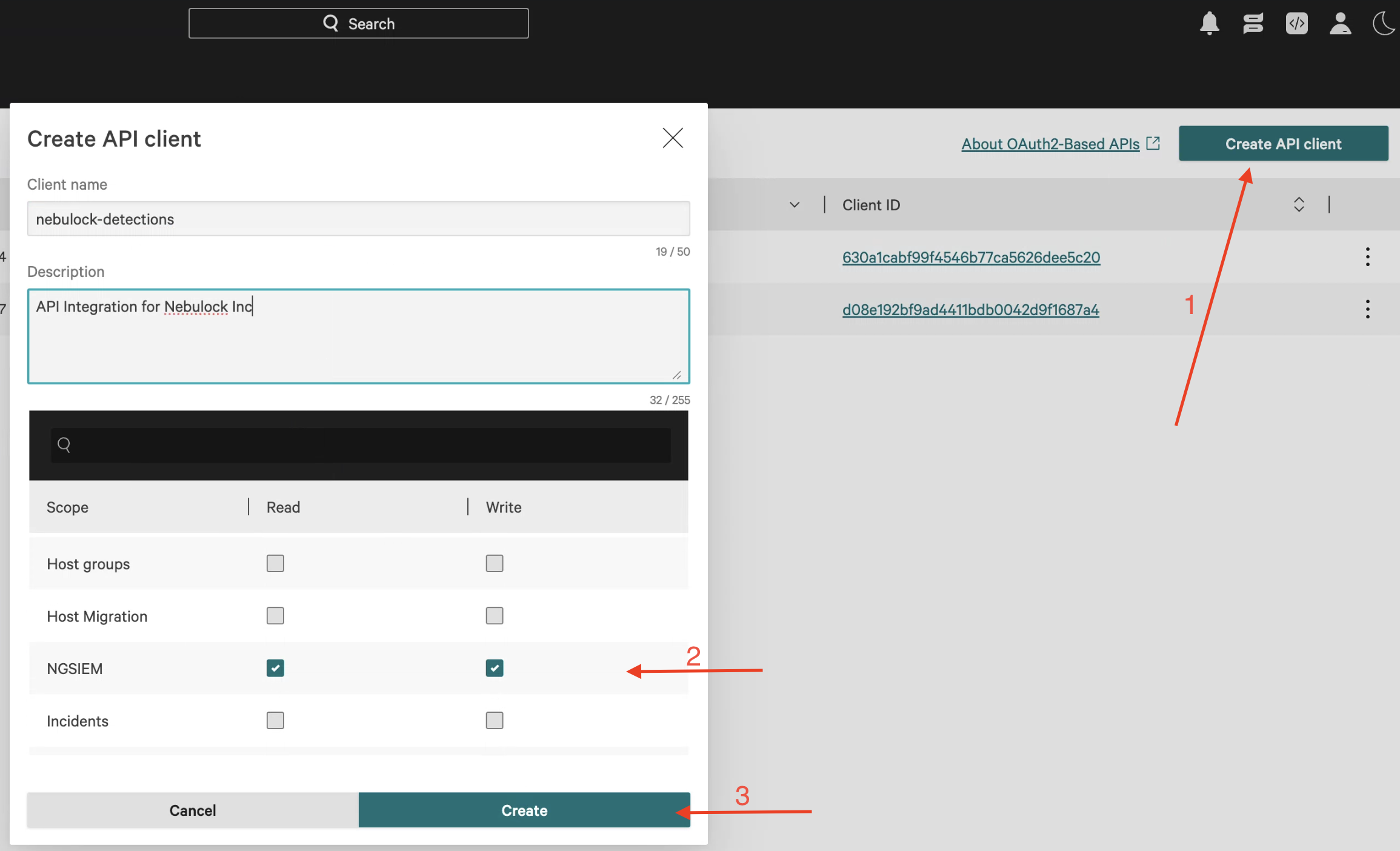
Click Create API client, give it a name and description, and assign it the NGSIEM Read and Write permissions.
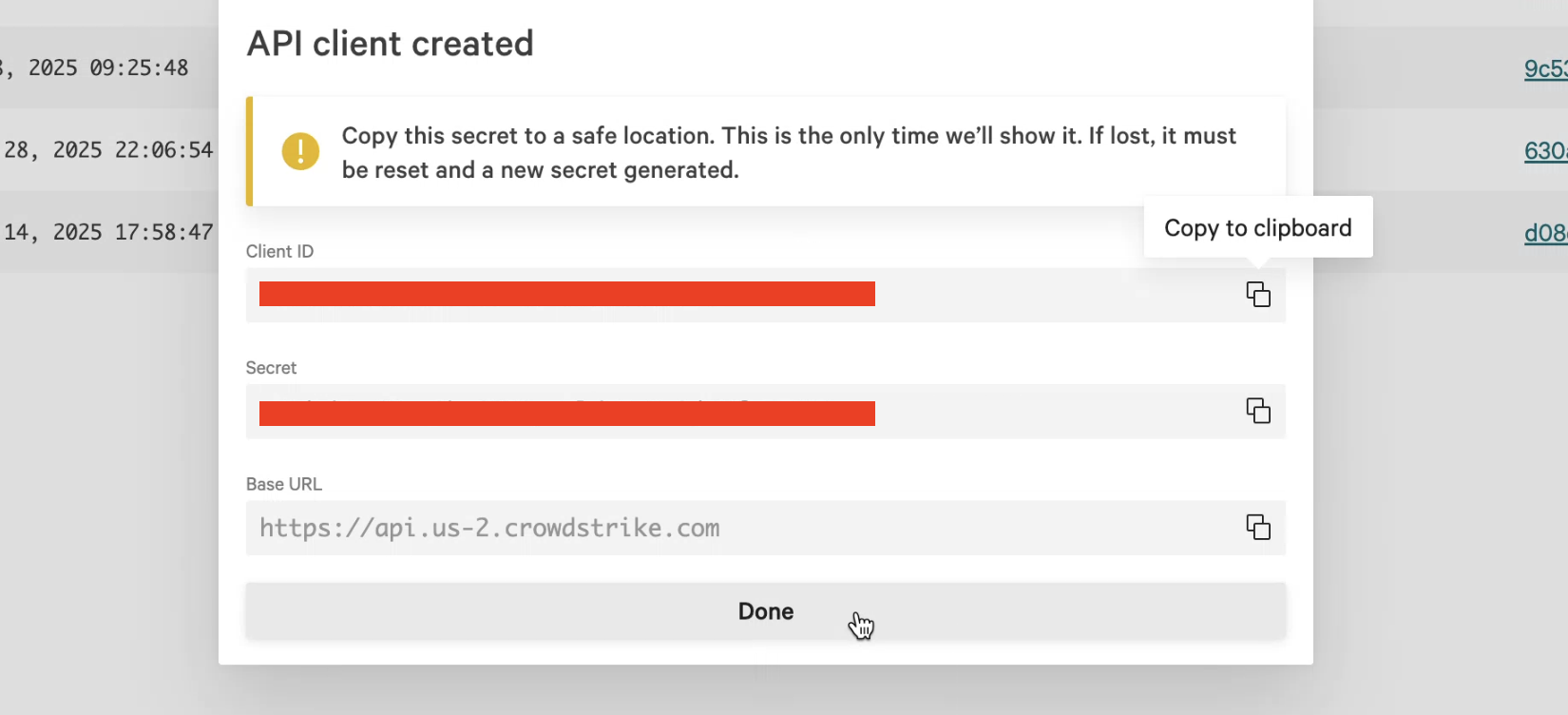
After you click Create, be sure to copy the Client ID, Secret, and Base URL.
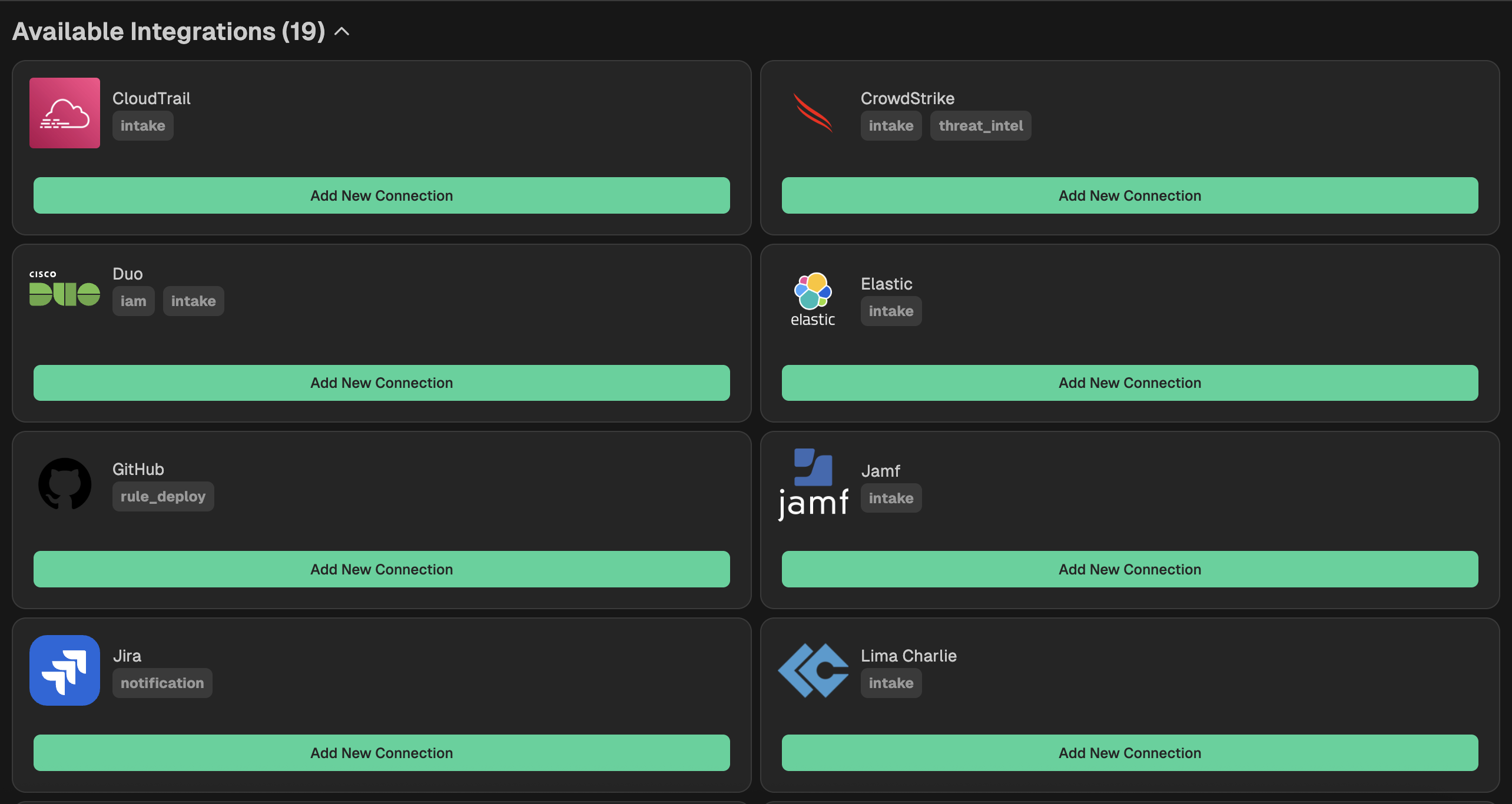
Go to your Nebulock platform and navigate to Integrations > Available Integrations, select "CrowdStrike" and paste the values you gathered in the previous step.
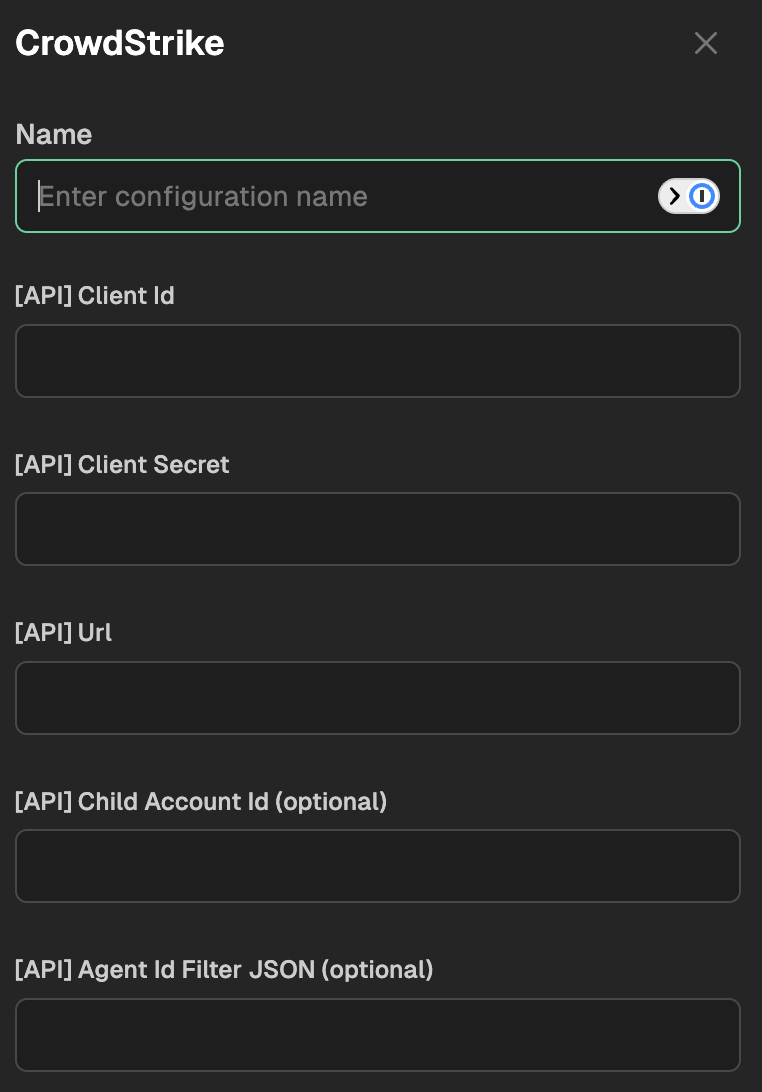
Optional - Limit count of Agent IDs
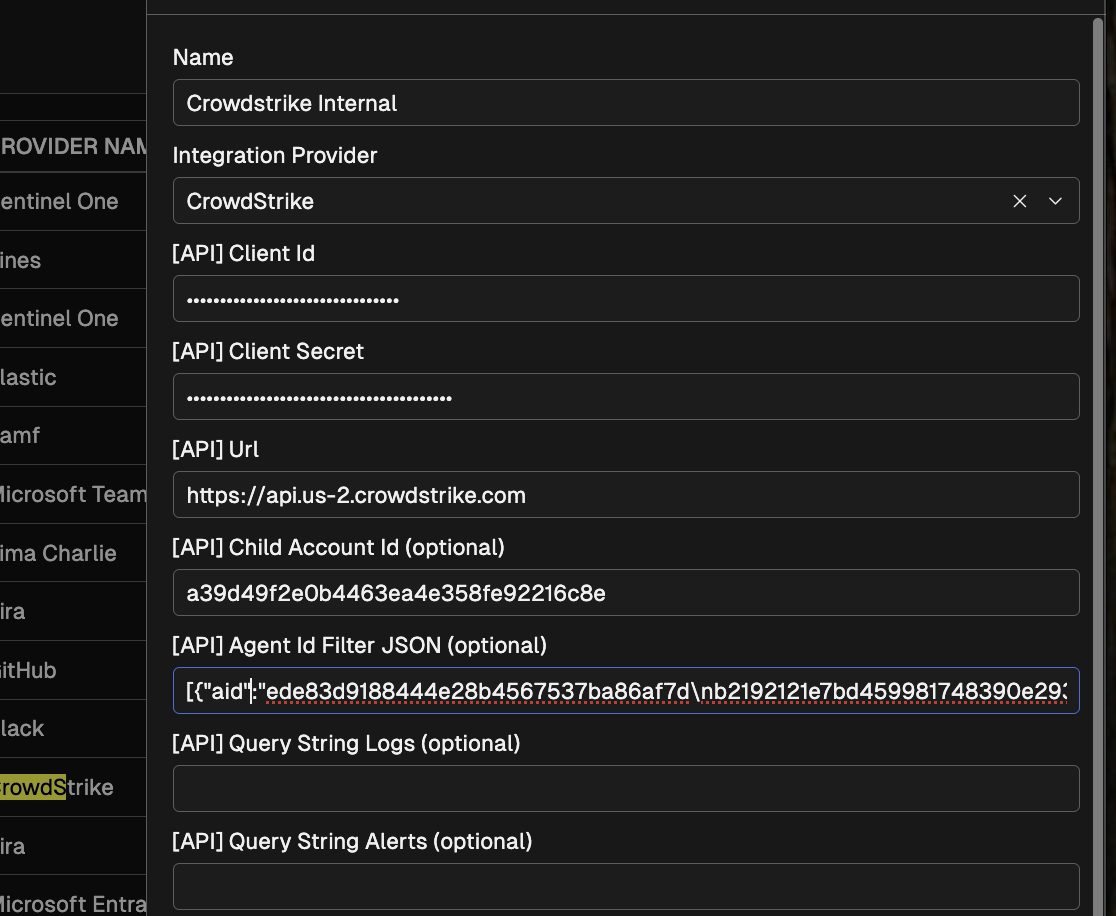
If you want to limit your integration to pull only certain systems (based on volume, or business segment), you can generate a list of agent IDs and paste them into Nebulock.
To generate a list of IDs, navigate to Search in your Falcon console.
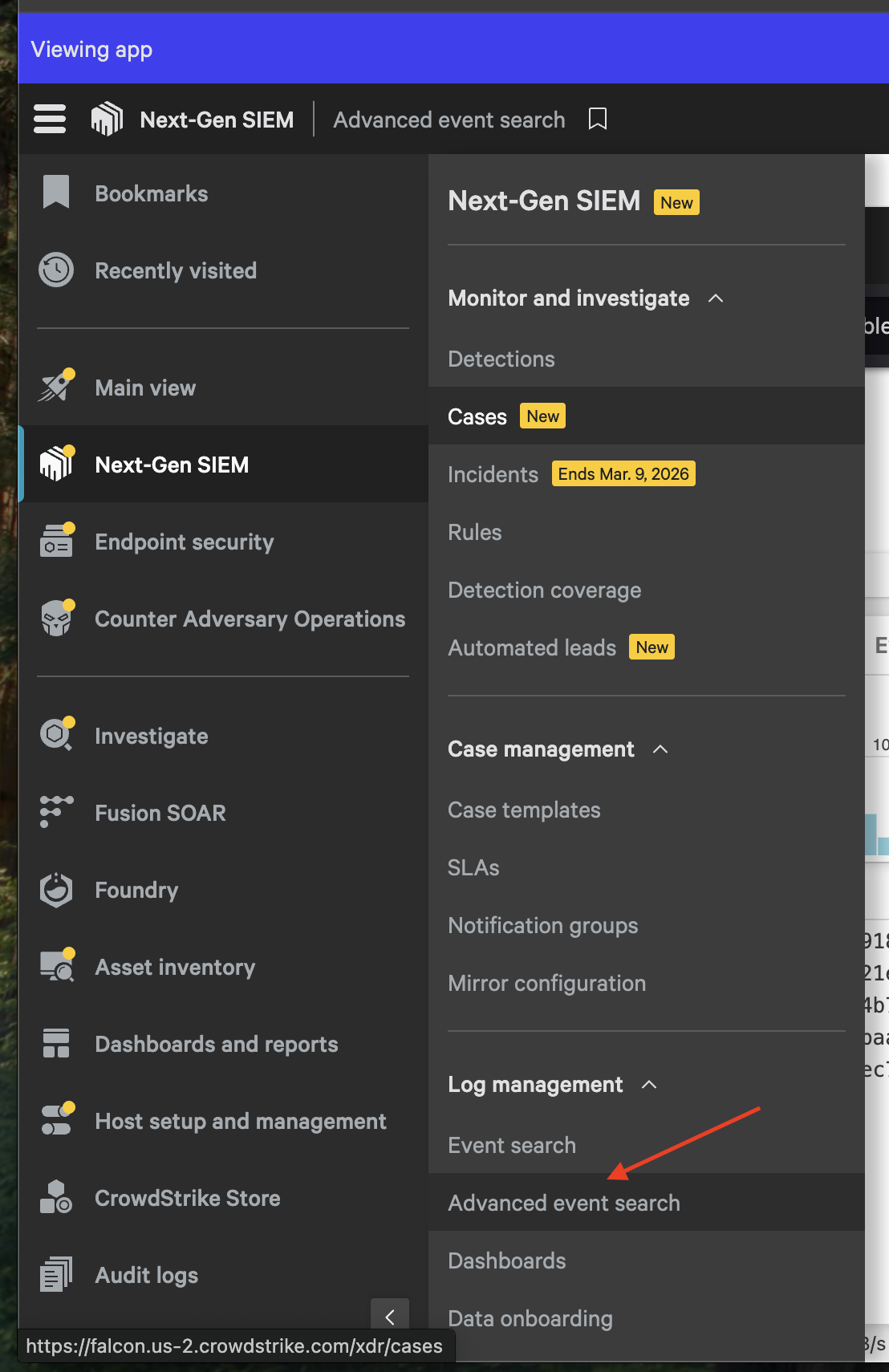
For a general list of AIDs, run the following query:
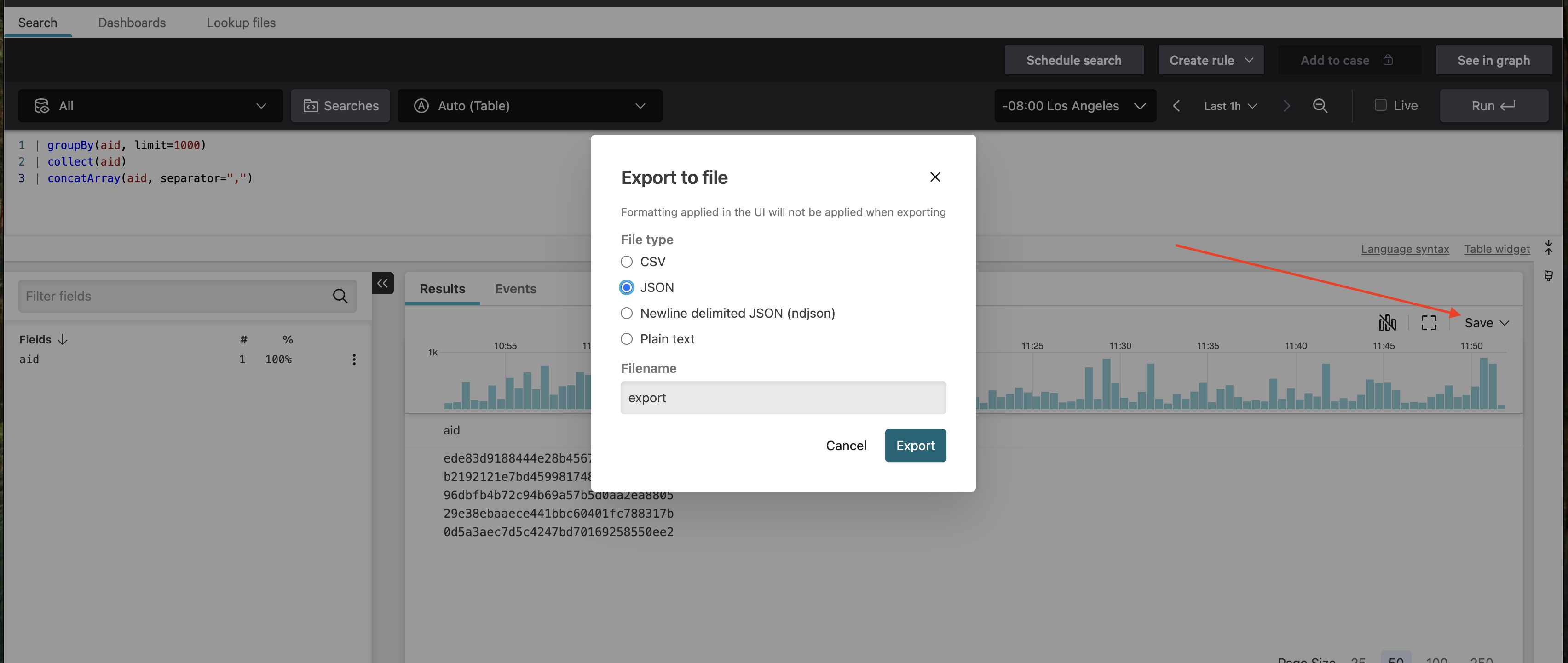
| groupBy(aid, limit=1000)
| collect(aid)
| concatArray(aid, separator=",")
NOTE:(to generate a specific list, you can filter using the Crowdstrike Query Language)
Export the search results in JSON format.
Copy the JSON result into the Nebulock portal.
OPTIONAL: Enable CrowdStrike Threat Intelligence
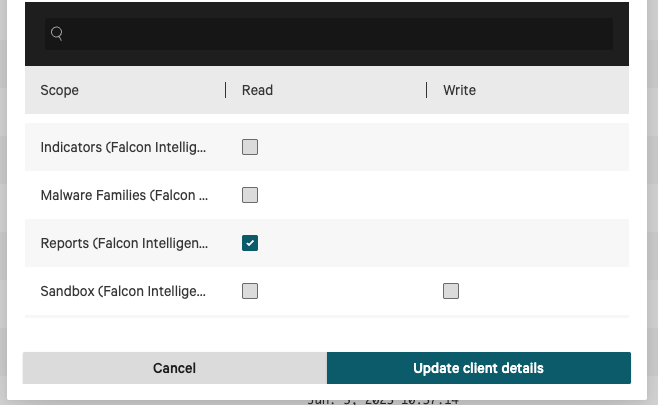
The Nebulock platform is capable of pulling threat intelligence from CrowdStrike to enable hunting. To enable this feature, you must first add the Reports (Falcon Intelligence) - Read permission to your Nebulock-CrowdStrike API key.
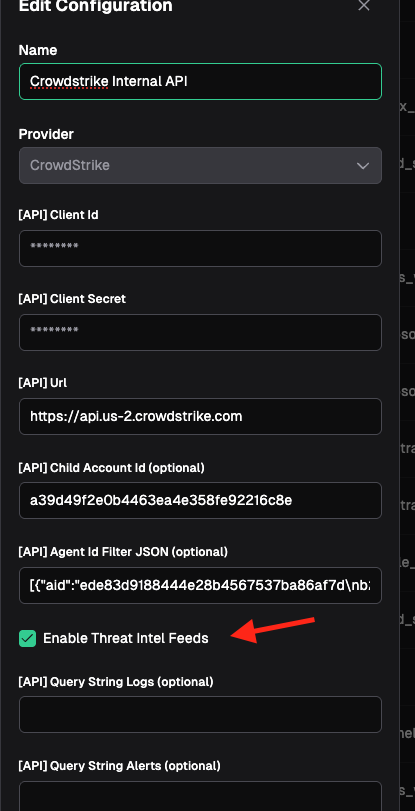
Next, in the platform go to Integrations and select your CrowdStrike integration. Scroll down and click the checkbox for "Enable Threat Intel Feeds."
OPTIONAL: Permissions to enable Entity Correlation
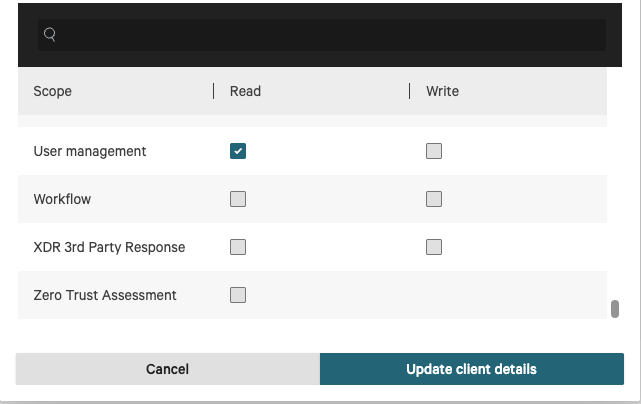
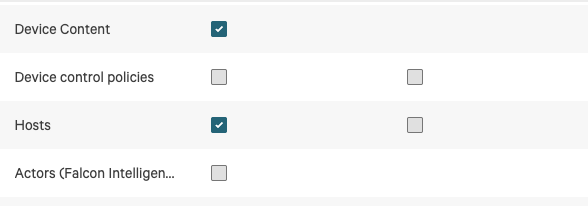
To improve Nebulock inspection of your user events you can also enable read access for user level accounts and hosts. This can allow agents to determine if a login or other event was outside normal office hours or correlate events to a particular host or users more easily.
Add the following permissions:
- User Management - READ
- Device Content - READ
- Hosts - READ
Updated 6 months ago