
Jira
The Jira integration is used to connect your Jira instance to the Nebulock platform. This integration allows for the creation of tickets in your specified Jira project from Nebulock Findings.
Log into the account you wish the integration will be tied to. All tickets created through the integration will show this user as the reporter, if you have the seats available, you may want to create a user specifically for this use case.
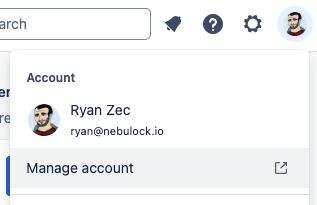
Click on you profile image in the top right and select Manage account.
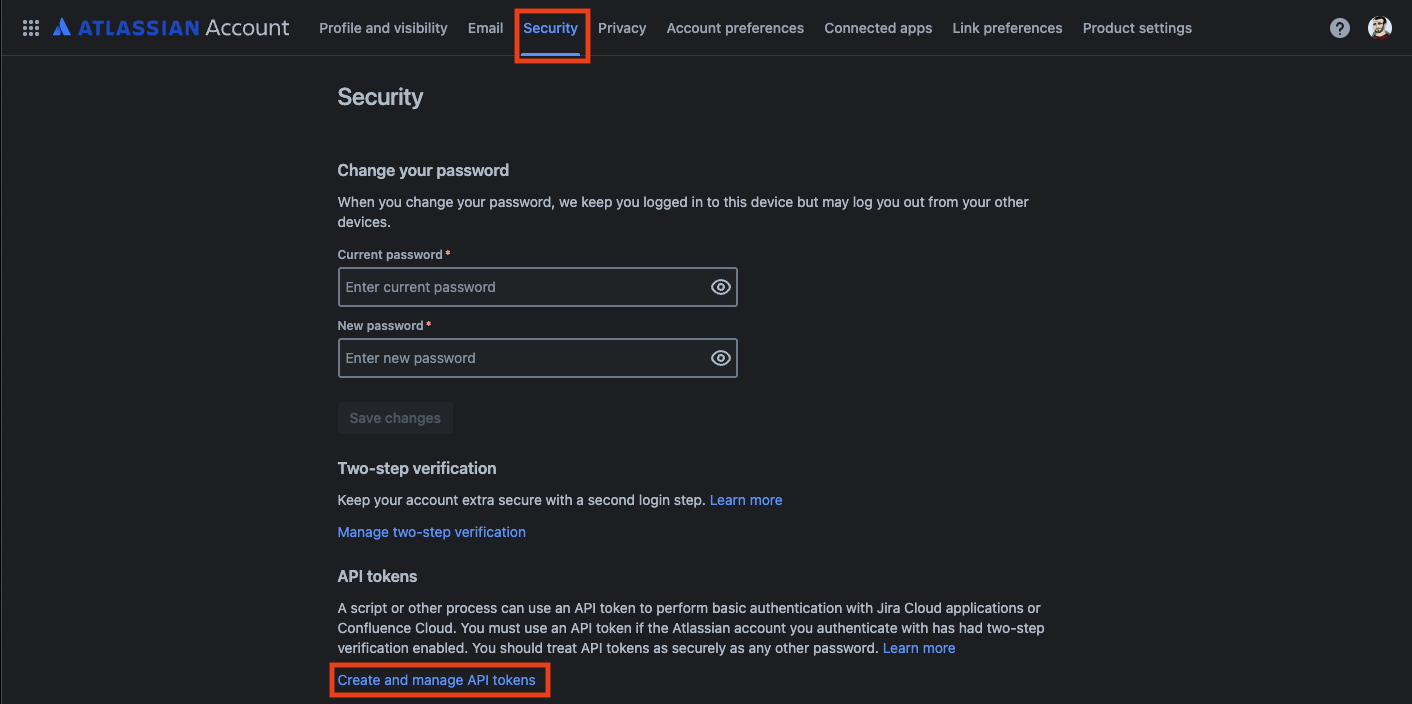
Go to the Security tab and select the Create and manage API tokens.
Click the Create Classic API token.

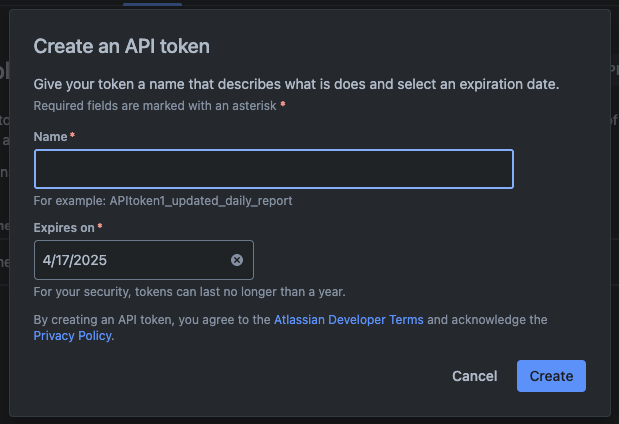
Give it a name and expiration date. To avoid frequent updates, make the expiration date 1 year in the future (the max option).
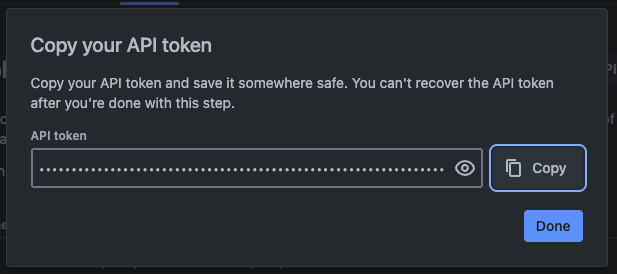
Click the copy button to copy the API token and save it, as we will need to enter it in the Nebulock integration setup.
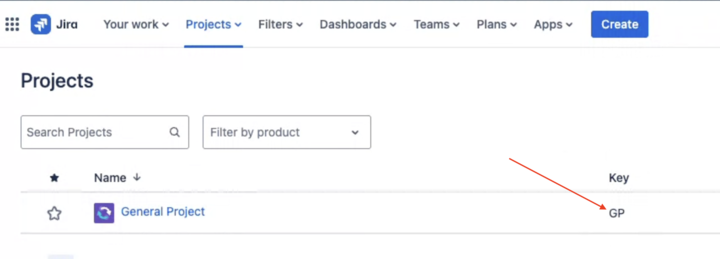
Go to the Project tabs in JIRA and copy the key of the Project you want all tickets to be inserted into.
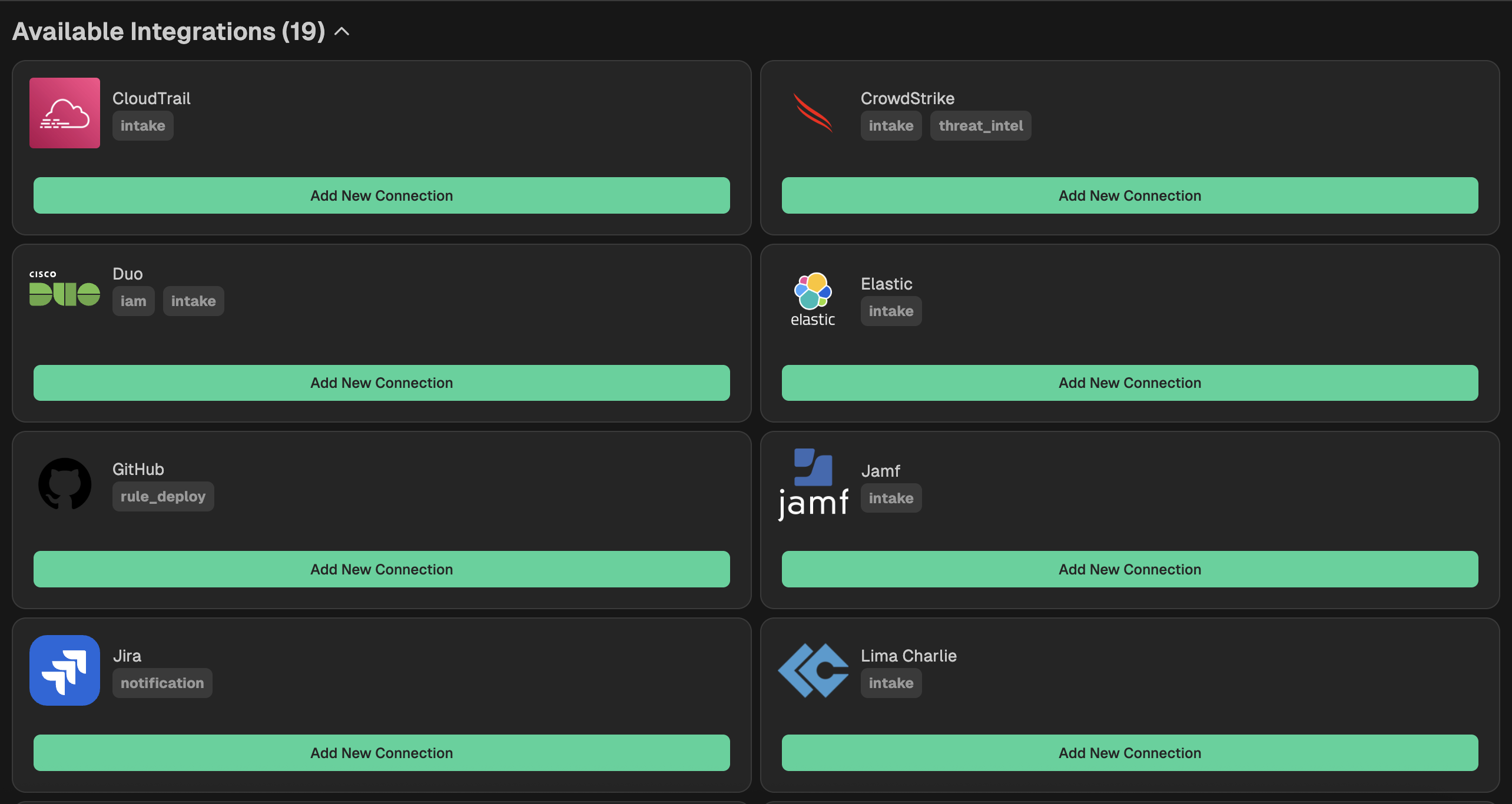
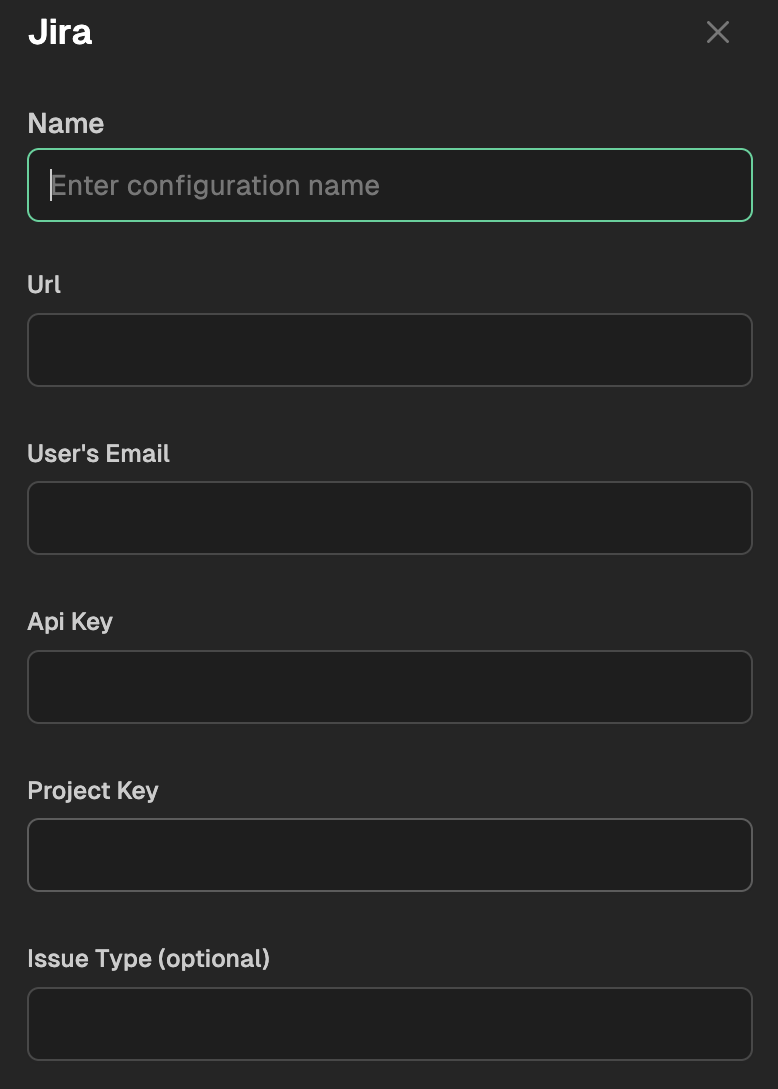
Go to your Nebulock platform and navigate to Integrations > Available Integrations, select "Jira" and give your integration a name, paste your Jira URL, email, API Key, and Project Key into the corresponding boxes.
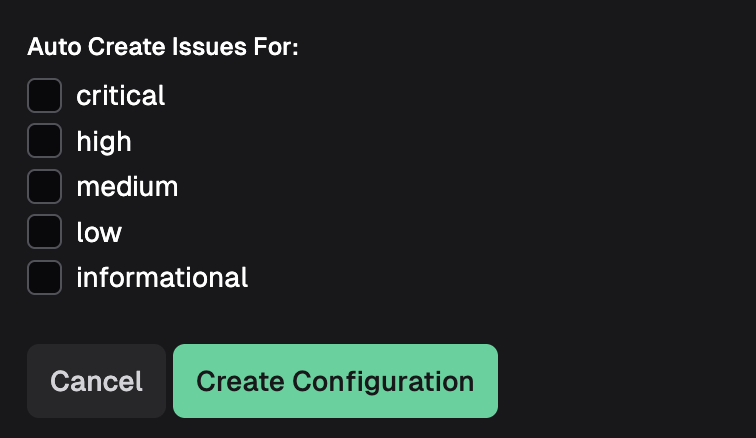
Lastly, determine which Finding severities need Jira issues created and check the appropriate boxes. Then click Create Configuration.
Updated 6 months ago