
Okta
The Okta integration will ingest user authentication and activity logs into Nebulock, to generate Findings as well as add IAM context to existing Findings.
To generate an API key, you must use a user account with sufficient permissions. Specifically, the account must be able to read information about other users, groups, and log events. A standard user account does not have access to this data, so these APIs require elevated privileges. Typically, this means using an administrator account with restricted (read-only) permissions.
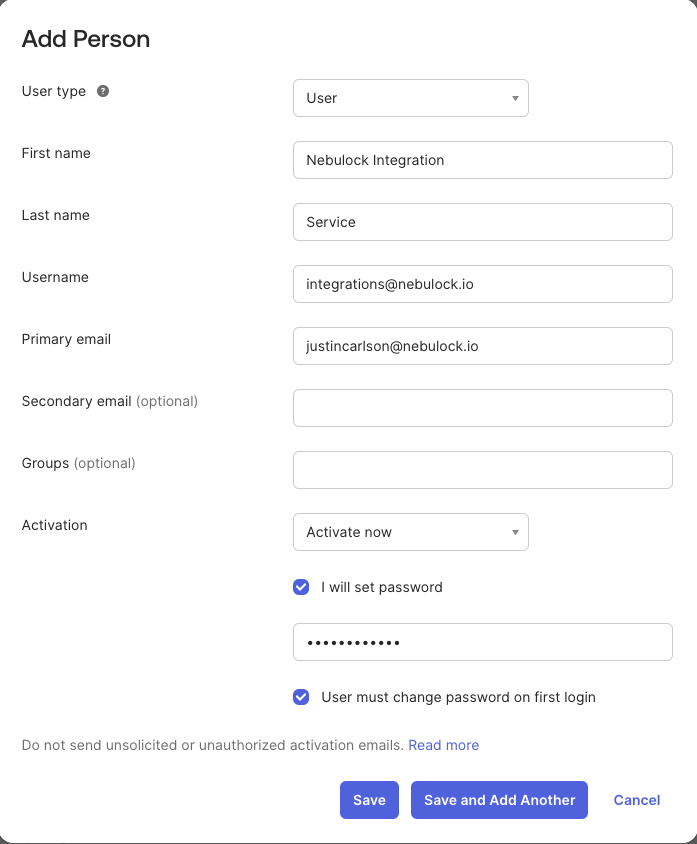
Create a new Okta user account, it is recommended to use email you control and set a password so you can log in as this user.
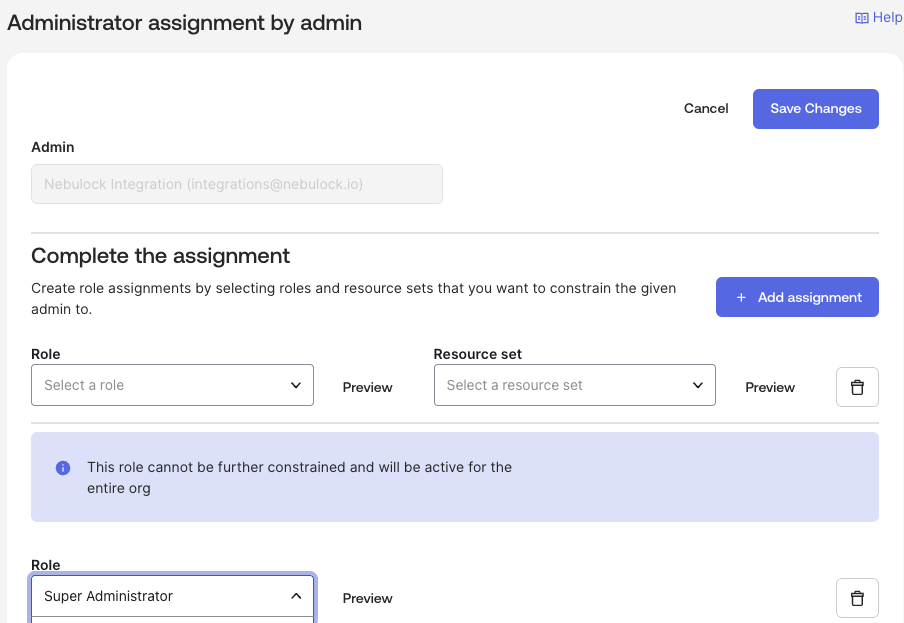
Using an Okta administrator account, temporarily assign Super Admin permissions to this new user.
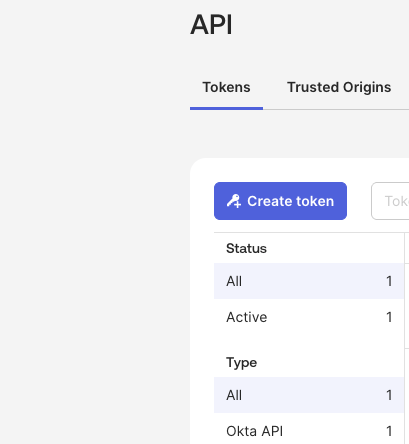
Now you can login with the service account you created and generate an API token. Copy this token for use later. Once this is done, it is best security practice to immediately reduce the account’s role to something more restricted, such as Read-Only Administrator.
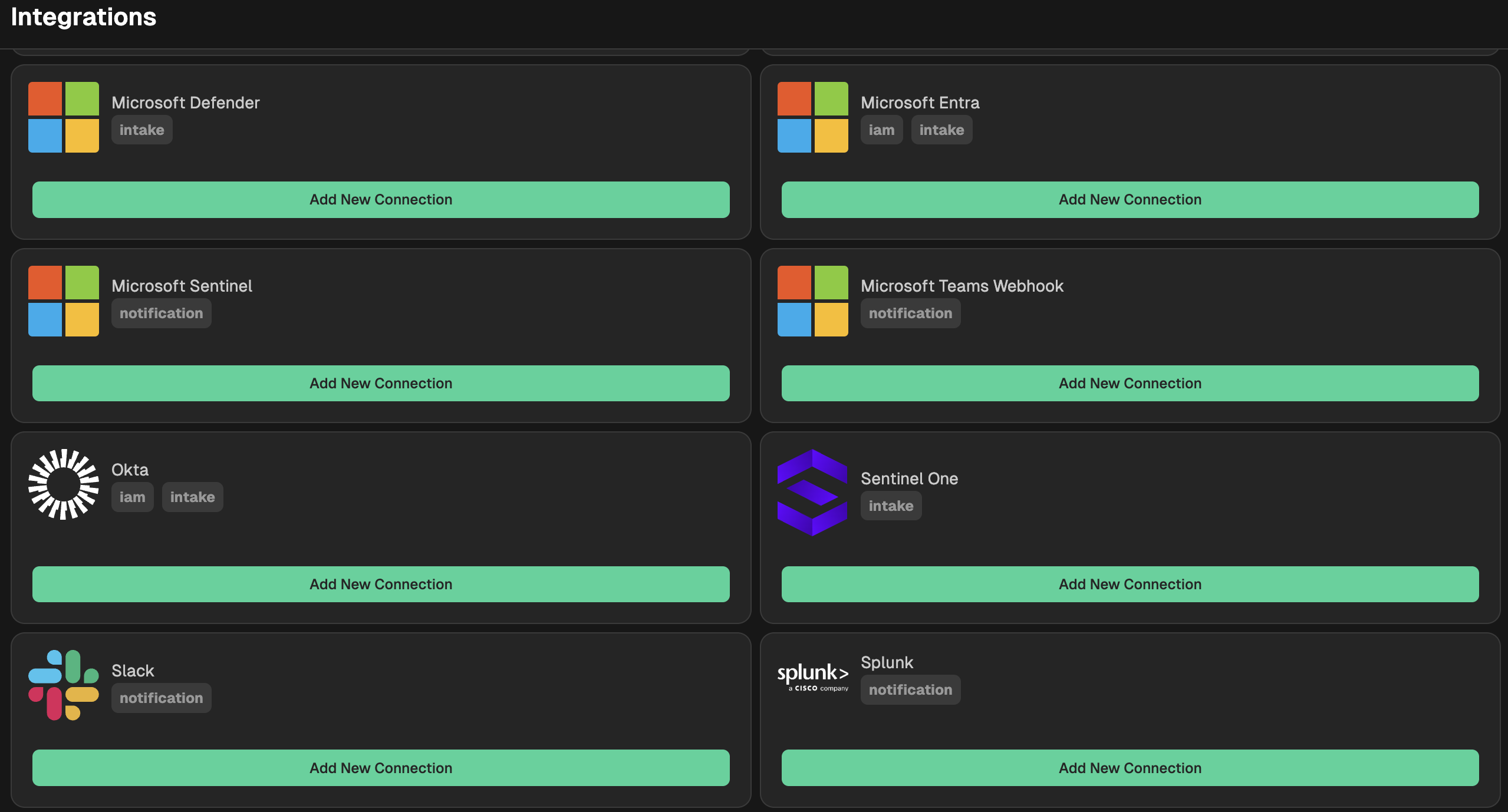
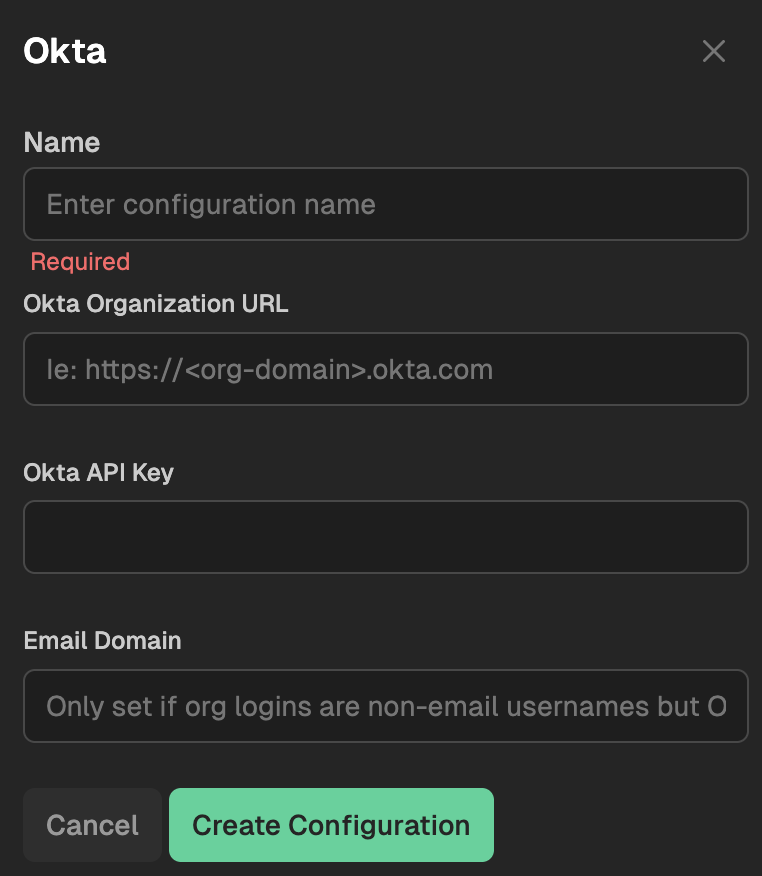
Go to your Nebulock platform and navigate to Integrations > Available Integrations, select "Okta" and fill out the required information including your Okta URL and the API Token you created in the step above. If your organization user login does not use email, then enter the email domain for your organization here.
Updated 6 months ago