
Crowdstrike FDR
The Crowdstrike Falcon Data Replicator integration connects to your FDR feed to ingest Endpoint Event data into the Nebulock platform.
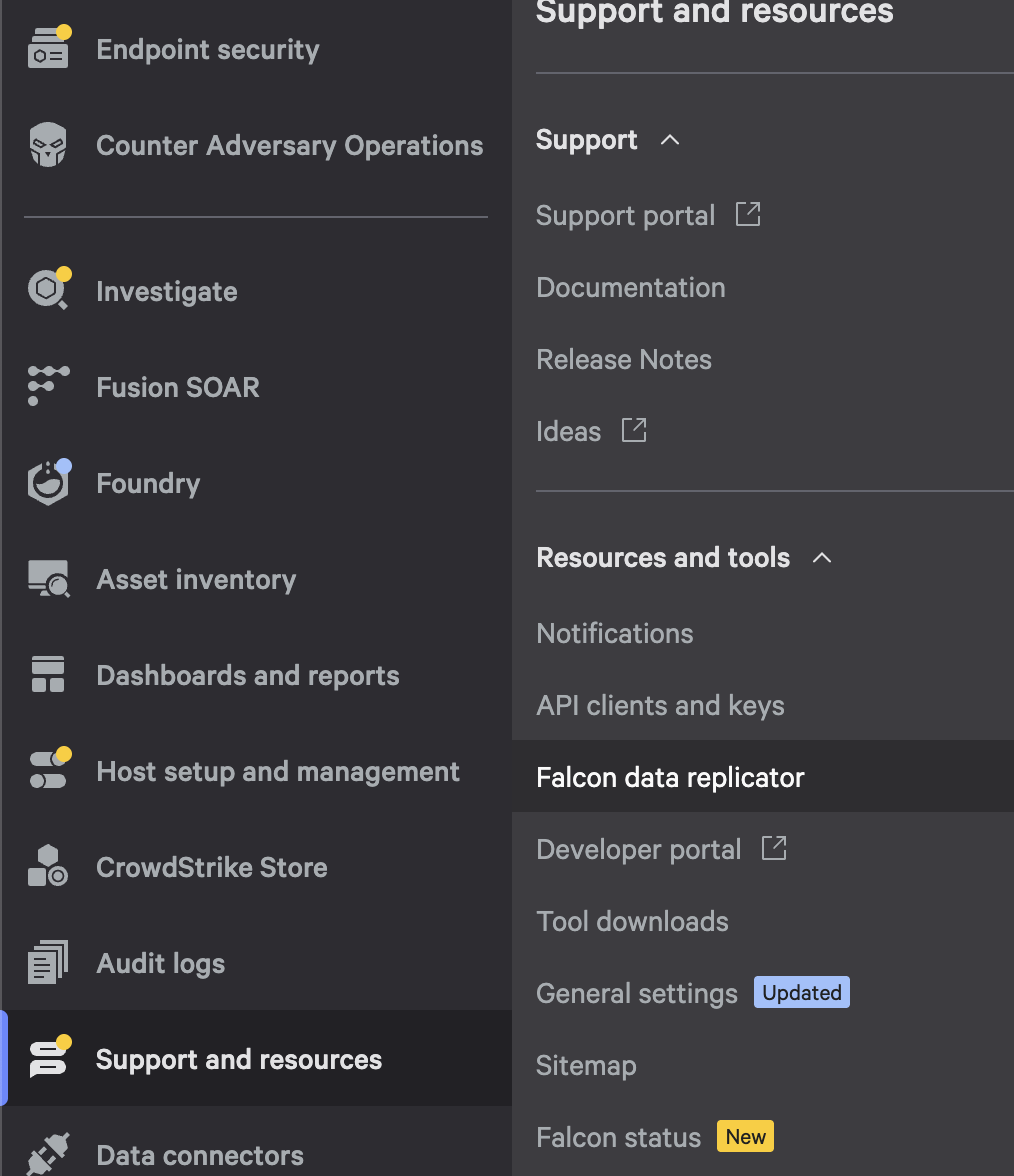
Navigate to Falcon Data Replicator in Support and Resources.
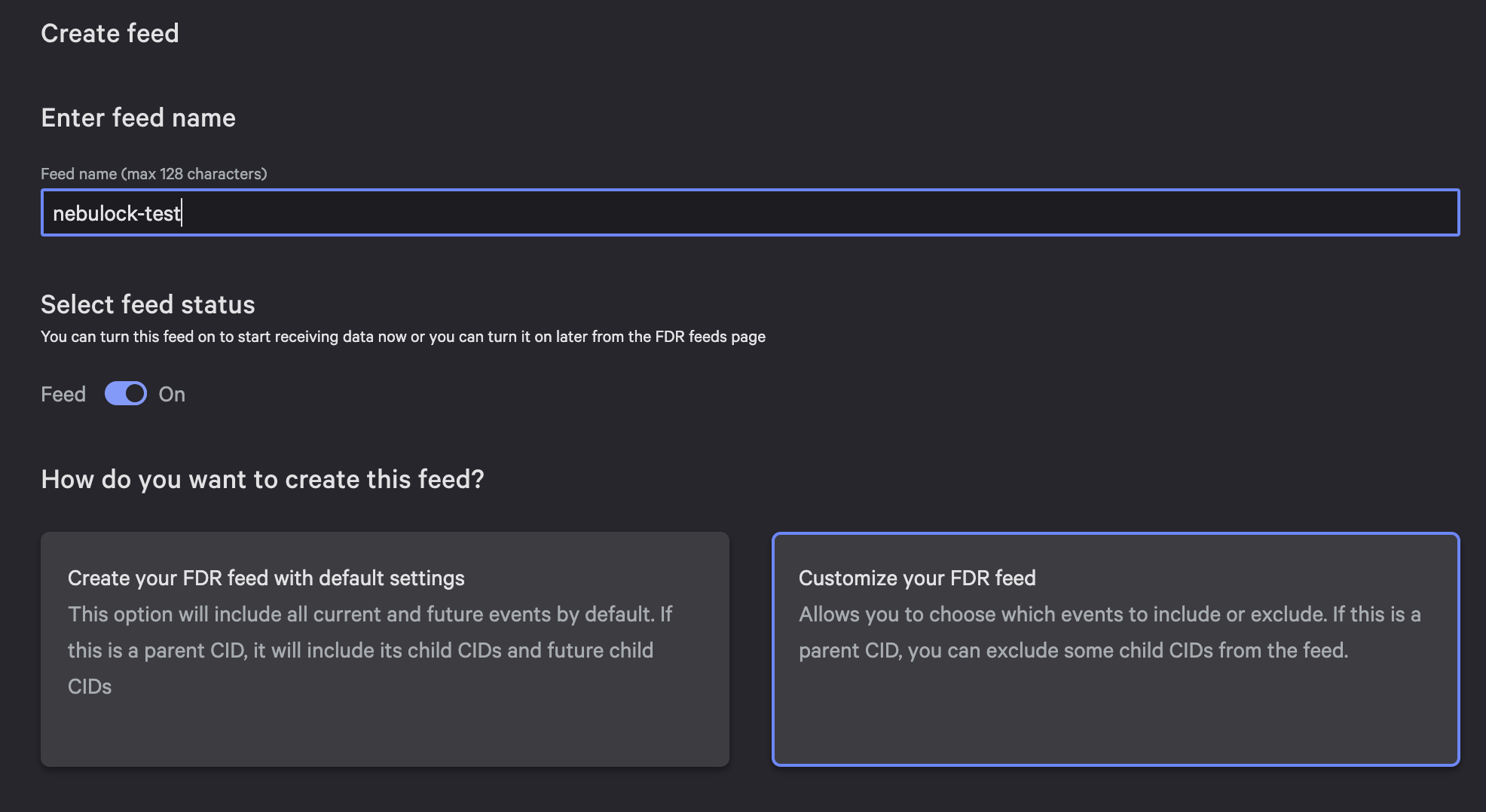
Click “Create Feed” and give your feed a name, toggle Feed to “On” and then choose Customize Feed.
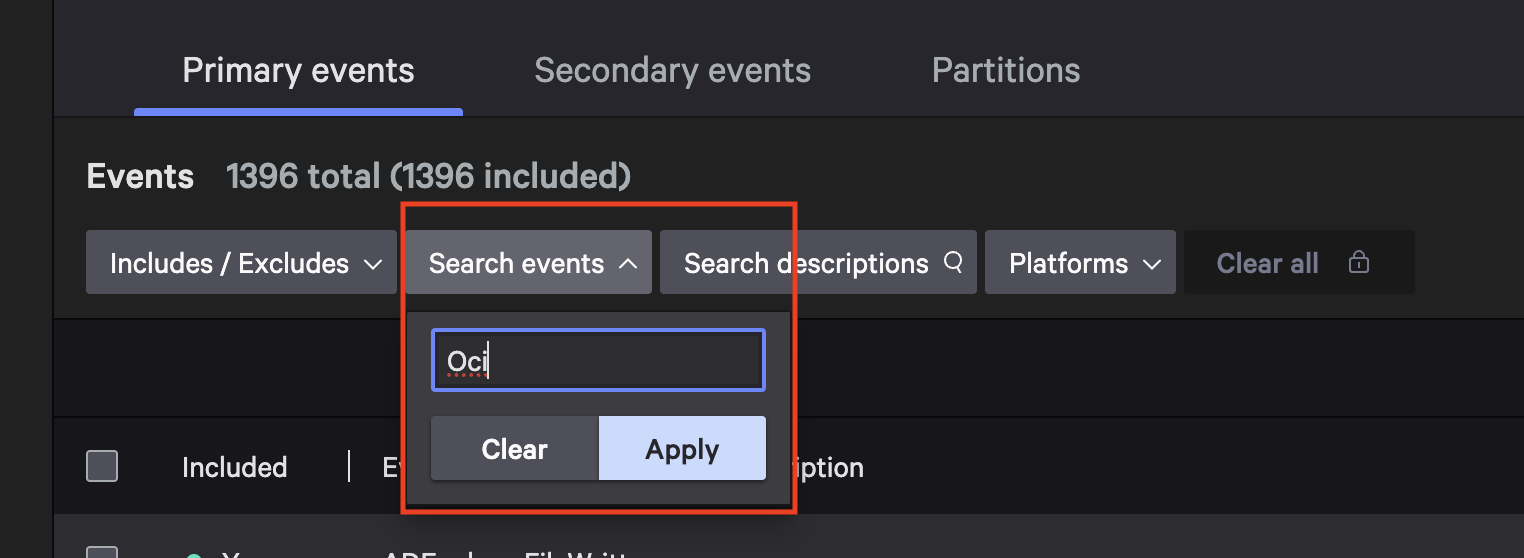
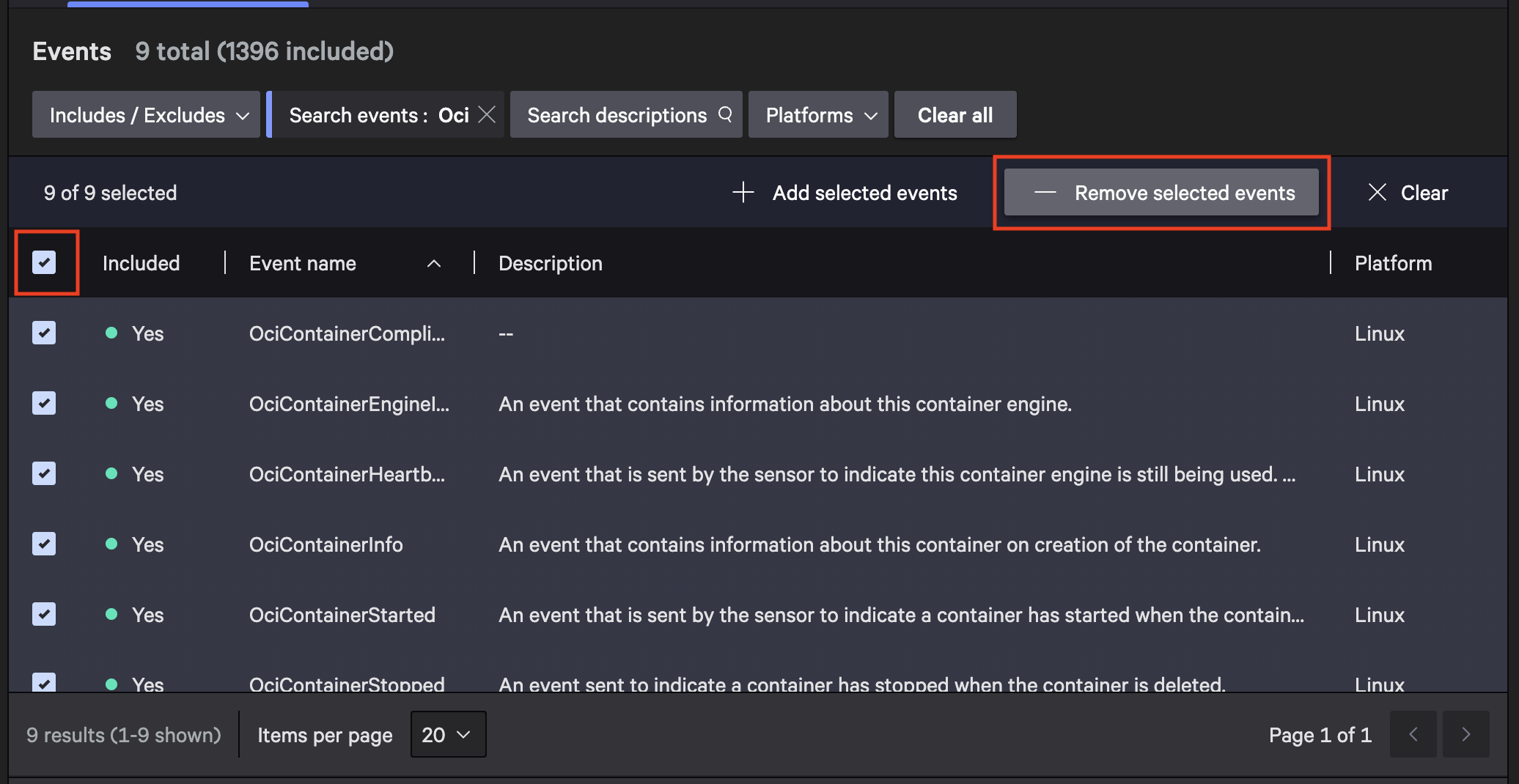
Exclude unused events by searching for the terms in the boxes below, selecting the checkbox, and clicking Remove Selected Items.
Oci
SensorHeartbeat
AgentOnline
AgentConnect
BillingInfo
DcUsbDevice
DcBluetooth
Eks
FirmwareAnalysis
SensorSelf
ResourceUtilization
RecentlyModifiedFileExecutedInContainer
CloudScanControlExample in the images below: Search for “Oci”, hit Apply, select the checkbox to mark all items, and then click “Remove Selected Events.” Continue for each item in the list above.
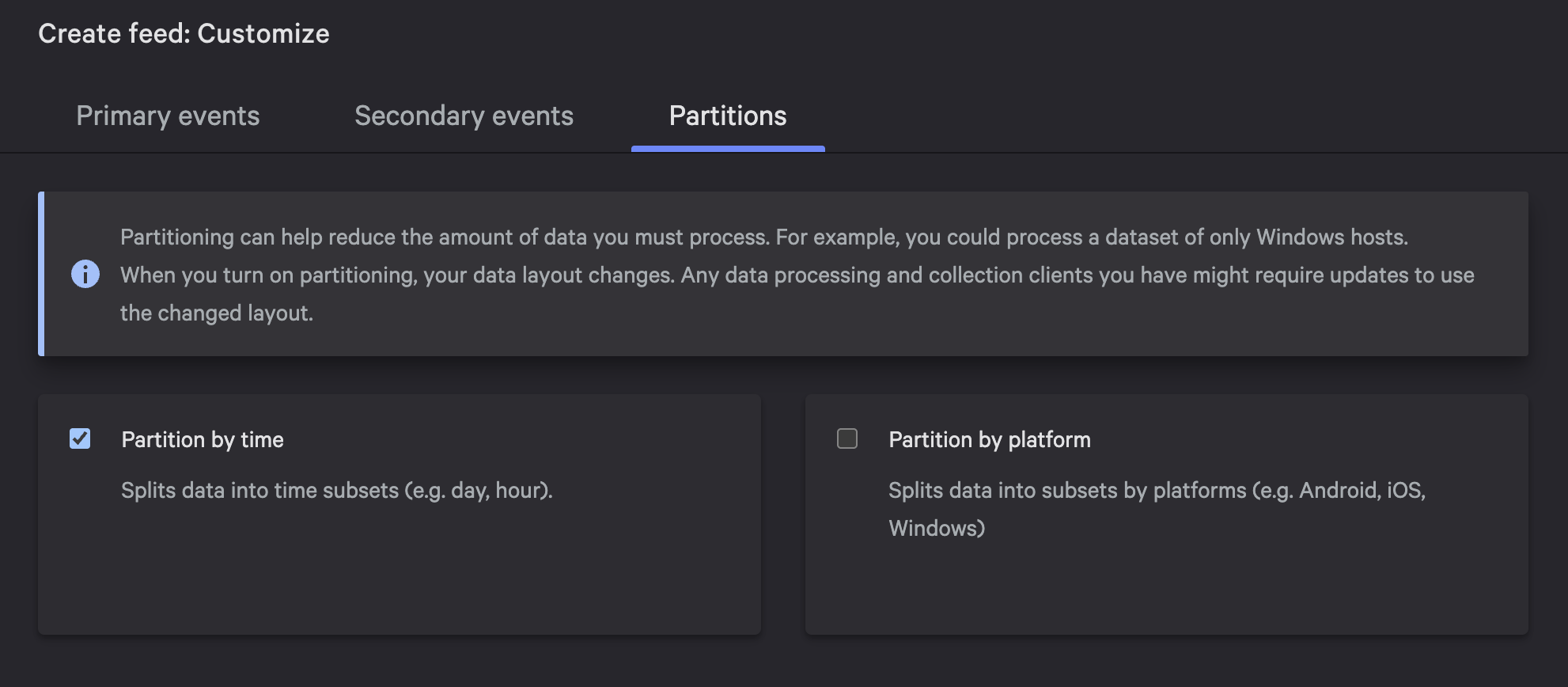
Leave Secondary Events as is, and under Partition select “Partition by time” and then click “Next”.
Now review the settings and click “Create Feed” and be sure to save the AWS SQS and S3 details for the Nebulock Integration Configuration.
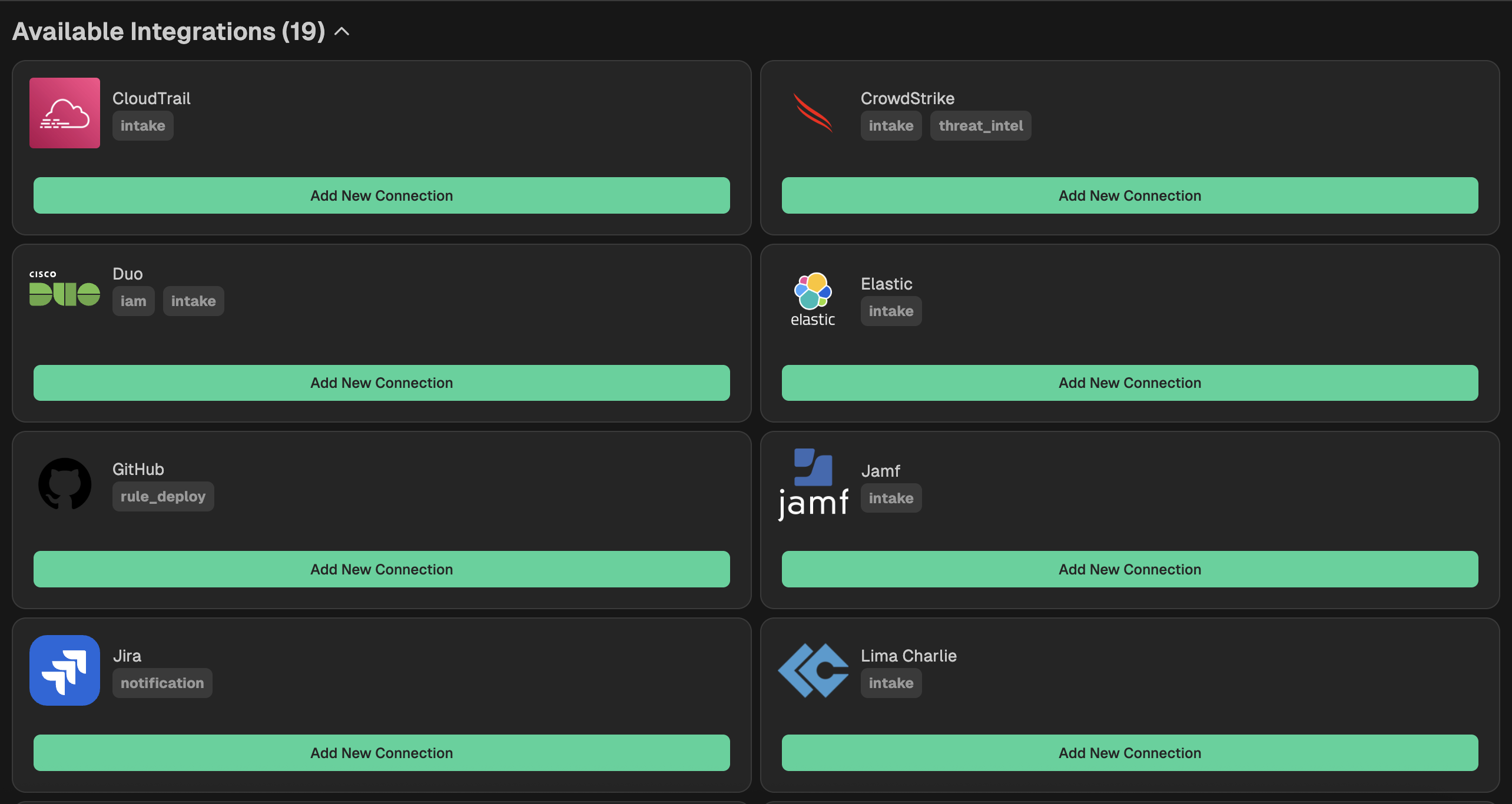
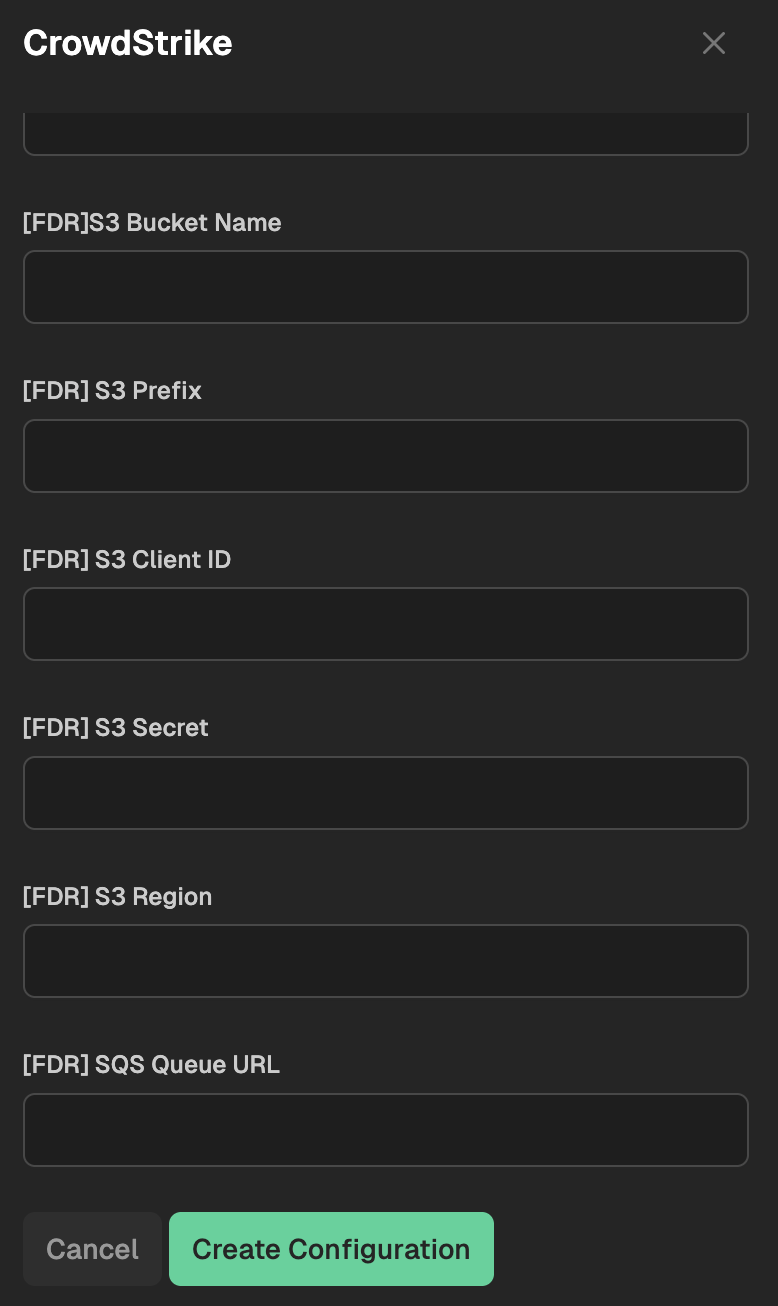
Go to your Nebulock platform and navigate to Integrations > Available Integrations, select "CrowdStrike" and paste the S3 details you copied into the boxes that start with [FDR] in the configuration.
Updated 6 months ago