
Tines
The Tines integration works by sending data to a Tines webhook. This integration will push Nebulock Findings to your Tines platform and into your existing Tines Stories.
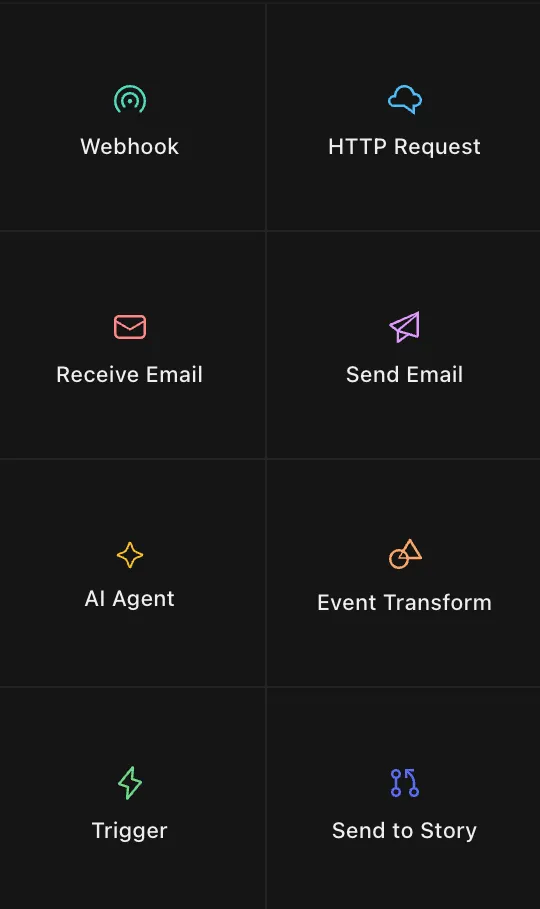
Go to the Tines Story you created and select Webhook.
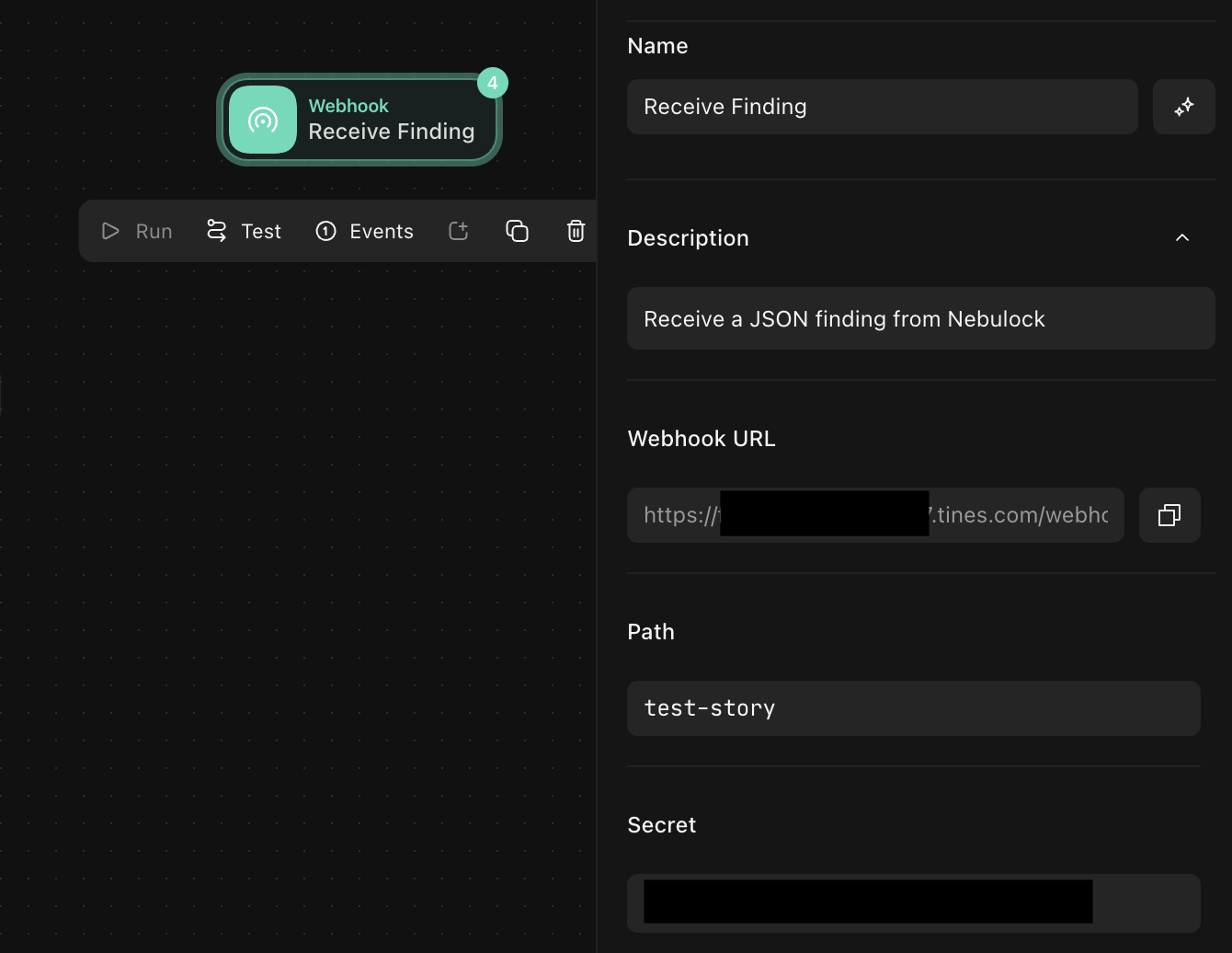
In the Tines Webhook settings, copy the Webhook URL and ensure that the allowed verbs include POST.
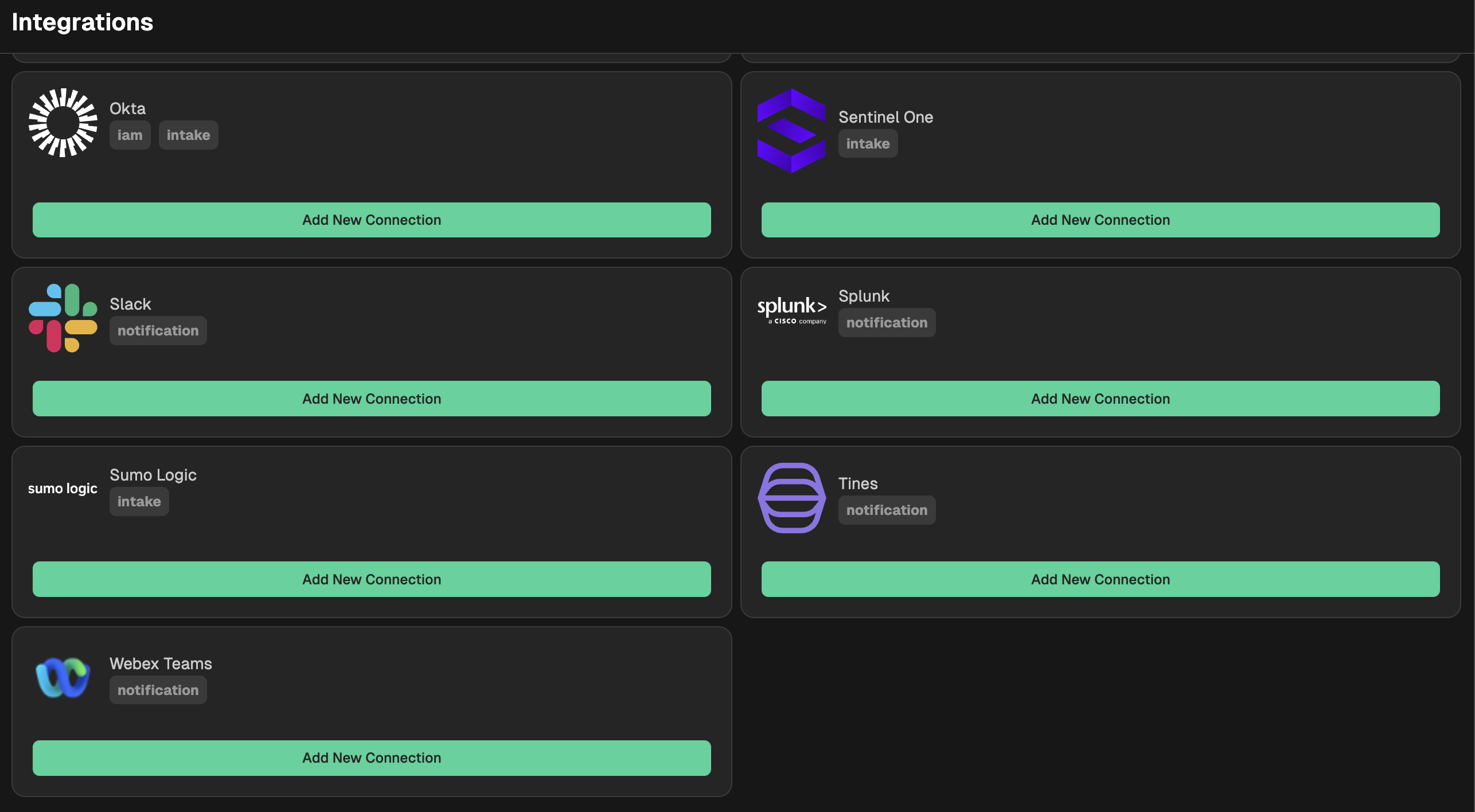
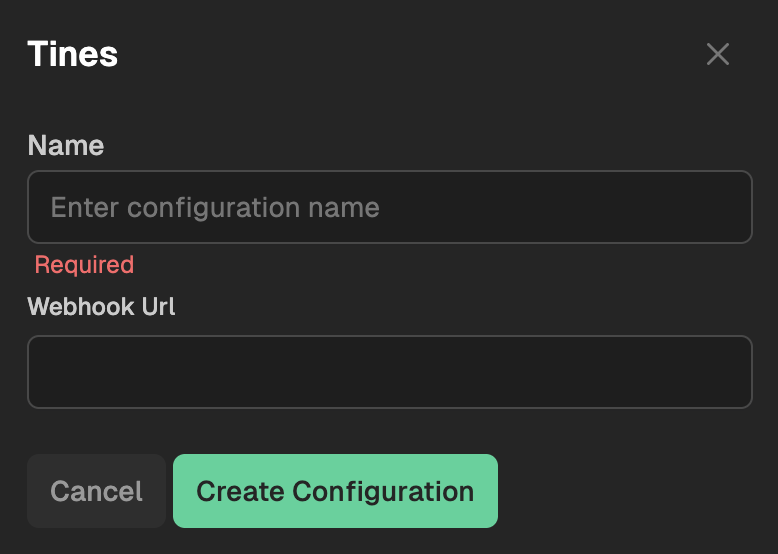
Go to your Nebulock platform and navigate to Integrations > Available Integrations, select "Tines" and paste your Tines webhook into the appropriate text box.
Updated 6 months ago
What’s Next
Did this page help you?