
Vibe Hunting
Navigate to Hunts to start Vibe Hunting. You can ask questions in natural language, give directions, or start a one-click hunt with Suggested Hunts.
Suggested Hunts are generated by Nebulock agents using recent threat intelligence correlated with your Custom Configurations. Suggestions are refreshed daily and allow you to start a hunt with one click.
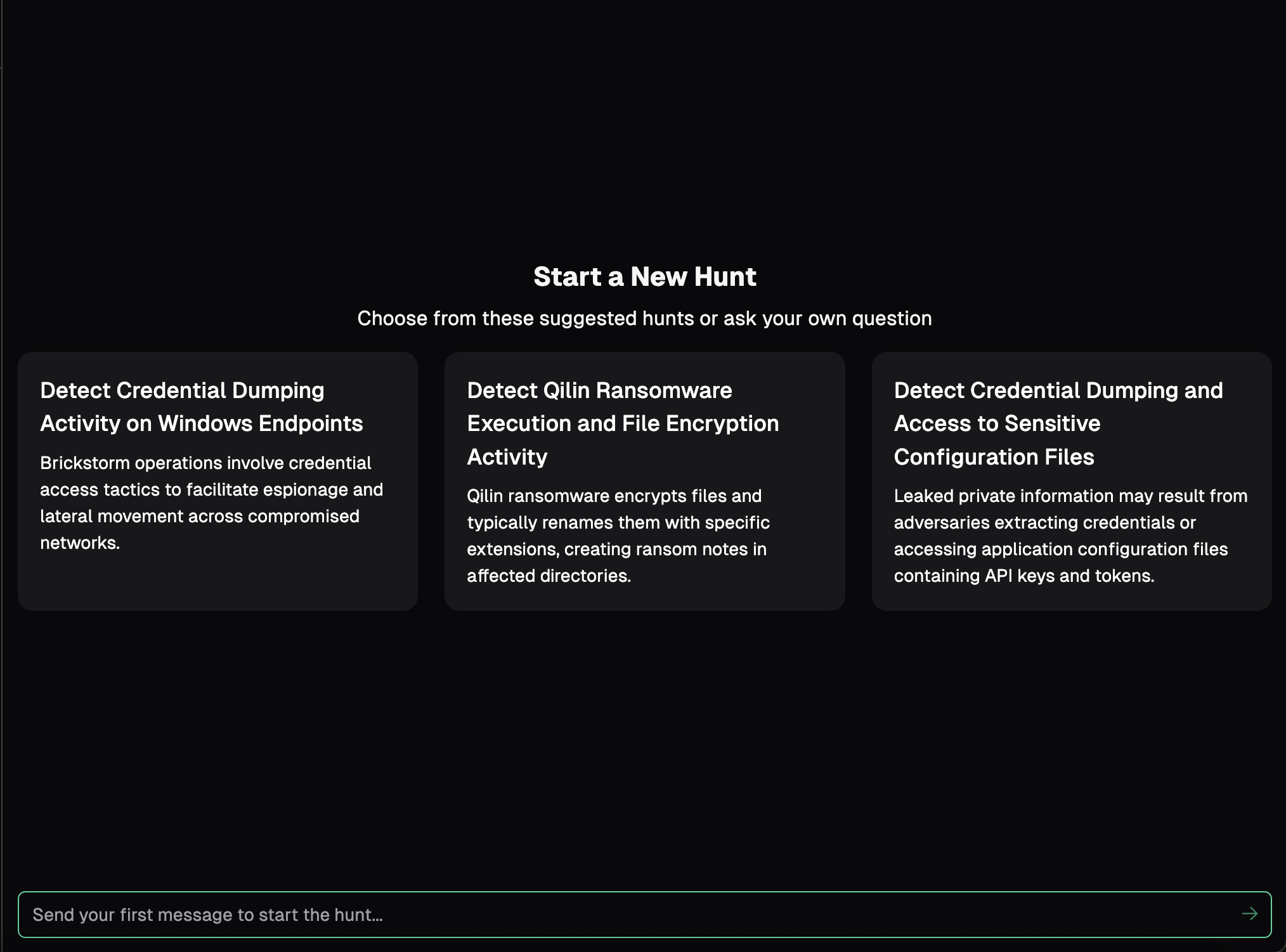
Whether you use a Suggested Hunt or provide your own hypothesis, the first step is initiating the hunt with a prompt. Tips for a successful first prompt:
- Clearly state your hypothesis, and what you want to hunt for in the data. If the agent is unsure, it will ask clarifying questions. Providing a robust prompt enables the agent to immediately dive into the data at hand and start hunting.
- Include any necessary reference material in the form of URLs or text with your prompt. The agent natively attempts to gather information externally if needed, but providing context up front ensures direction and reduces excessive clarifications.
- Provide a time period in your prompt. The agent has access to your data stored in Nebulock, but the default timeframe for searches is the last 7 days. If you want to go further back, or are looking for activity in a specific time range, providing that to the prompt will be more efficient and ensure you get expected results.
- A Vibe Hunt is a conversation with the agent. Try not to think of this as a “one and done” situation, but ask follow up questions. If anything returned is unclear, asking the agent for more detail or specificity is encouraged. If you are unsure of how to continue a hunt, take note of the agent’s recommended next steps. These are provided to ensure you get the most out of your vibe hunt, and drive you towards some sort of output - which is the goal of vibe hunting.
- There are natural stopping points for a Vibe Hunt. You may have found malicious activity and want to kick off a response process. You may not find any malicious activity and want to create a detection. You may also simply want to stop and resume later. All of these are options with the agent.
-
If you uncover malicious activity, you can request the agent create a Nebulock Finding for further remediation and response.

-
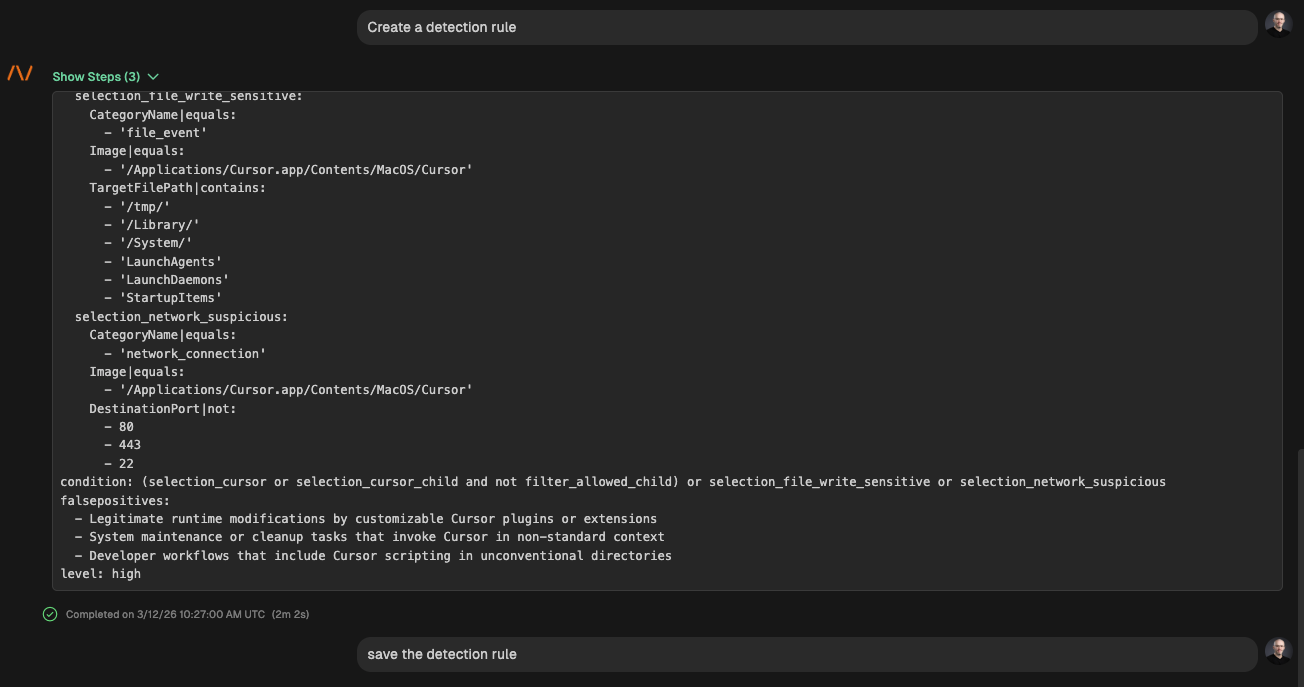
If you want to create a detection, whether you find malicious activity or not, you can ask the agent to create and save a rule. These will appear in Rules.
-
If you simply want a report of the hunt work accomplished, ask the agent to create a summary report.
-
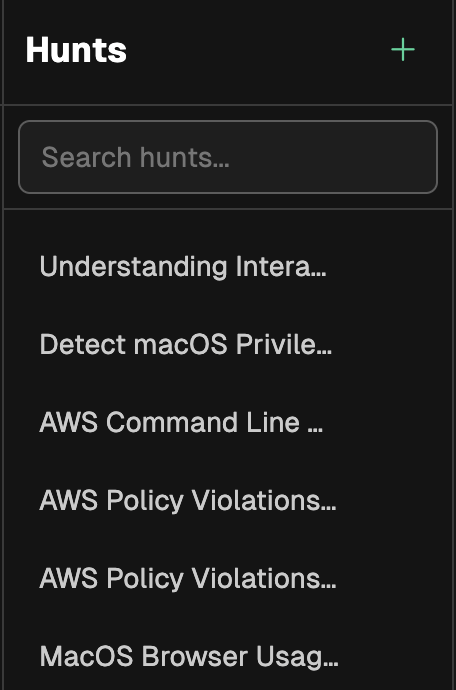
As your team continues to vibe hunt, the list of active hunt sessions can grow and it may be difficult to find an old hunt session. You can search hunt titles by using the search box above the hunt list.
Updated 6 months ago