
Run Your First Simulated Attack
From Detection Rules, select Simulate Attack to test if your rule logic will identify the expected activity. Nebulock creates a VM with the operating system specified in the rule logic and uses an attack agent to run virtual hands on keyboard (HOK) commands in an attempt to emulate the activity.
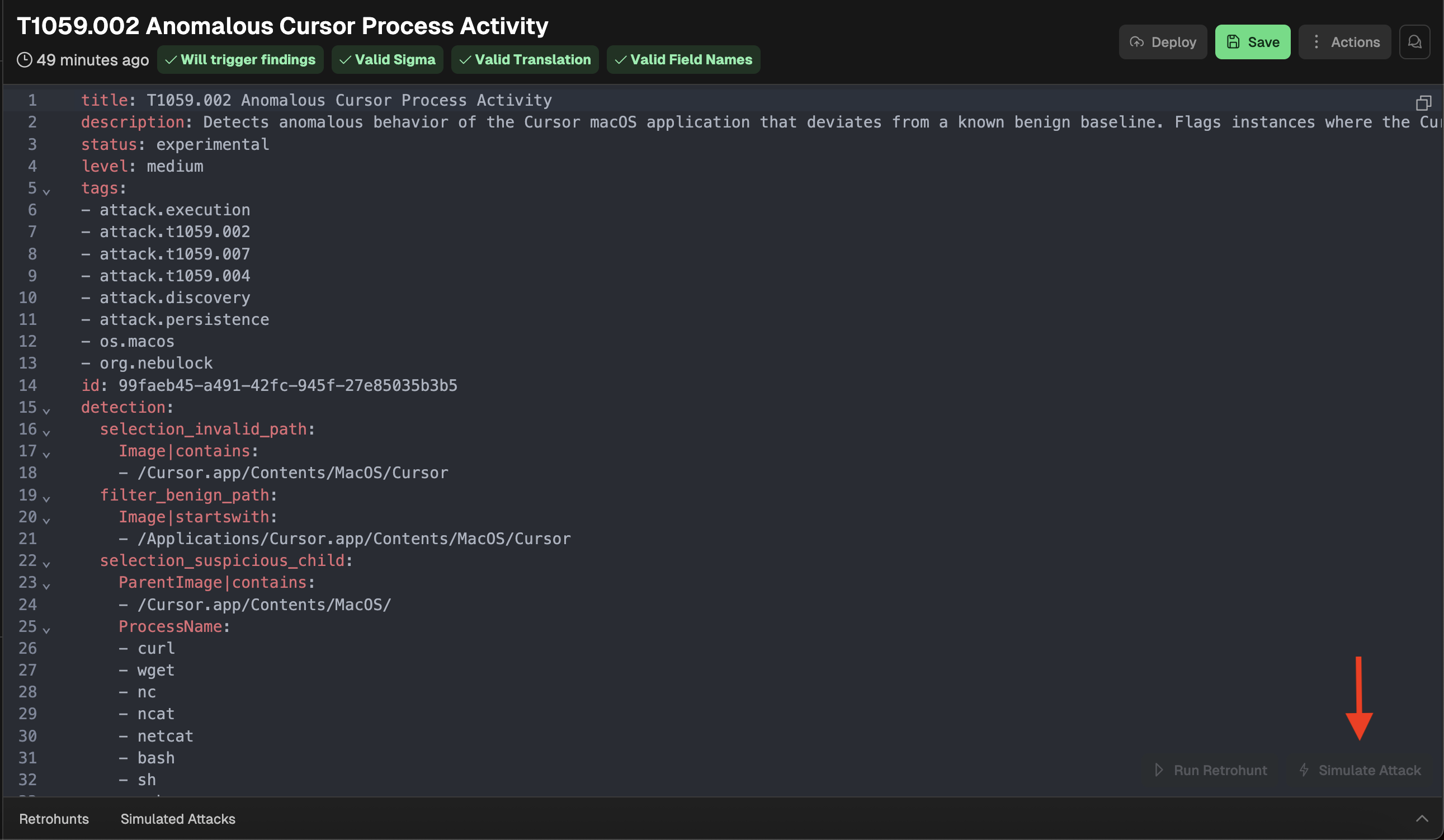
While the attack is running, logs will populate with agent reasoning and actions. These logs will automatically update as they come into the platform, unless you scroll back and stop the auto scrolling. It’s helpful to monitor the agent actions to validate its reasoning and ensure the agent is conducting activity you intend the rule to identify.
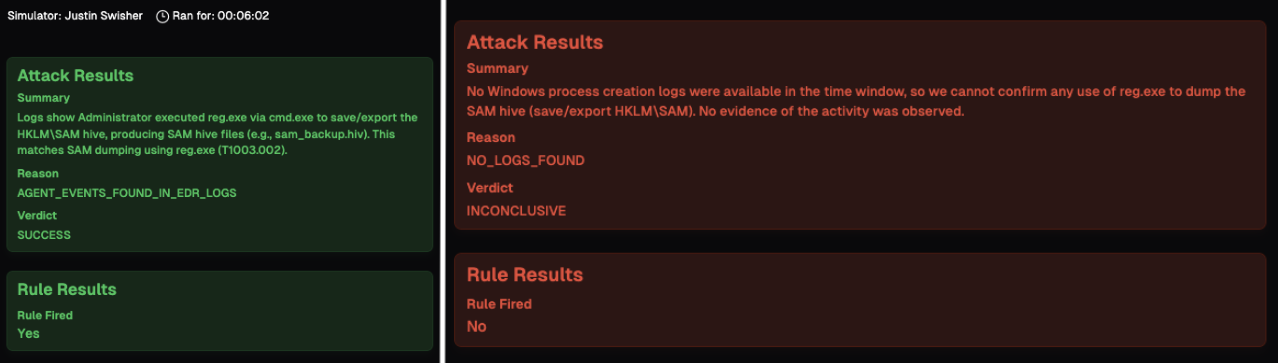
When the simulated attack is complete, you will be provided with an outcome status. If the rule fires on the generated events, it will show as Successful with green text (left). If the simulated attack does not trigger the rule, it will show as a Failure with red text (right).
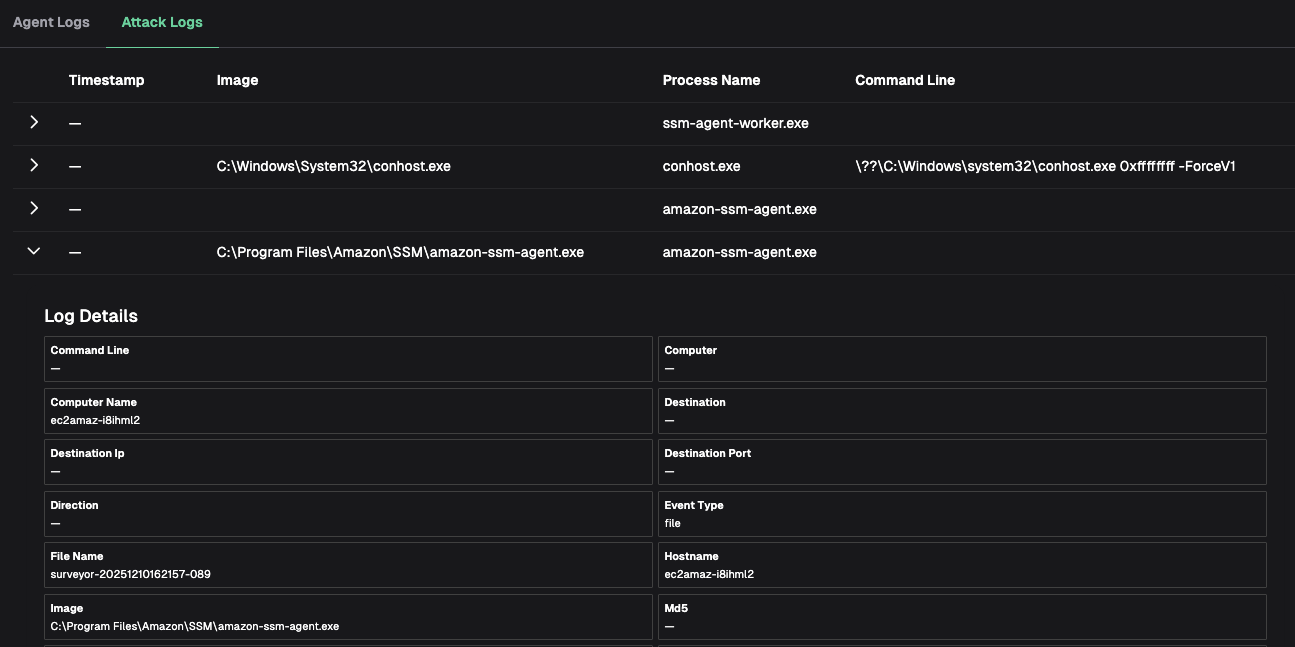
To review the virtual HOK activity, click on Attack Logs to see a timeline of events conducted by the HOK agent. Similar to the Retrohunt results, you can view full event details by expanding the row. This is useful when the simulated attack fails and you want to see exactly which commands were run.
Updated 6 months ago