
Github
The Github integration enables you to push rules you have created in Nebulock to a Github repository you control.
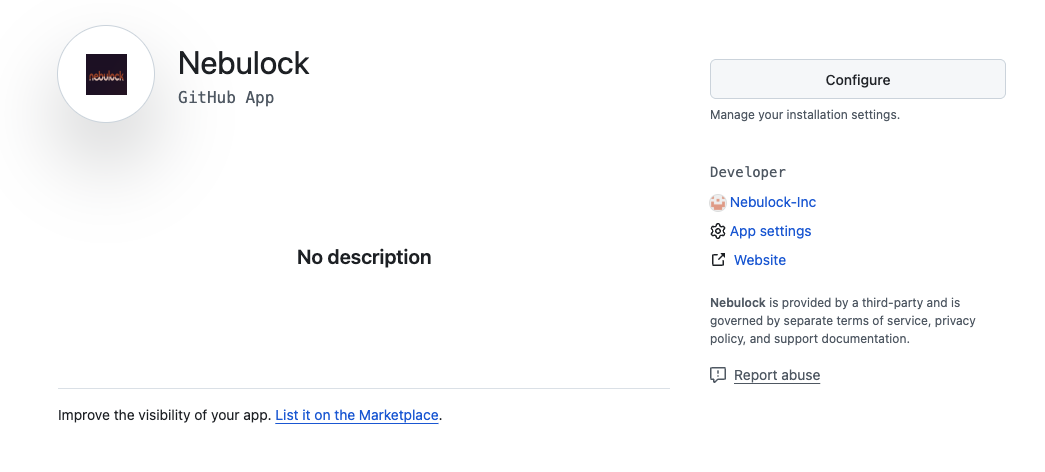
When logged into your Github account, navigate to https://github.com/apps/nebulock and hit Configure to setup the Nebulock Github app.
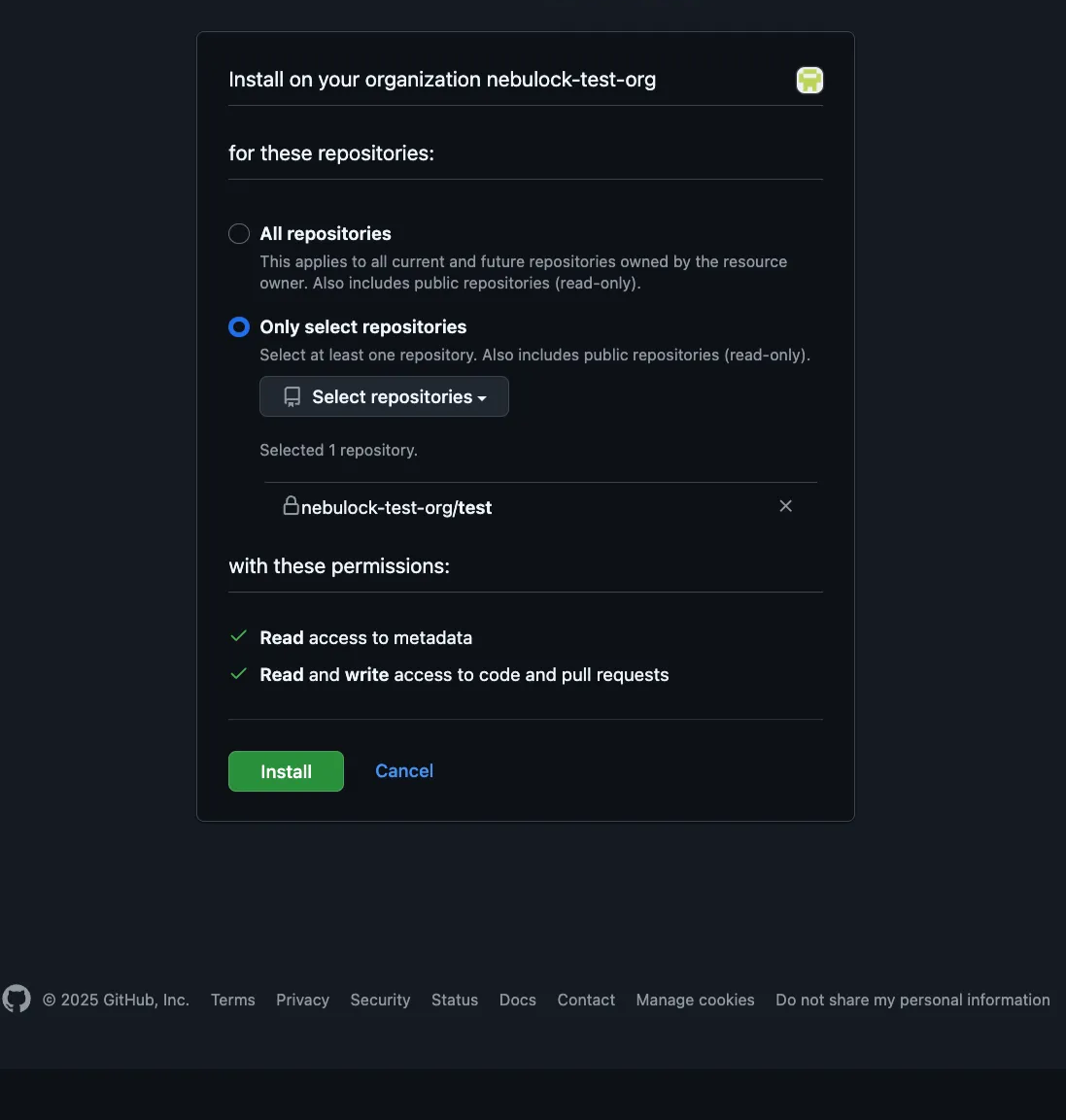
Choose "Only select repositories" and choose the repository where you would like to send the rules. NOTE: The repository must not be empty, we recommend having at least a readme file in the main branch.
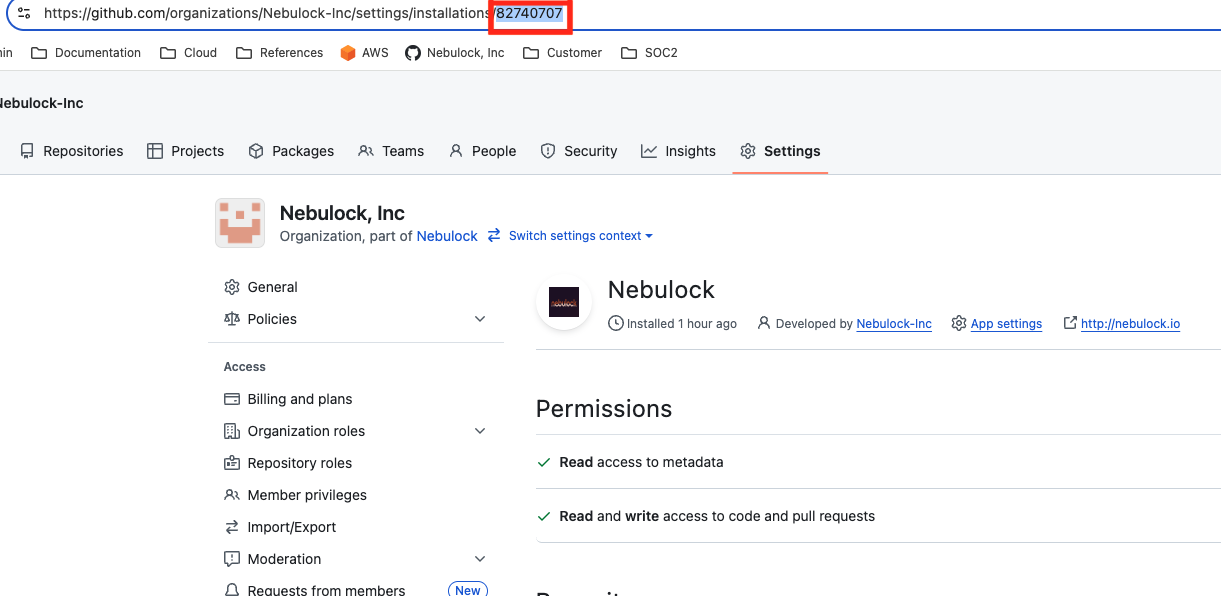
Copy the Installation ID - it will be at the end of the application page URL.
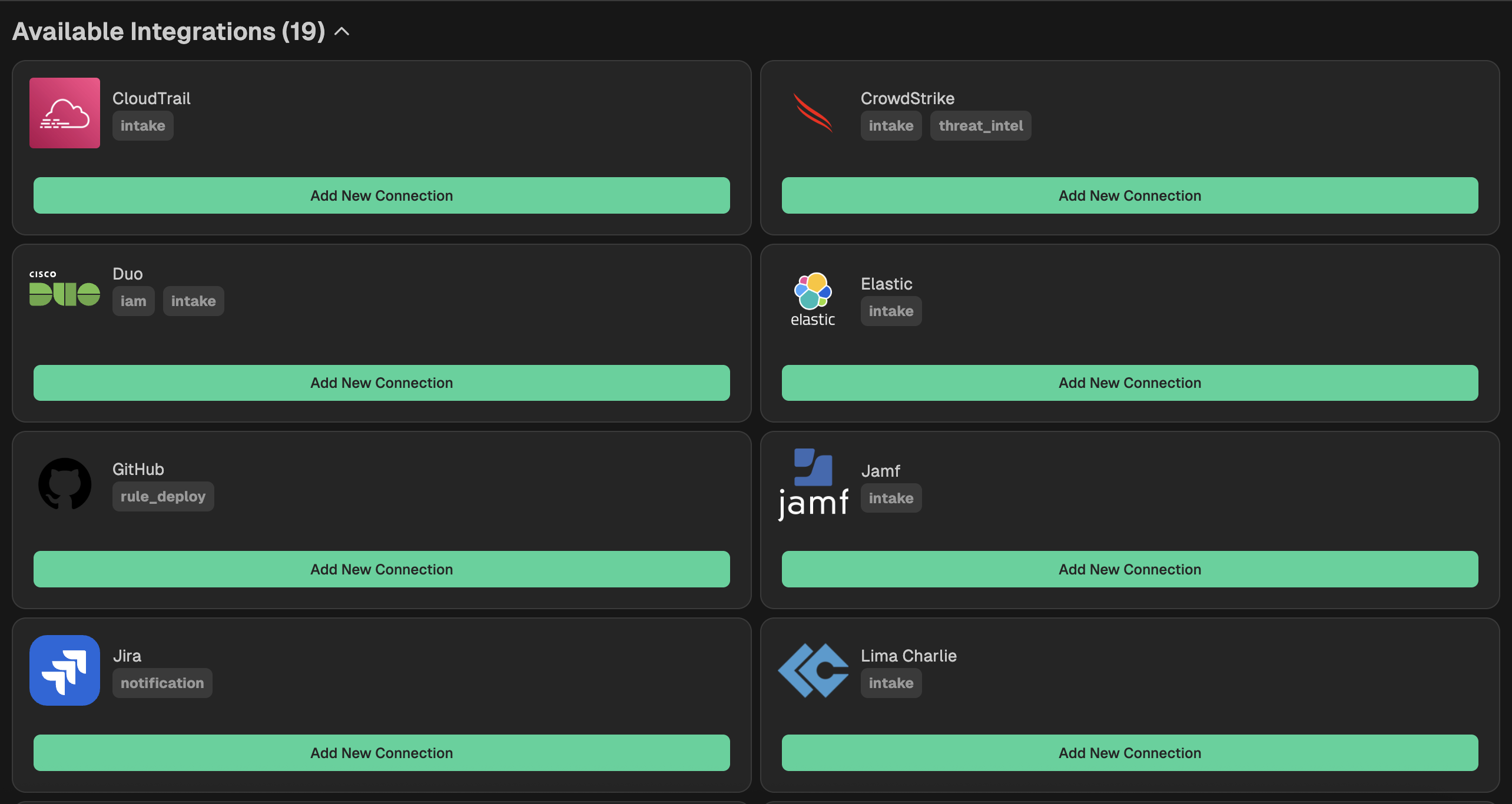
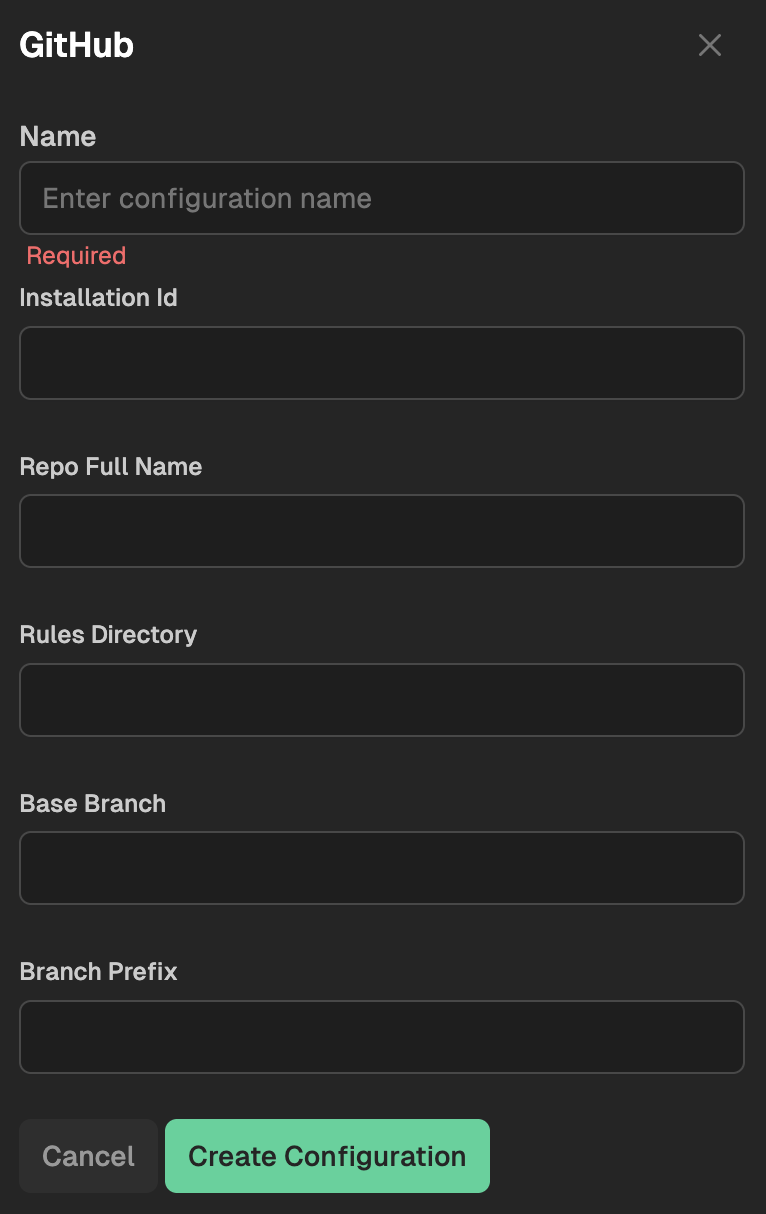
Go to your Nebulock platform and navigate to Integrations > Available Integrations, select "Github" and fill out the fields according to your Github repository settings.
Updated 6 months ago
What’s Next
Did this page help you?