
Create a Hunt Report
Hunt Reports are the knowledge management component of the Nebulock platform. They allow you to store hunt outputs as context, prevent duplication of efforts, and enable learning across your team. These reports leverage the Learn -> Observe -> Check -> Keep (LOCK) format, which is explained in depth here.
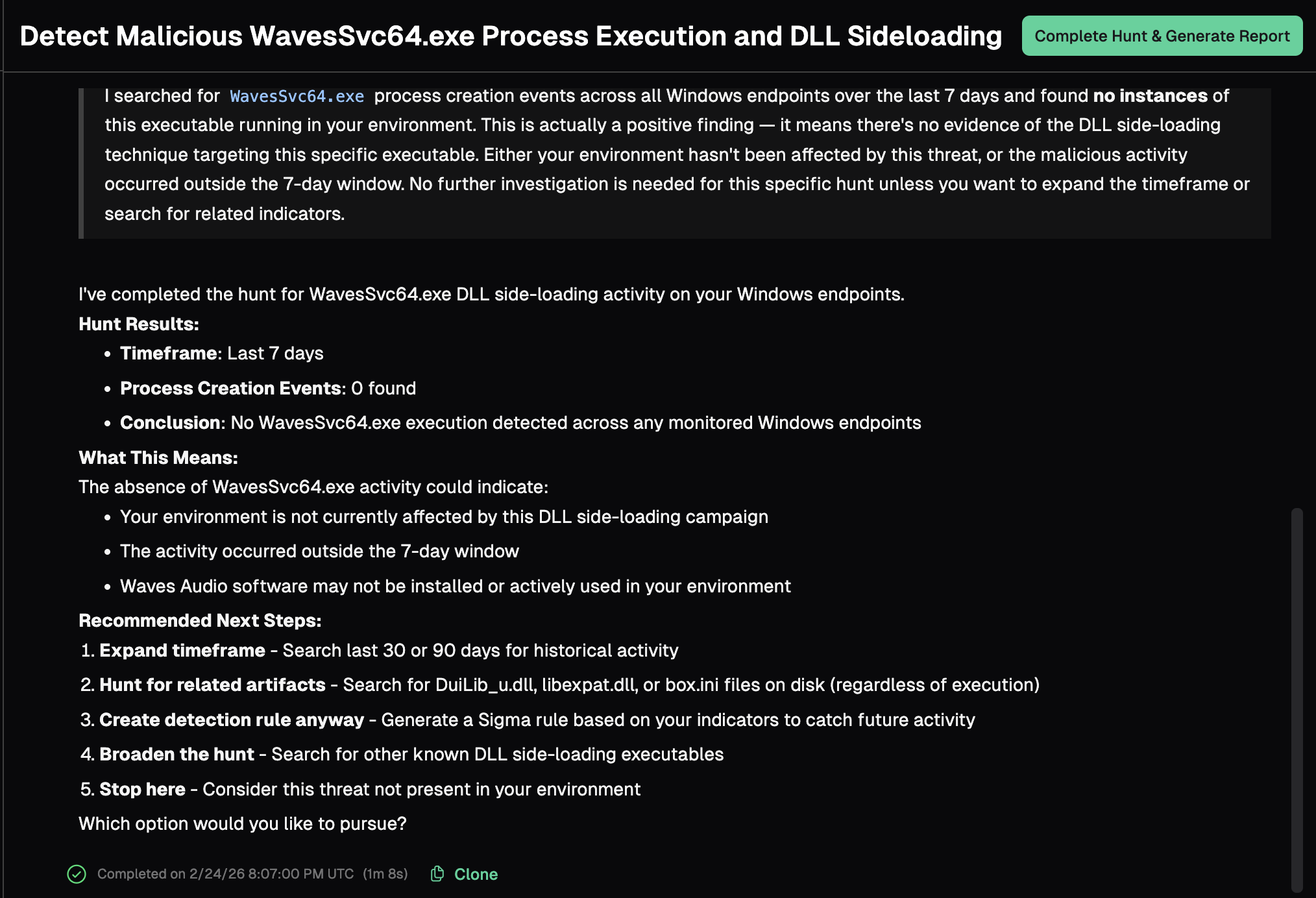
When you have reached a natural stopping point in the Vibe Hunt process, you can document your work in a Hunt Report by clicking the "Complete Hunt & Generate Report" button.
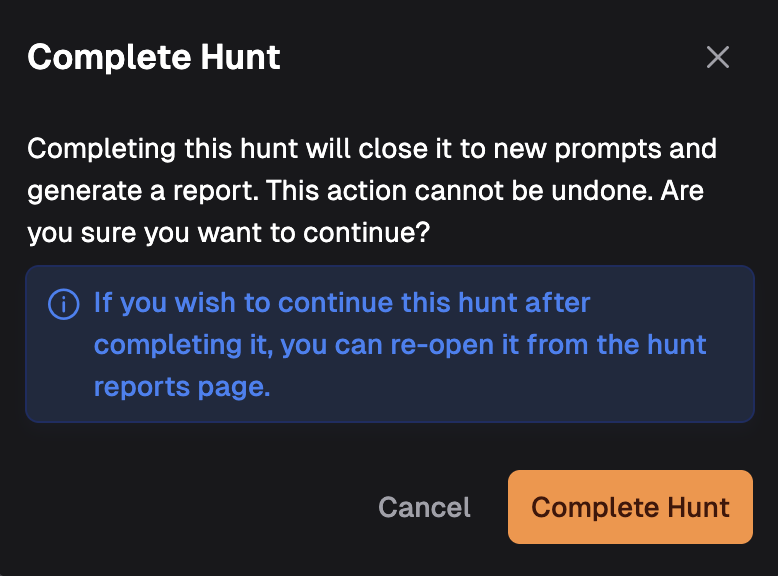
A pop-up window will prompt you to verify your choice. NOTE: Once you complete the hunt, you will be unable to interact with it in the current session. To continue the hunt, you will need to re-open it from the Hunt Report view.
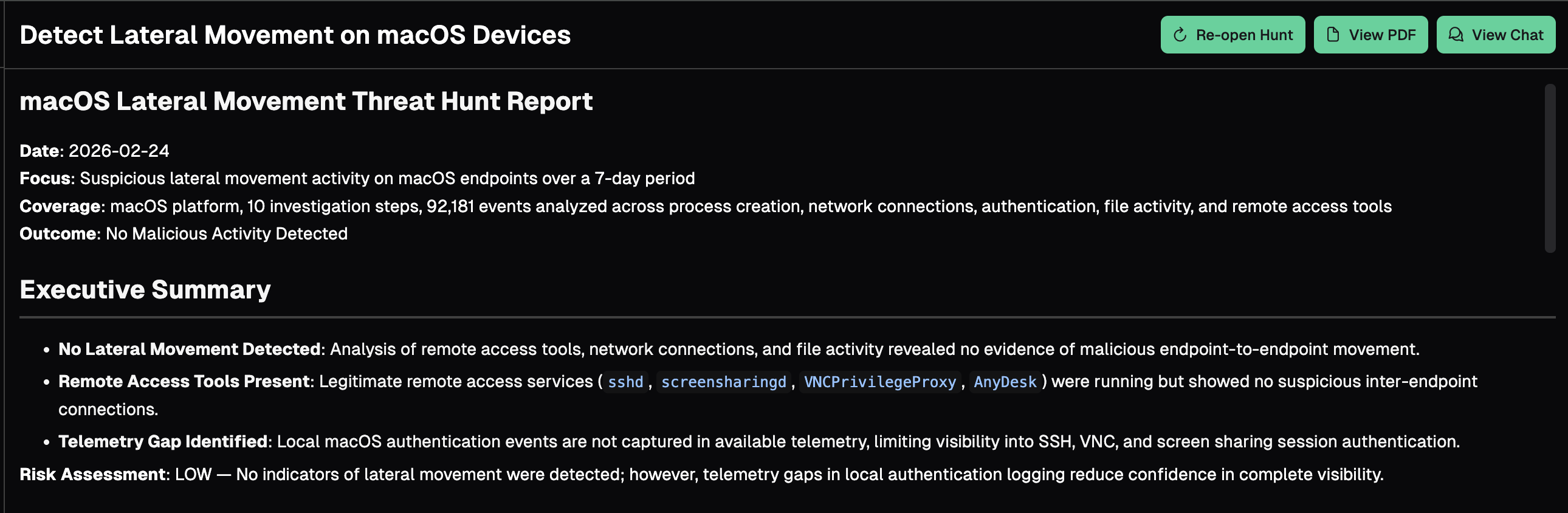
Once a hunt is completed, it will appear in the Hunt Report view. It may take a few minutes to generate the report depending on the amount of steps and reasoning. At this point, you have the options to re-open the hunt, view a PDF of the report, or view the hunt chat.
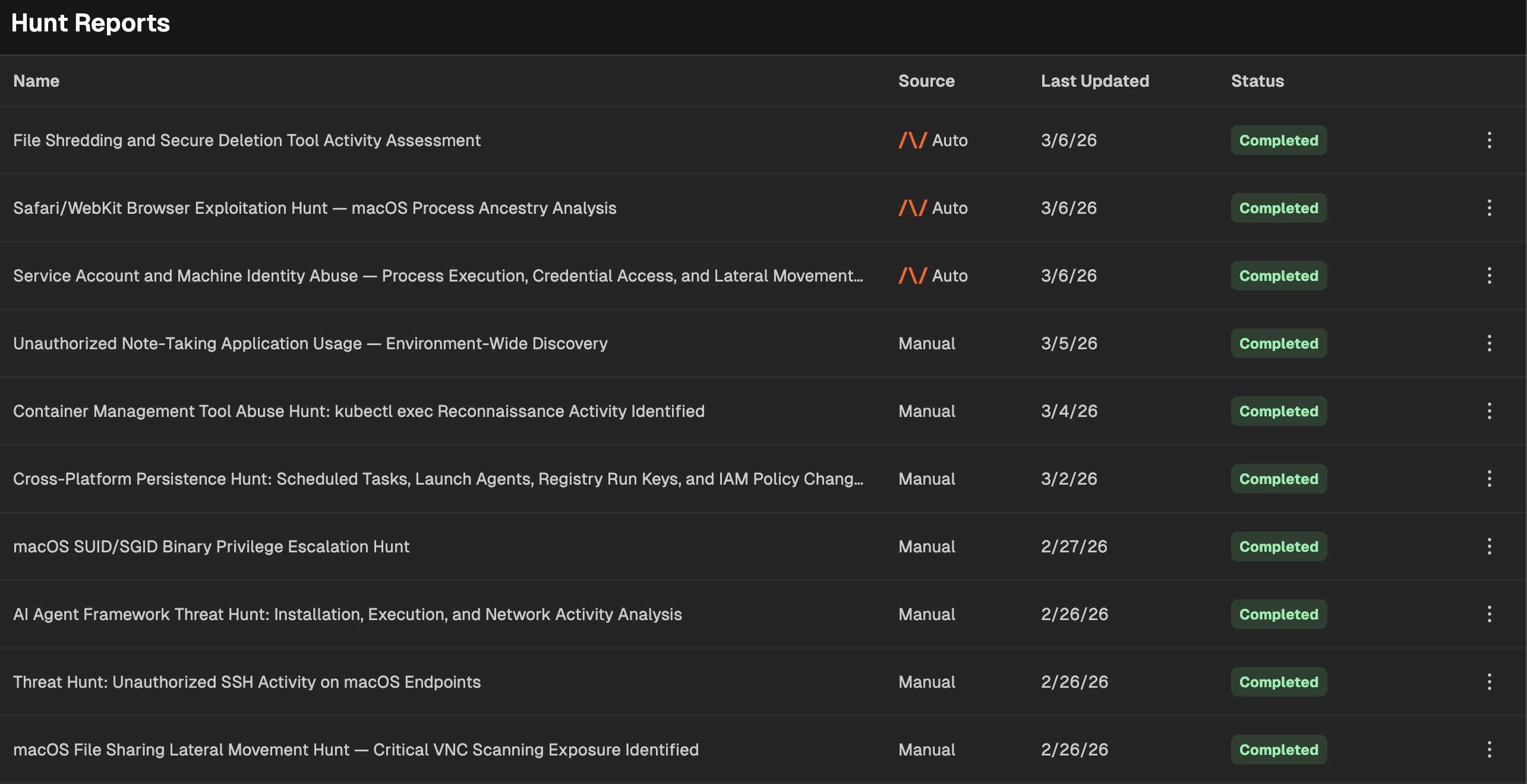
To view all generated hunt reports in your organization, click on "Hunt Reports" in the left hand navigation pane. If the Source value is "Manual", these are hunt reports generated by users in your platform. If the source shows the Nebulock Logo and "Vespyr", these are reports generated by the Nebulock Vespyr agent.
Vespyr Report Notifications
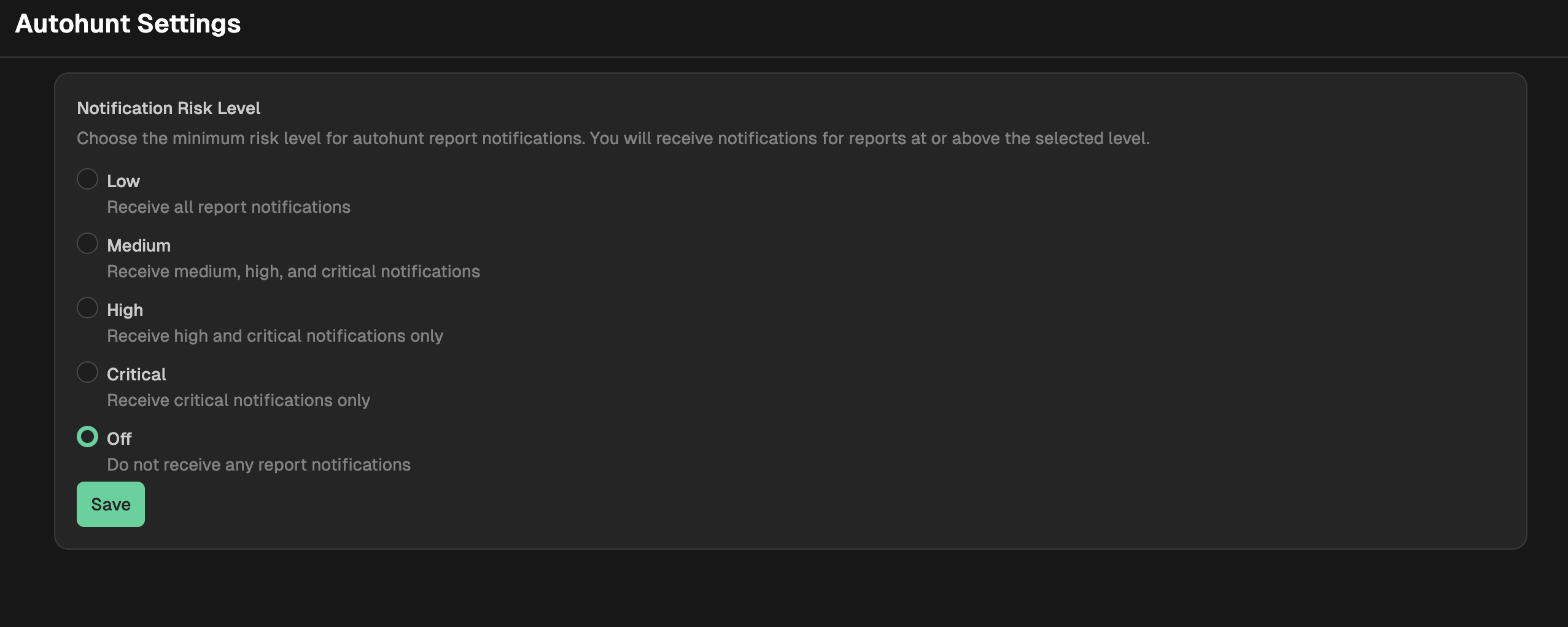
Vespyr reports are created automatically for all levels of risk. You can modify this setting in your platform to only send notifications for certain levels and above. Go to Settings - Vespyr Settings and select the radio button next to the minimum risk level for which you want to receive notifications. You my also disable notifications completely by selecting Off.
Updated 14 days ago