
Create an API Key
In order to interact with the public facing API of the Nebulock platform, you will need to create a dedicated API key.
Log in to the platform with a user that has administrative privileges, and under "Settings" select "API Keys."
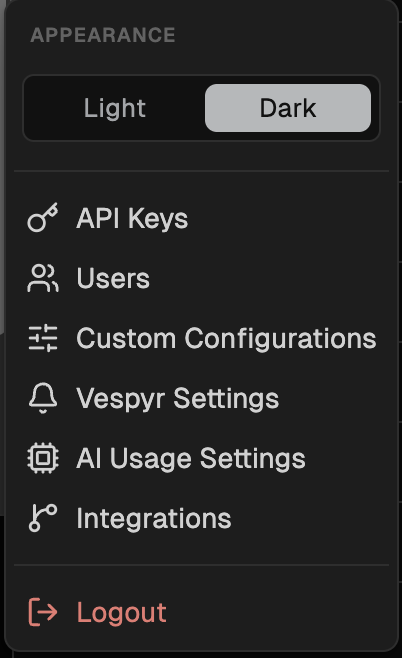
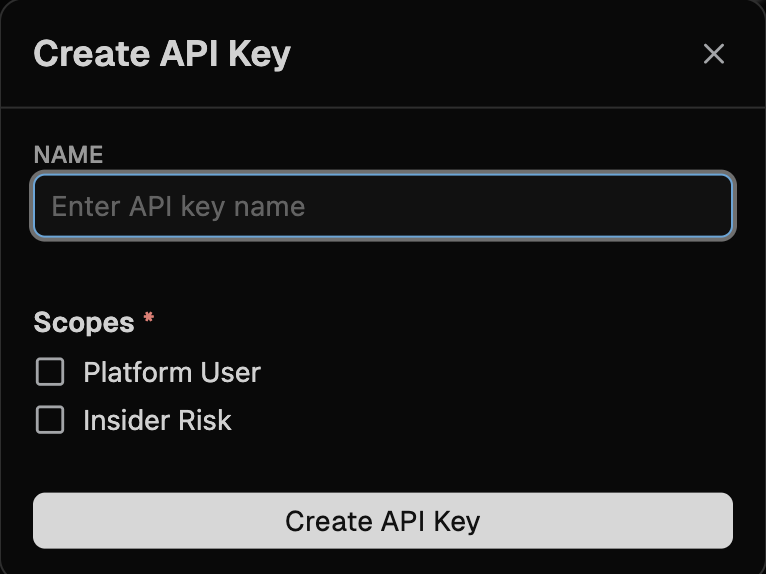
In the top right corner, click "+ Add API Key" and in the text box give the new key a descriptive name.
Choose the appropriate Scope for this user, then click "Create API Key."
For information on RBAC and User Scope, see the User Roles & Permissions page.
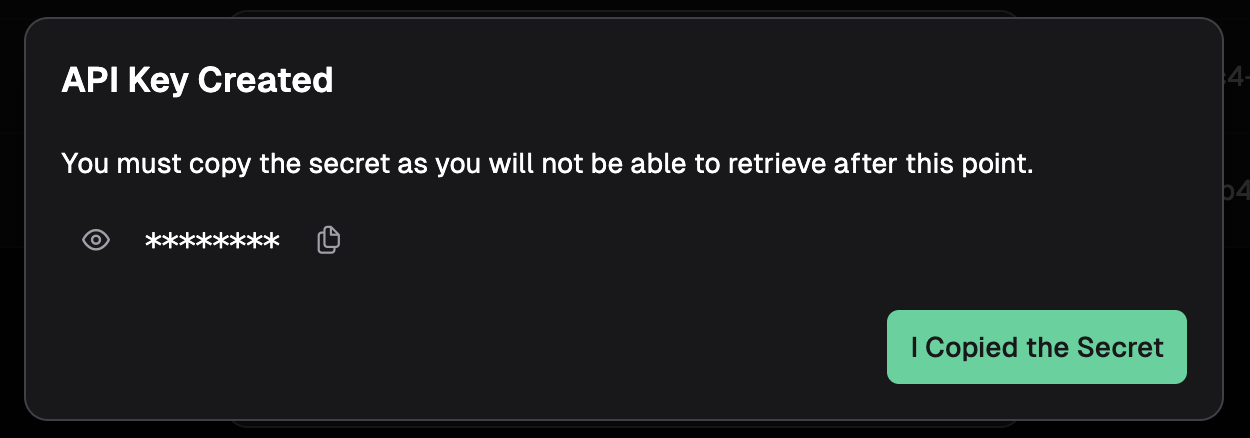
A popup will appear confirming creation of the new API key, along with the ability to view and copy the key.
Updated 4 days ago
Did this page help you?