
Add to the Knowledge Base
Knowledge Base is a repository for internal context that will enhance the agent's hunt capabilities.
To add knowledge, navigate to the Knowledge Base from the left hand menu and in the top right corner click Upload Entry.
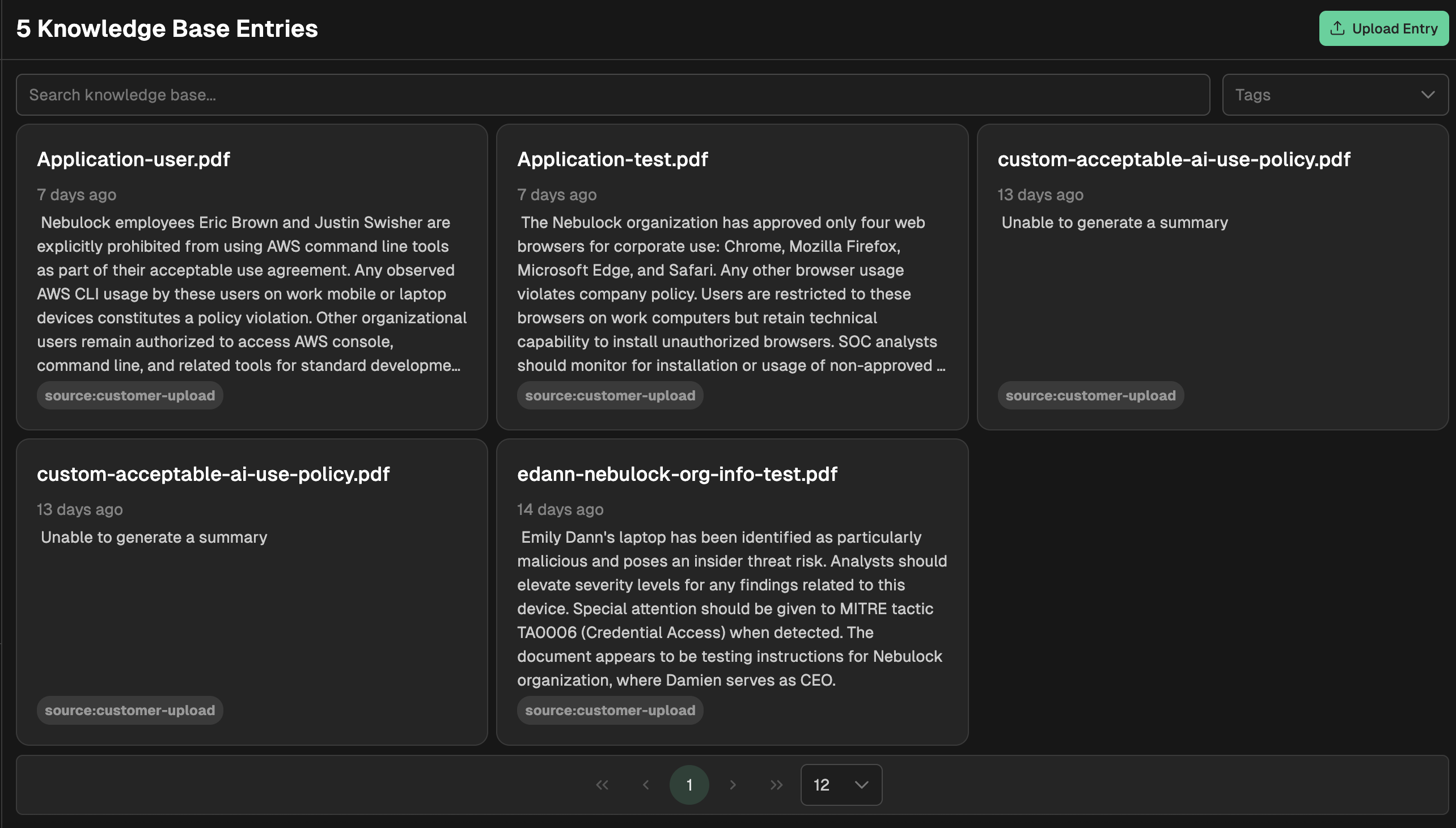
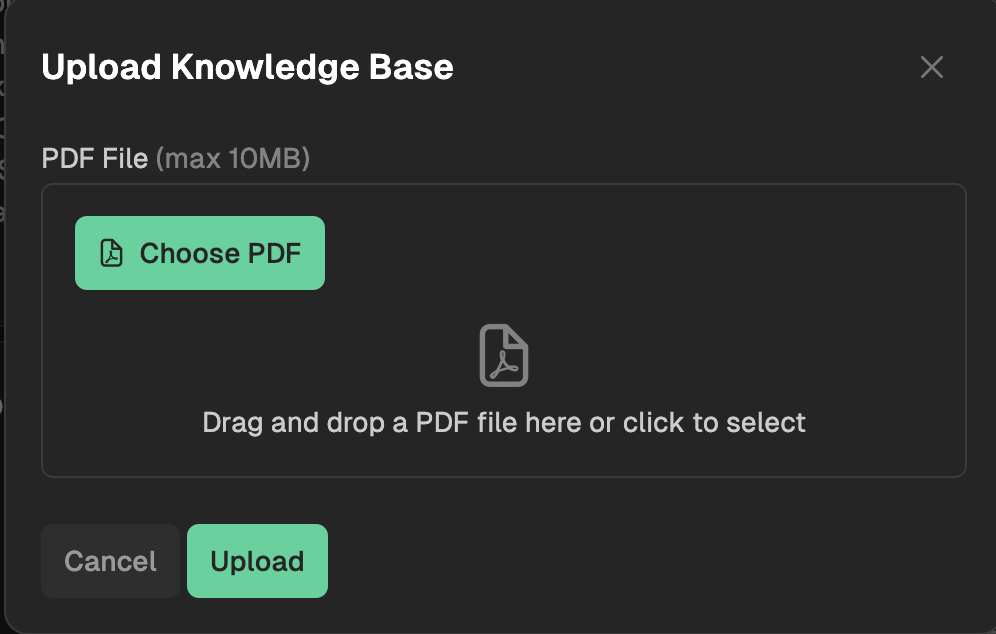
Knowledge can only be uploaded in PDF format. Once uploaded, the Nebulock platform will load the data and it will be accessible to the hunt agent.
Using Knowledge
There are two ways to leverage knowledge from the Knowledge Base during hunts. The first is every time a vibe hunt begins, the agent will reference the knowledge base. By clearly defining your hunt hypothesis, and ensuring the prompt contains directives related to knowledge stored in the knowledge base, this will ensure the agent has a high probability of picking up the knowledge as part of the hunt investigation.
The second way is by explicitly telling the agent to use an uploaded piece of knowledge. You can do this by referencing the entry name directly, or by clearly describing the knowledge content when telling the agent to use the knowledge base.
Updated 6 months ago