
CrowdStrike Spotlight / Exposure Management
Connect Nebulock Helix to CrowdStrike Spotlight for just-in-time vulnerability enrichment.
The CrowdStrike Spotlight integration enables Nebulock Helix to query vulnerability and asset exposure data from CrowdStrike Spotlight / Exposure Management on demand, during hunts and investigations.
Create the CrowdStrike API key
In your CrowdStrike Falcon console at falcon.crowdstrike.com, navigate to Support and resources > API clients and keys.
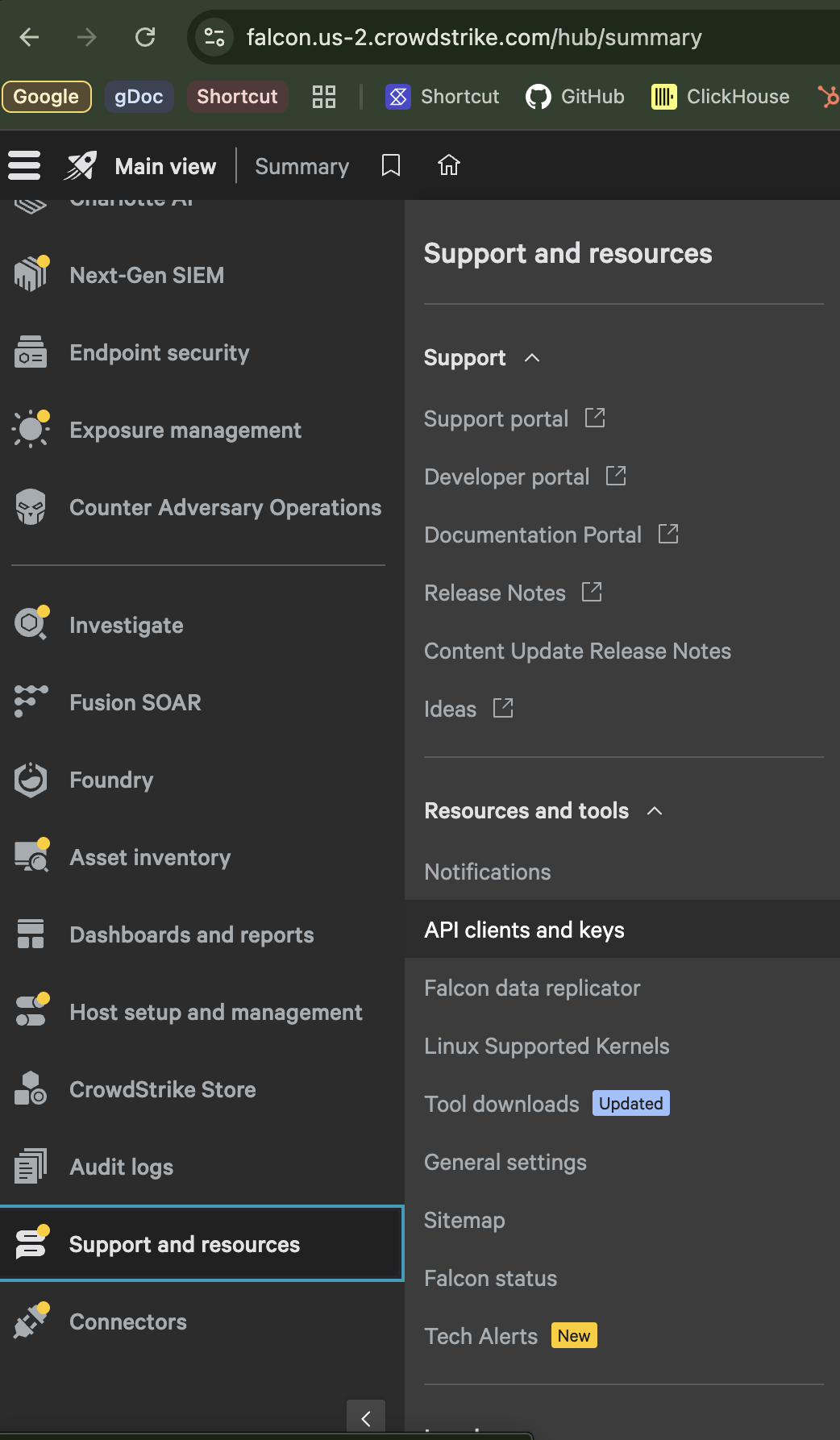
Click Create API Client and enable READ access for:and enable READ access for:
- Hosts
- Vulnerabilities
Save the Client ID and Secret values to a safe location.
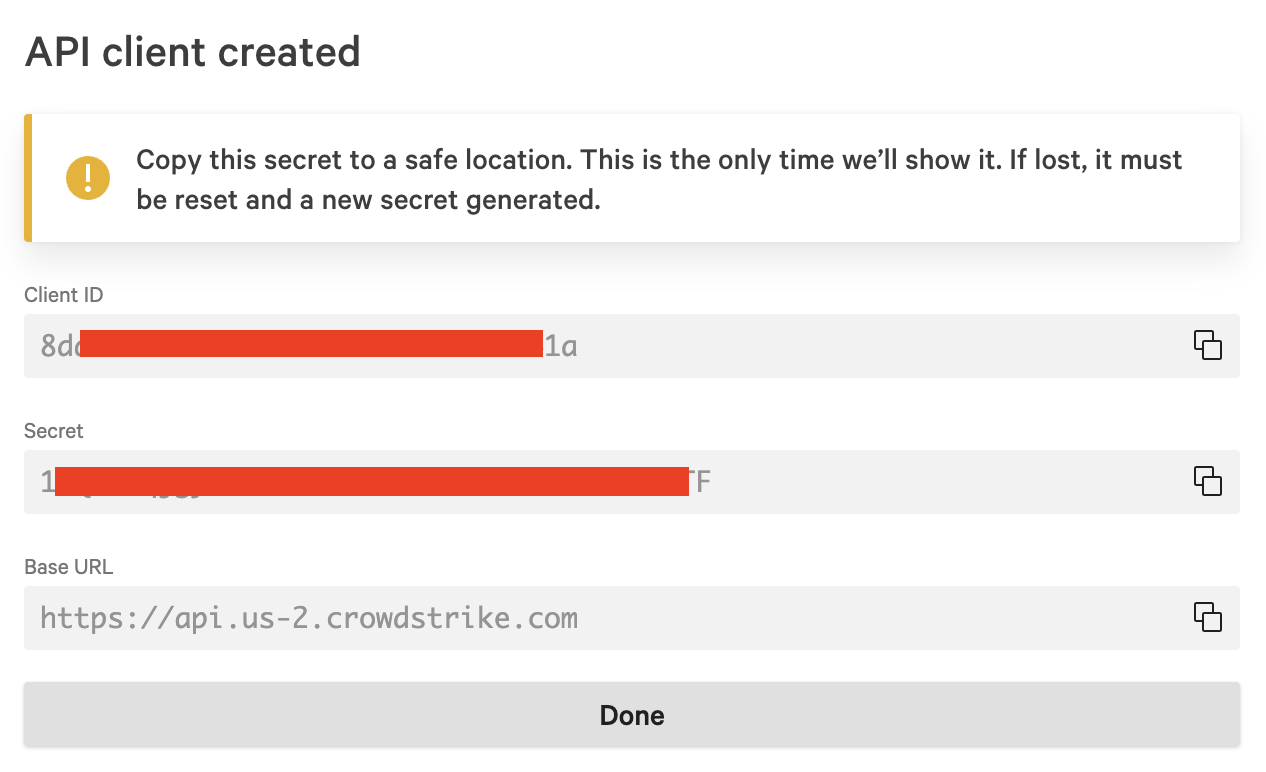
CrowdStrike only displays the Secret once. If it's lost, it must be reset and a new secret generated.
Enable the integration in Nebulock
In Nebulock, go to Settings > Integrations.
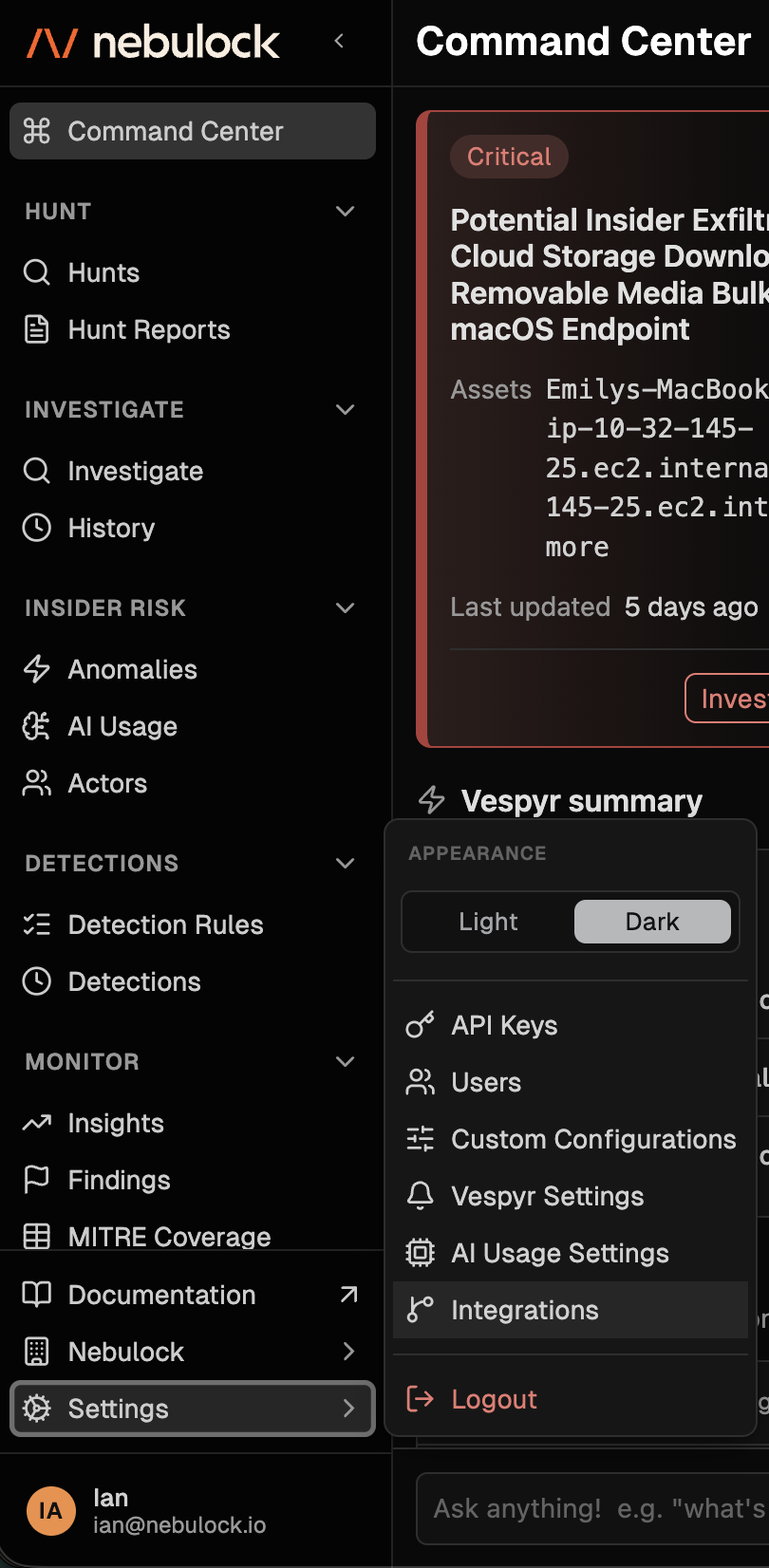
In the search bar, type "Spotlight" and click Add New Connection.
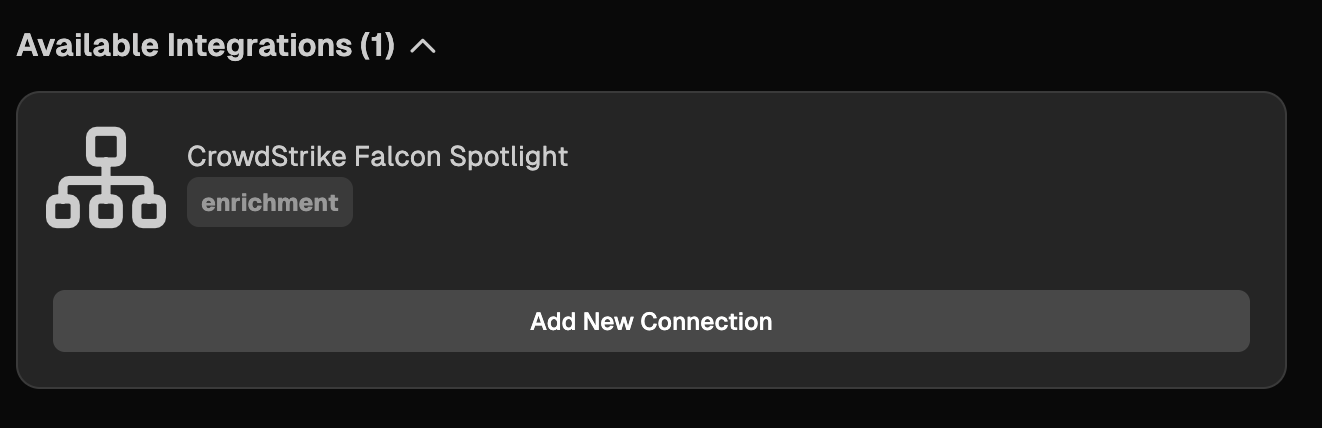
Enter the connection details:
- Name: a description of your choice, e.g. "Nebulock Spotlight"
- Client ID: the Client ID value from your CrowdStrike API client
- Client Secret: the Secret value from your CrowdStrike API client
- Base URL: the Base URL value from your CrowdStrike API client
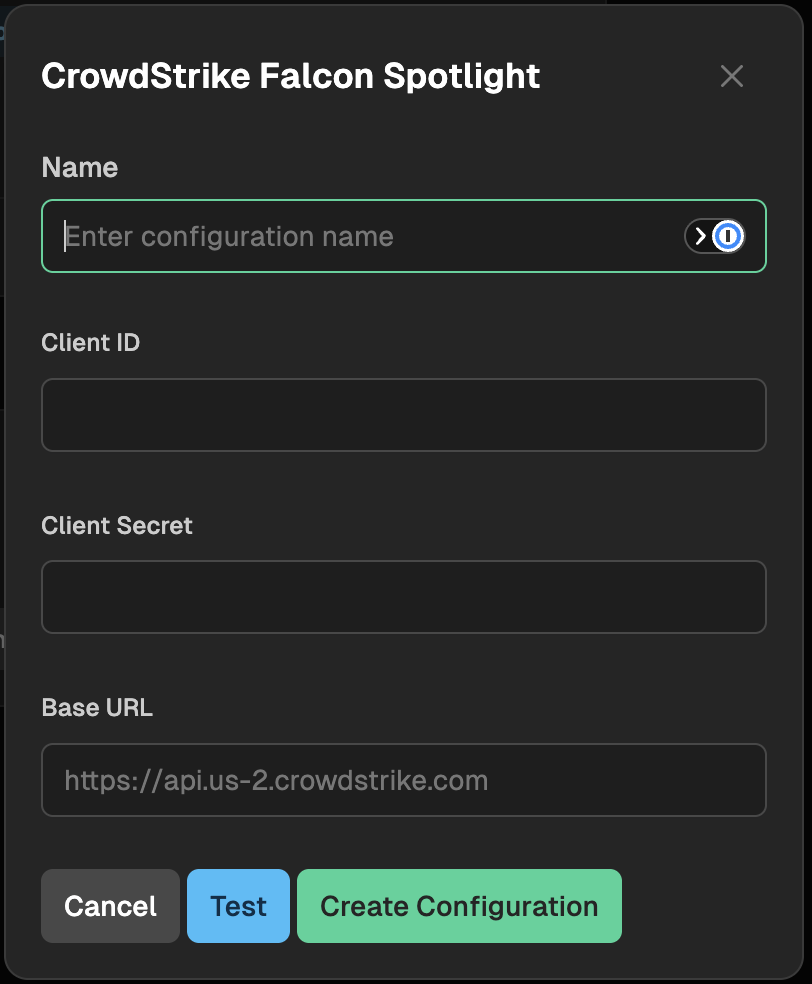
Click Test, then Create Configuration.
Test the integration
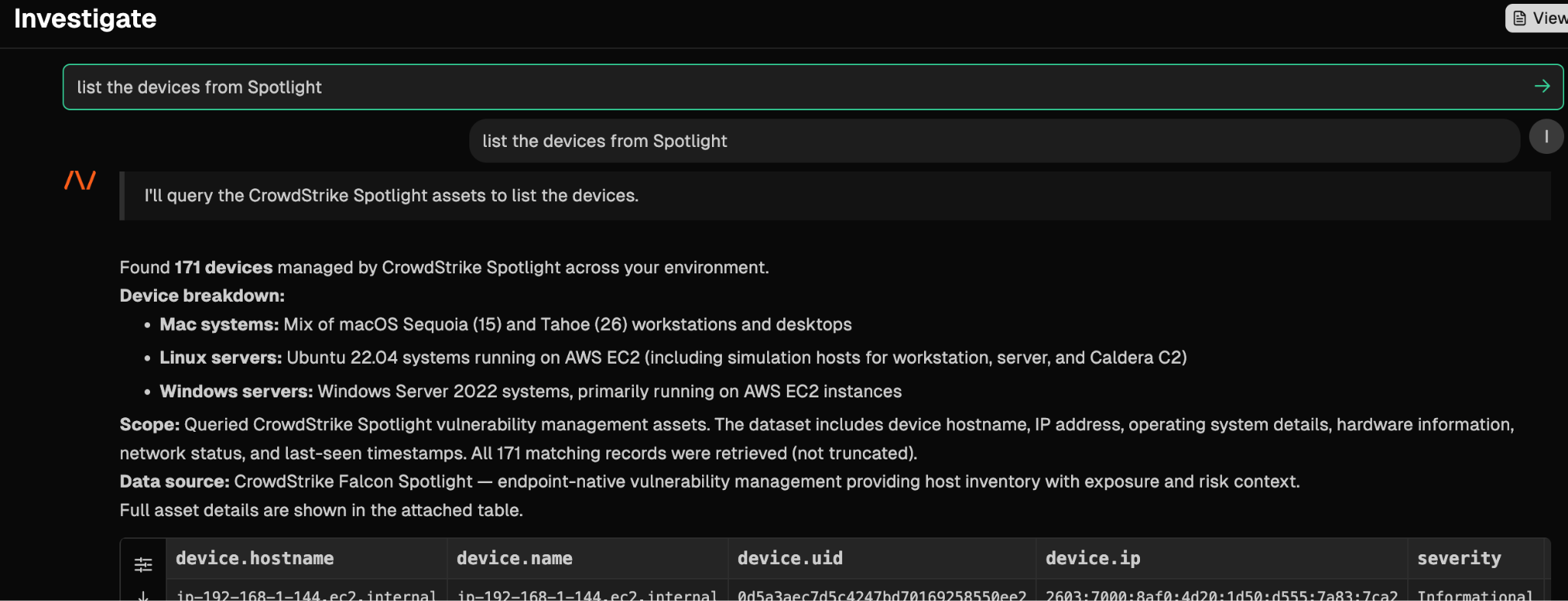
Within Nebulock, navigate to Investigate. A simple "List the devices from Spotlight" will pull data from your CrowdStrike Spotlight instance.
Updated 2 months ago